27
Icon/Key Function
Change the equaliser type
Change the repeat mode (off, repeating
one le, or repeating all les)
1. These icons are shown when you tap the player
screen.
Browse the WAP
The WAP browser menu may be labelled
differently depending on your service provider.
To browse WAP pages
In Menu mode, select 1. Internet to launch your
service provider’s homepage.
Navigate WAP pages using the following keys:2.
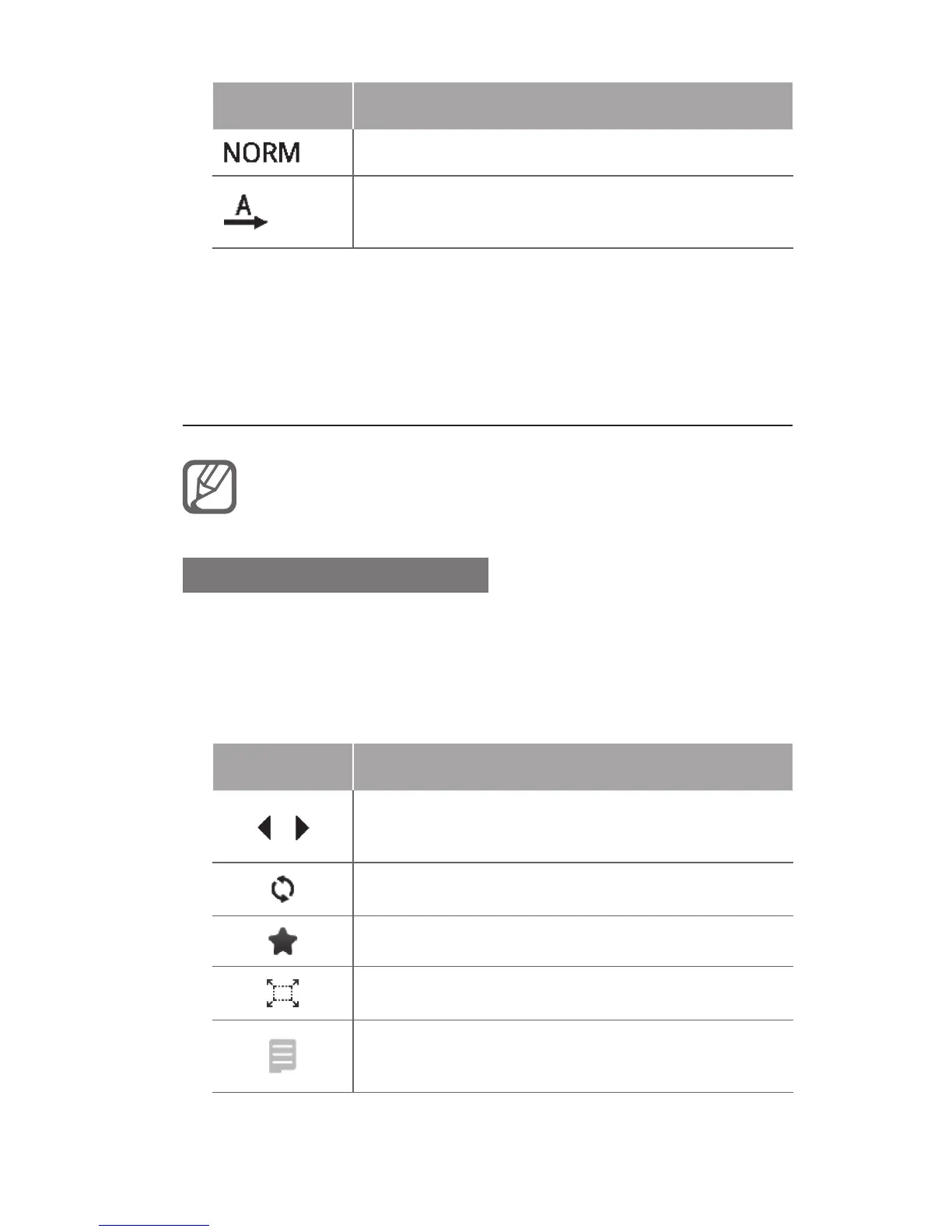
Key Function
/
Navigate back or forward on a WAP
page
Refresh the current screen
Open a list of saved bookmarks
Change the view mode
Access additional menu options and
settings
1
1



 To Next Page