Ś63ś
Special Effect (E button) : FUN
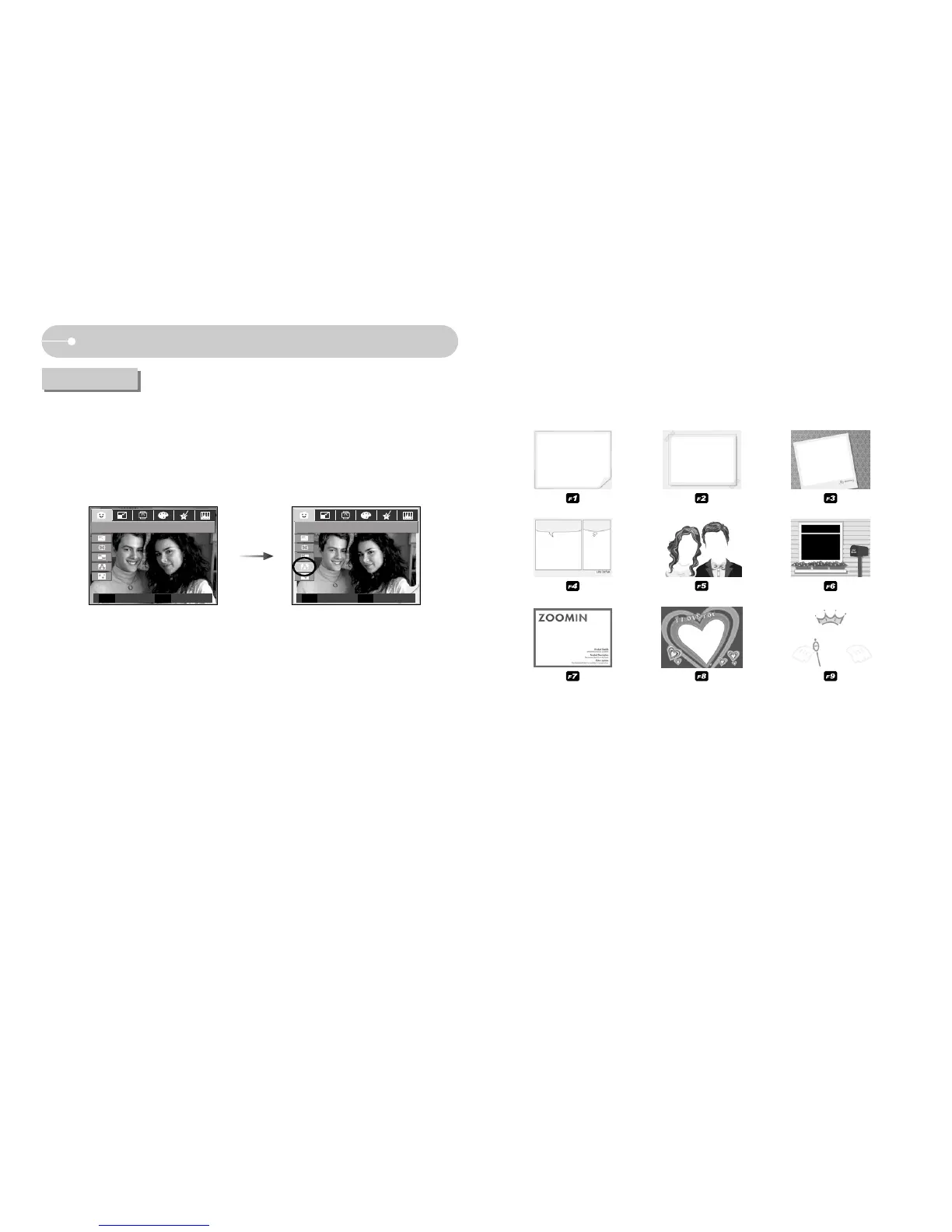
ƅ You can add 9 types of frame-like borders to a still image you want to capture.
ƀ Date & Time information will not be printed on the stored image taken with Photo
Frame menu.
Photo Frame
ƅ Select a desired sub menu by pressing the Left / Right buttn and press the OK
button to save the image as a new file name.
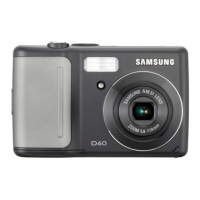
ż D60 only : The size of Photo frame image is fixed to 1M.
.=6
ၦ ጄ႞
--
FUN
E
Photo Frame
Frame Set
OK
Move Exit


 To Next Page