EasyManua.ls Logo

Samsung DVG45T6000W - User Manual

Samsung DVG45T6000W
192 pages
Print Icon
To Next Page IconTo Next Page
Loading...
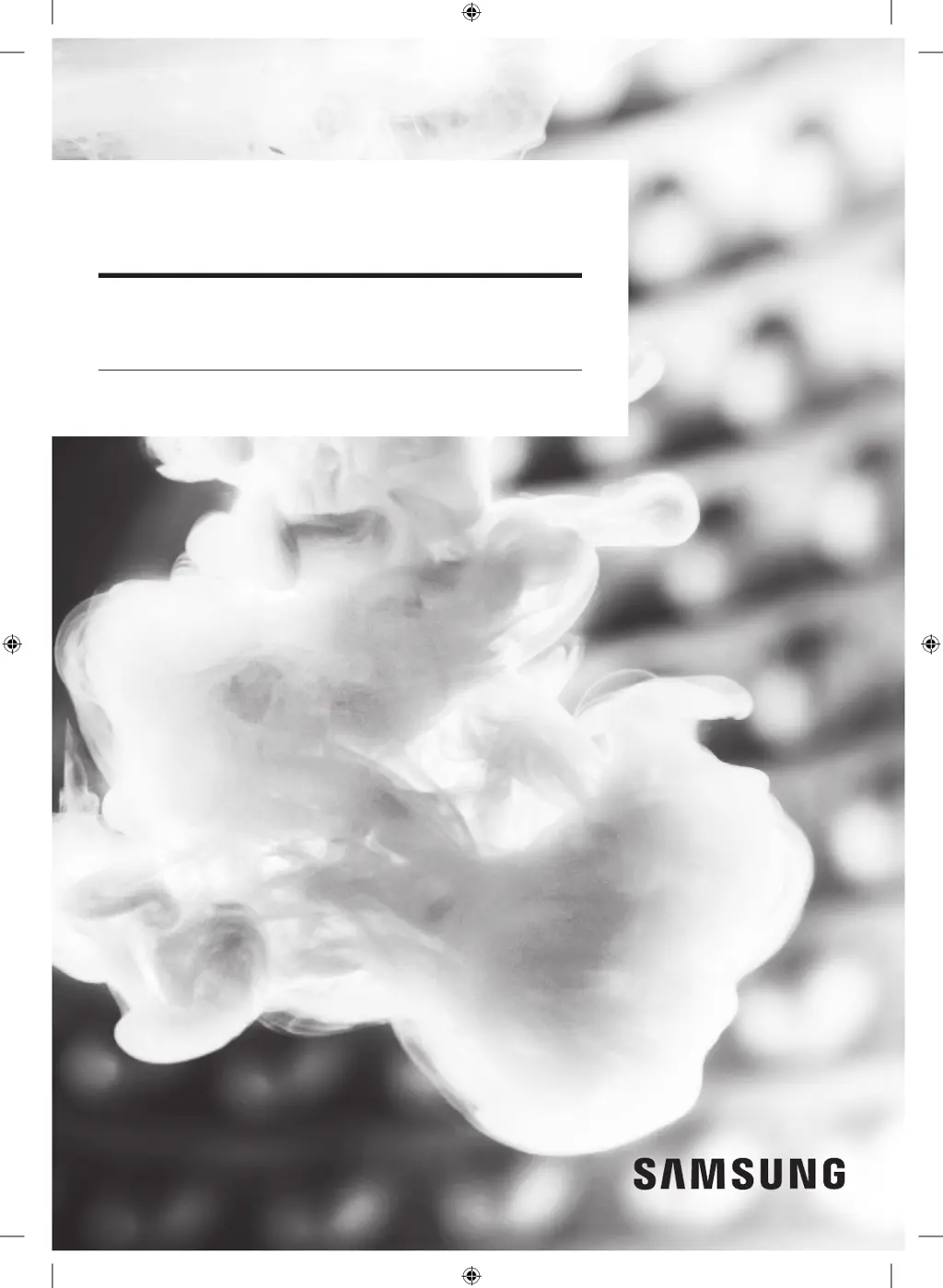
Dryer
User manual
DVE(G)45T6005*/DVE(G)45T6000*
Untitled-10 1 2020-07-14  3:22:11

Table of Contents

Other manuals for Samsung DVG45T6000W

Questions and Answers

  • T
    tylerpughAug 19, 2025
    What to do if my Samsung DVG45T6000W Dryer does not run?
    • M
      Michael RiceSep 12, 2025
      If your Samsung Dryer isn't running, there are several things you can check: * Ensure the door is fully latched. * Verify the power cord is securely plugged into a working electrical outlet. * Inspect your home's circuit breakers or fuses. * If the door was opened mid-cycle, press Start/Pause (Hold to Start) again. * Clean the lint filter.
  • H
    hartdonaldAug 21, 2025
    How to fix a Samsung DVG45T6000W Dryer that is not heating?
    • N
      nathan82Aug 21, 2025
      If your Samsung Dryer isn't heating, try these solutions: * Check your home’s circuit breakers or fuses. * Verify the selected cycle requires heat. * For gas dryers, ensure the gas supply is on. * Clean the lint filter and exhaust duct. * Also, the dryer might be in the cool-down phase, or the Eco Dry option may be activated, which uses an air dry process initially to save energy.
  • R
    Rebecca CrawfordAug 23, 2025
    Why is my Samsung Dryer not heating up?
    • N
      Natalie WilkinsAug 23, 2025
      If your Samsung Dryer is not heating, here are some things to check: * Examine your home's circuit breakers or fuses. * Confirm the selected cycle requires heat. * For gas dryers, ensure the gas supply is turned on. * Clean the lint filter and exhaust duct. * The dryer may be in the cool-down phase. * Turn off the Eco Dry option for the NORMAL or TIME DRY cycles. When Eco Dry is on, the dryer uses an air dry process at the start to save energy, which doesn't use heat.
  • R
    Rebecca HancockAug 26, 2025
    Why is my Samsung Dryer not drying clothes properly?
    • D
      Darius RobertsAug 26, 2025
      If your Samsung dryer isn't drying clothes effectively, consider the following: * Ensure the exhaust hood outside your home opens and closes freely. * Inspect the exhaust system for lint buildup and clean it. * Use a 4” rigid metal exhaust duct. * Avoid overloading the dryer; one washer load should equal one dryer load. * Separate heavy and lightweight items. * Reposition large, bulky items for even drying. * Confirm your washer is draining properly. * If the load is too small, add a few towels. If it’s too large, remove some items. * Clean the lint filter.
  • L
    lisa22Aug 27, 2025
    How to fix a 'tC' error on my Samsung Dryer?
    • J
      johnsonstephenAug 27, 2025
      If your Samsung Dryer displays a 'tC' error, it indicates that the Thermistor 1 resistance is either very low or very high. To resolve this, you can check for a clogged lint screen, ensure the vent system is not restricted, and verify the thermistor resistance.
  • K
    kathryn12Aug 29, 2025
    What to do if my Samsung DVG45T6000W Dryer shows a 'tC5' error?
    • S
      Stephanie LarsonAug 30, 2025
      If your Samsung Dryer is showing a 'tC5' error, this means that the Thermistor 2 resistance is either very low or very high. You can try checking for a clogged lint screen, ensuring the vent system isn't restricted, and checking the thermistor resistance.
  • R
    Russell JohnsonSep 1, 2025
    Why does my Samsung Dryer show a 'dC' error?
    • T
      Tiffany TylerSep 1, 2025
      If your Samsung Dryer displays a 'dC' error, it means the dryer is running with the door open. Make sure to close the door properly and try running the dryer again. Also, check if the door sensor unit is loose or short.
  • M
    Michael SmithSep 3, 2025
    What does 'dF' mean on my Samsung DVG45T6000W?
    • B
      bakertroySep 3, 2025
      If your Samsung Dryer is displaying a 'dF' error, it indicates an incorrect door switch. You should check if the door sensor unit is loose or short.
  • G
    Glenn JacksonSep 5, 2025
    What does error code '9C1' mean on a Samsung DVG45T6000W Dryer?
    • D
      deanleslieSep 5, 2025
      If your Samsung Dryer shows a '9C1' error, this indicates an electronic control problem (Invalid Voltage). You should check the PCB and wire harness and ensure that power is supplied properly.
  • P
    Patricia MillerSep 7, 2025
    How to troubleshoot an 'AC' error on my Samsung DVG45T6000W Dryer?
    • K
      Kevin TerrySep 7, 2025
      If your Samsung Dryer displays an 'AC' error, it indicates an electronic control problem (Invalid Communication). You should first check the PCB and wire harness. If the problem continues, consider replacing the PCB.

Summary

Safety Information

Essential Safety Precautions

Lists essential precautions to reduce the risk of fire, electric shock, or injury.

Installation Requirements

Key Installation Requirements

Essential criteria for installing the dryer, including power and gas hookups.

Ducting and Exhausting

Details requirements for vent duct material, length, and exhaust system installation for proper airflow.

Gas and Electrical Setup

Covers requirements for gas supply, electrical connections, and grounding for safe and correct operation.

Dryer Installation Process

Step-by-Step Installation

Provides a detailed procedure for installing the dryer, covering exhaust, gas, and electrical connections.

Leveling and Vent Blockage Test

Instructions for leveling the dryer and performing a vent blockage test for optimal performance.

Dryer Operations

Starting and Using Cycles

Steps for turning on the dryer, selecting cycles, and adjusting settings like dryness and time.

Maintenance and Cleaning

Troubleshooting Guide

Performance Issues and Codes

Addresses performance problems and explains information codes for diagnosing issues.

Samsung DVG45T6000W Specifications

General IconGeneral
BrandSamsung
ModelDVG45T6000W
Capacity7.5 cu. ft.
ColorWhite
Dryer VentingVented
Energy Star CertifiedYes
Wrinkle Prevention OptionYes
Steam FunctionYes
Smart CapableYes
Wi-Fi EnabledYes
Sensor DryYes
TypeGas
Dimensions (W x H x D)27 x 38.9 x 31.5 inches

Related product manuals