English - 8
8
Start
To start a cycle, press the Start button before closing the door.
To cancel the cycle, press and hold the Start button for 3 seconds or press
the Power button to power off .
You can select options (Hi-Temp Wash, Sanitize,Heated Dry) before starting a
cycle. If you change the cycle after selecting an option, the original cycle is reset.
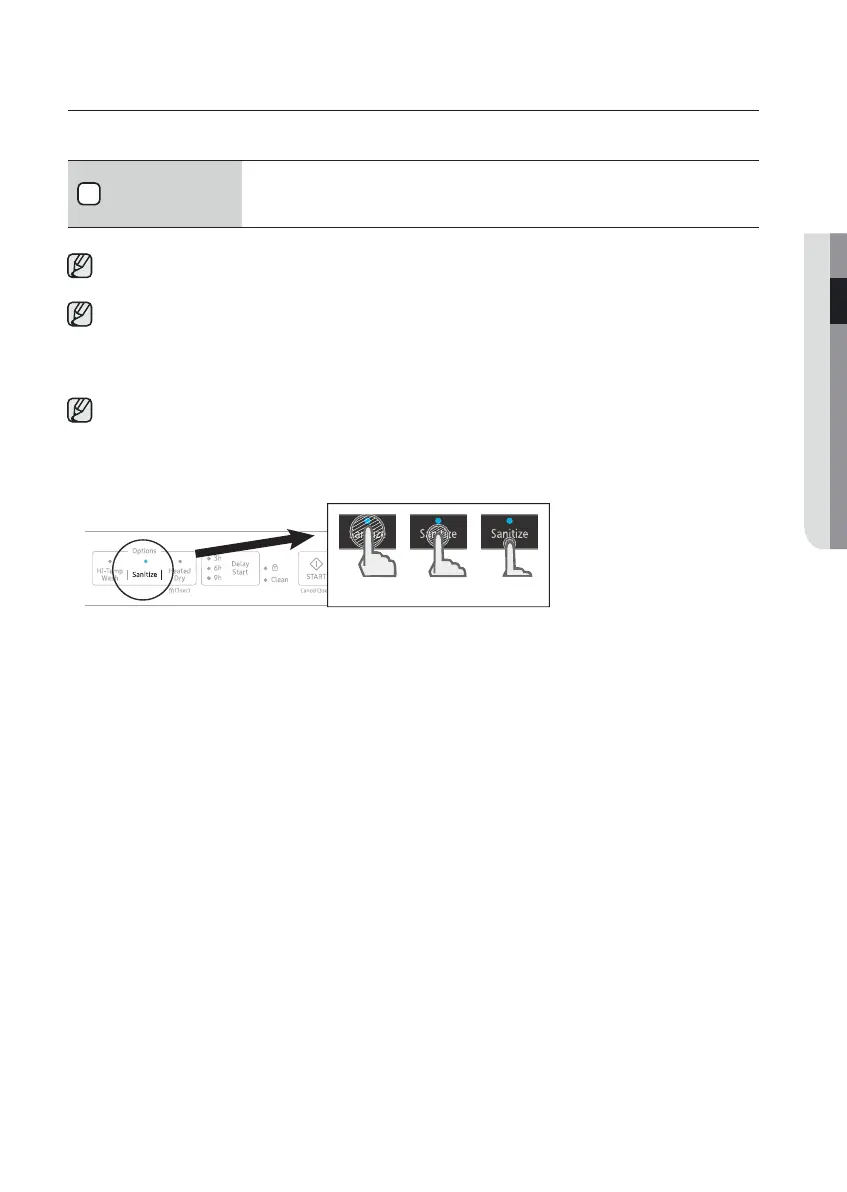
To prevent the touchpad from losing response sensitivity, follow these instructions:
- Touch the center of each keypad using one finger . Do not push.
- Clean the touch control’s surface regularly with a soft, damp cloth.
- Be careful not to touch more than one touch key pad at a time, except as directed.
When you pause a cycle by opening the door, press the Start button before closing
the door to continue the cycle.
Push door f irmly closed within 3 seconds of pressing Start button.
If the door is not closed within 3 seconds, the cycle will not start.
setting up your dishwasher
O O X
02 setting up your dishwasher
the dishwasher
the
the



 To Next Page