64
Picture O
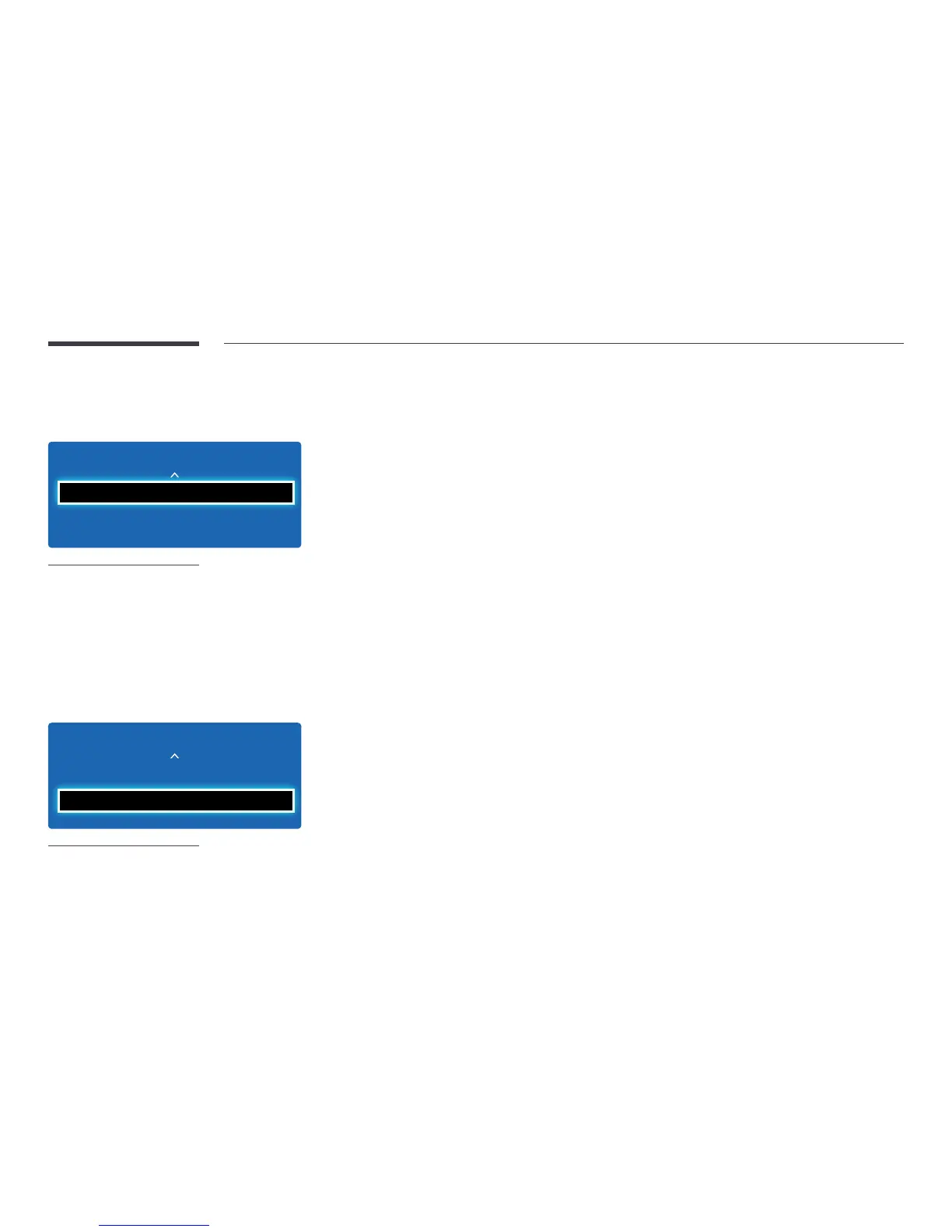
MENU m → Picture → Picture Off → ENTER E
Picture
Picture O
Reset Picture
-
The displayed image may differ depending on the model.
The product screen is turned off but the audio will continue. Press any key on your remote to turn the screen back on.
Reset Picture
MENU m → Picture → Reset Picture → ENTER E
Reset Picture
Picture
Picture O
-
The displayed image may differ depending on the model.
Resets your current picture mode to its default settings.



 To Next Page