017
When using the camera for the first time
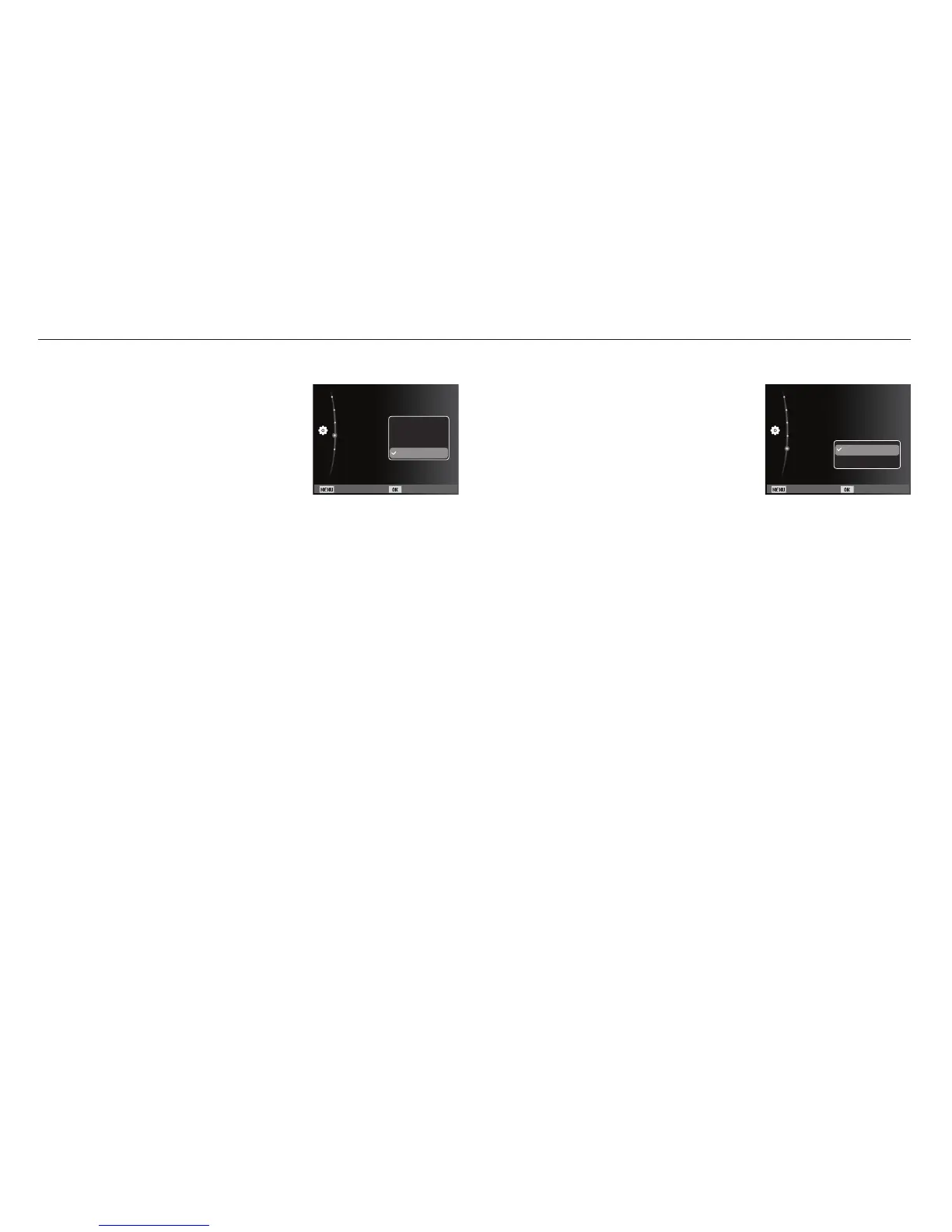
Setting up the date type
1. Select the [Date Type] menu by pressing
the Up/Down button and press the Right
button.
2. Select the desired sub menu by pressing
the Up/Down button and press the OK
button.
Back Set
Time Zone :London
Language :English
Date/Time Set :10/01/01
Date Type :YYYY...
Battery Type :alkaline
Off
DD/MM/YYYY
MM/DD/YYYY
YYYY/MM/DD
Setting up the battery type
1. Select the [Battery Type] menu by
pressing the Up/Down button and press
the Right button.
2. Select the desired sub menu by
pressing the Up/Down button and press
the OK button.
- If a battery type is selected, the camera will be optimized
according to the selected battery type.
[Battery Type] sub Menu : [Alkaline] / [Ni-MH]
Ä
For more information about the battery type, refer to the page 57.
Back Set
Time Zone :London
Language :English
Date/Time Set :10/01/01
Date Type :YYYY...
Battery Type :Alkaline
Alkaline
Ni-MH



 To Next Page