At this point the inside and outside callers follow the same instructions. You
will hear a message stating the number of messages left in your mailbox.
You will then hear the Mailbox Owner Main Menu with the following options:
1 Listen to New Messages - See Listening to your Message.
2 Record and Send Message - See Sending Messages.
3 Review Saved Messages - See Listening to your Message.
5 Personal Greetings - See Personal Greetings.
6 Mailbox Administration - See Mailbox Administration.
# Personal Services - See Personal Services.
✱
Disconnect.
GETTING STARTED
Using your new mailbox is as simple as following a few simple spoken
instructions. First time users should read this section as a tutorial. The first
things to should do are:
• Access your mailbox - You already know how to do this.
• Record a personal greeting.
• Change your access code.
• Record your name.
After you have completed the steps above your mailbox is set up and ready
to use.
LISTENING TO YOUR MESSAGES
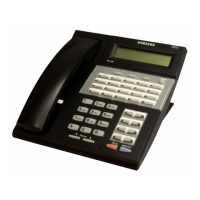
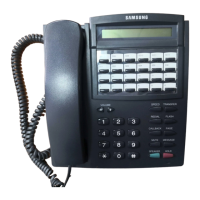
If there are new messages in your mailbox your VMMSG key will be lit.
Call the SVMi-4 by pressing this key, and when prompted enter your pass-
word. Select [1] to listen to new messages or [3] to listen to saved mes-
sages.
1 To play / replay the message you just heard.
11 To play the previous message.
2 To save the message you just heard and listen to the next message.
3 To delete the message you just heard and listen to the next message.
4 To reply to the message. This will allow you to leave a message in mail-
box of the sender (if the sender has a mailbox on this system).
5 To return the call directly to the telephone number that left the message.
49
FLOW CHART
ACCESSING YOUR MAILBOX
Outside Callers
• Dial the phone number that will be answered by the SVMi-4. The main
greeting will answer.
• At the main greeting dial [#] plus your mailbox number (mailbox num-
bers will usually match your extension number.
• Enter your personal mailbox password when prompted (the default
password is 0000).
Inside Callers
• Dial the SVMi-4 Access Number or press the key assigned to ring SVMi-
4 [VMMSG].
• Enter your personal mailbox password when prompted (the default
password is 0000).







 To Next Page