EasyManua.ls Logo

Samsung FCQ321HTUW - User Manual

Samsung FCQ321HTUW
69 pages
Print Icon
To Next Page IconTo Next Page
Loading...
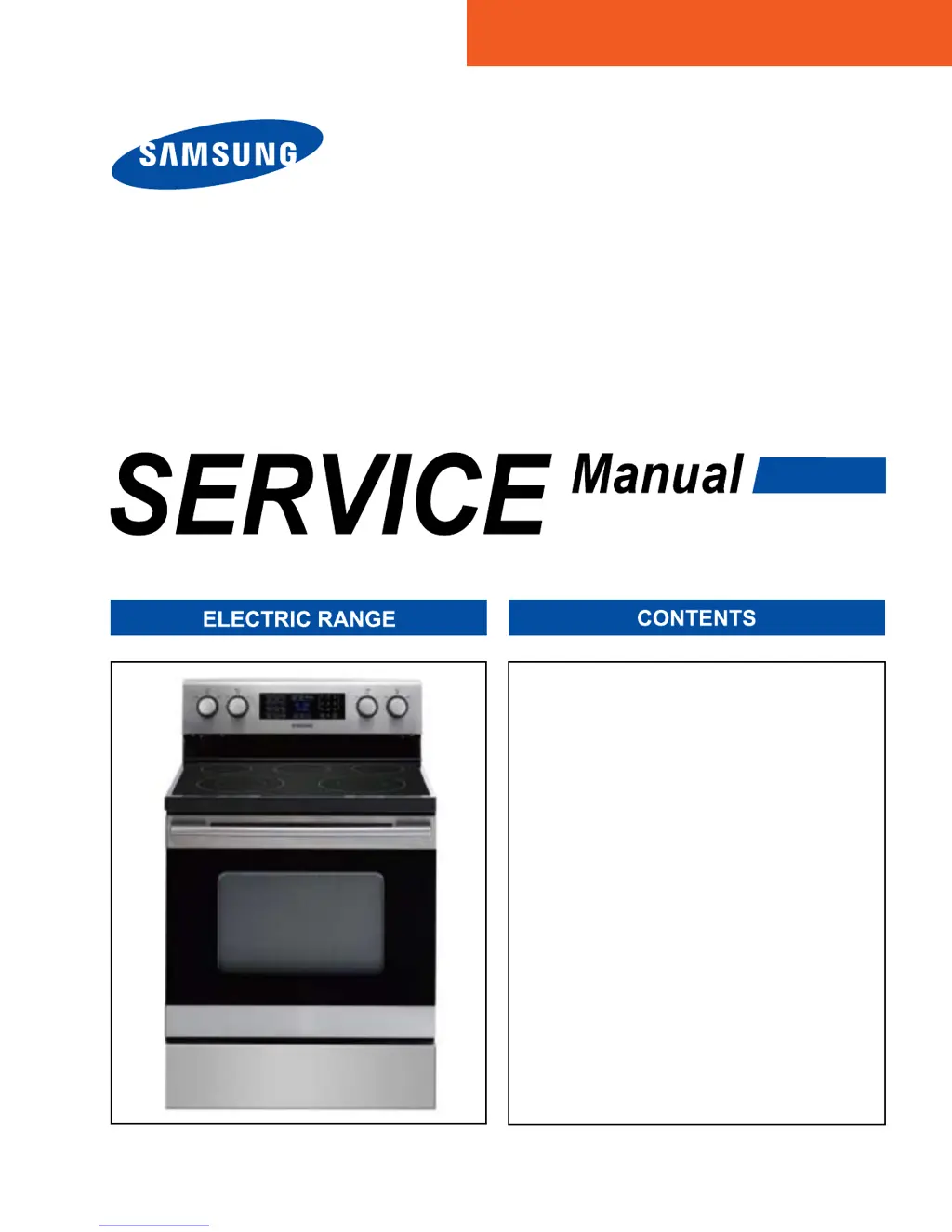
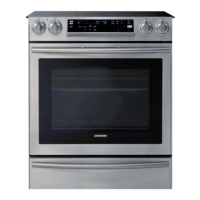
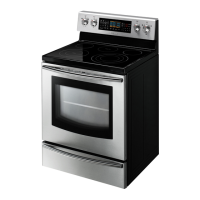
FREE STANDING
RANGE
Refer to the service manual in the GSPN(see rear cover) for the more information.
1. Precaution
2. ProductSpecication
3. Disassembly and Reassembly
4. Troubleshooting
5. Exploded Views and Part List
6. PCB Diagrams
7. Schematic Diagrams
8. Wiring Diagram
BASIC: FCQ321HTUW
MODEL: FCQ321HTUX
MODEL CODE: FCQ321HTUX/XAC

Questions and Answers

  • K
    Kimberly PowellAug 6, 2025
    What to do if Samsung Ranges display oven sensor error E-27?
    • M
      Mark ThompsonAug 6, 2025
      If your Samsung Ranges display an E-27 error, it indicates a problem with the oven sensor. Here's what you can do: 1. Disconnect the power, open the back cover and disconnect the sensor harness from the control. Measure the sensor resistance; it should be around 1080 Ohms at room temperature. If there are any issues, replace the oven sensor. 2. If the oven sensor seems fine, inspect the harness for any damaged terminals or wires. 3. Check the resistance of the oven sensor connector on the main PCB (it should be approximately 2850 Ohms).

Samsung FCQ321HTUW Specifications

General IconGeneral
Fuel TypeElectric
Oven Capacity5.9 cu. ft.
Number of Burners5
TypeFreestanding
ColorWhite
Number of Oven Racks2
Warming ZoneYes
Convection OvenYes
Self-CleaningYes
Power SourceElectric
Voltage240 V
Control TypeKnob
Height47 inches

Related product manuals