Basics
15
Name Functions
S Pen nib
•
Use the S Pen to write, draw, or perform touch actions on the
screen. The Recents key and the Back key can be used with the
S Pen.
•
Hover the S Pen over items on the screen to access additional
S Pen features, such as the Air view feature.
S Pen button
•
Hover the S Pen over the screen and press the S Pen button to
display the Air command features.
•
While pressing and holding the S Pen button, drag the S Pen over
items to select them.
Tweezers
•
Remove the S Pen nib with the tweezers when replacing the nib.
Detaching the S Pen
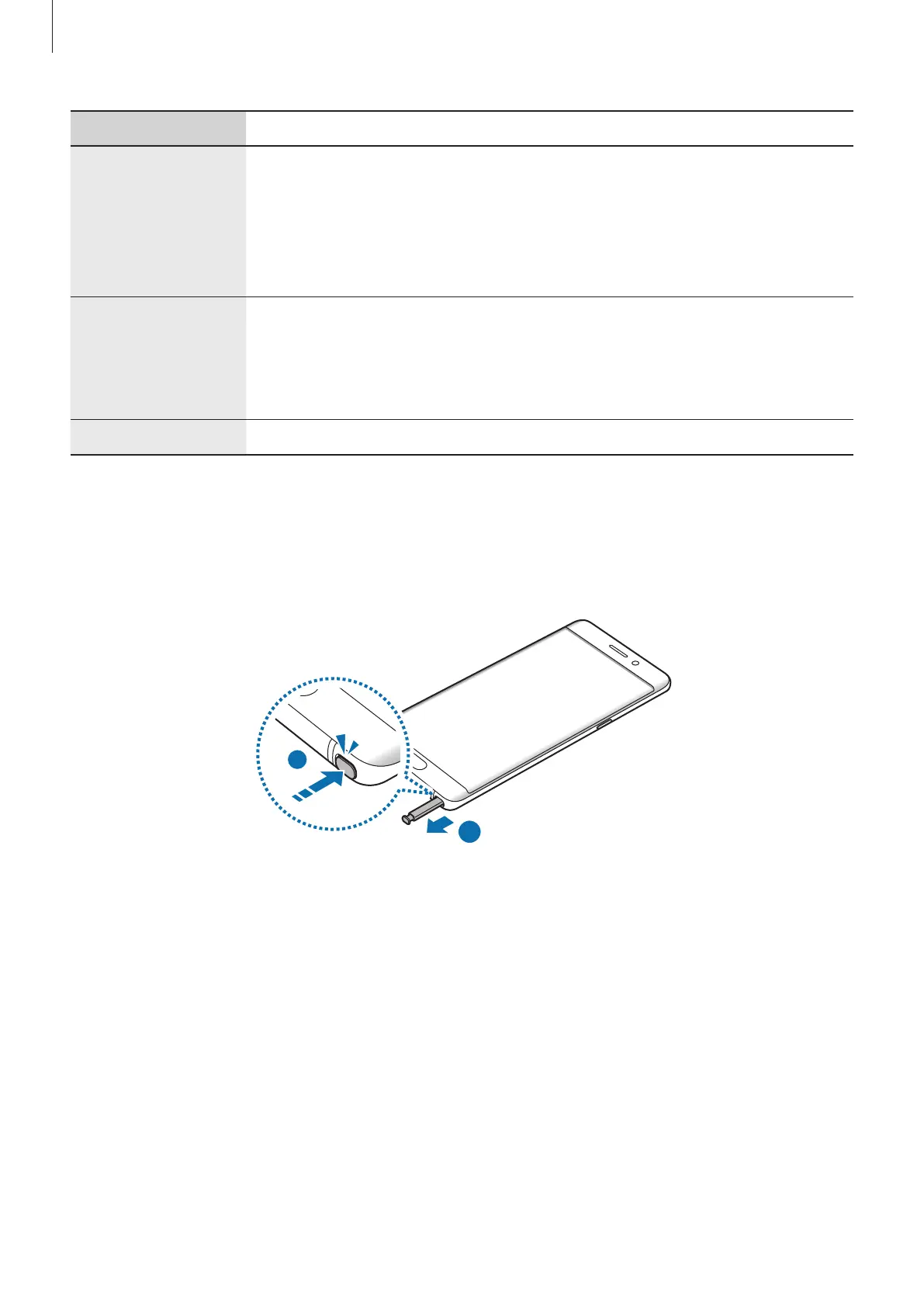
Press the end of the S Pen to disengage it. Then, pull the S Pen from the slot. To store the
S Pen, push it back into the slot until you hear it click.
2













 To Next Page