Basics
14
Keys
Key Function
Power
•
Press and hold to turn the device on or off.
•
Press to turn on or lock the screen.
Recents
•
Tap to open the list of recent apps.
Home
•
Press to turn on the screen while the screen is locked.
•
Press to return to the Home screen.
•
Press and hold to launch
Google
.
Back
•
Tap to return to the previous screen.
•
Tap and hold to access additional options for the current
screen.
Volume
•
Press to adjust the device volume.
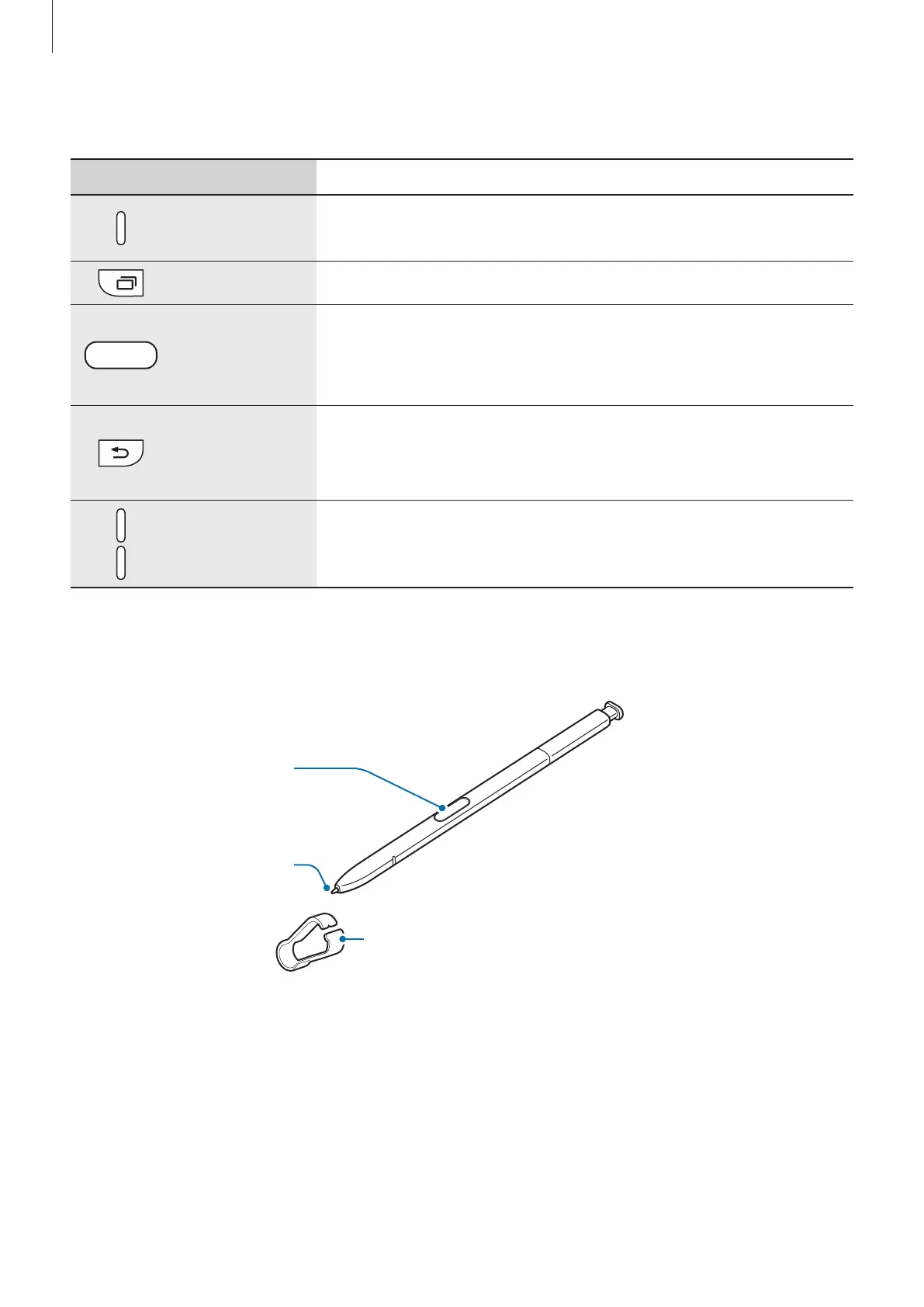
S Pen
S Pen button
S Pen nib
Tweezers













 To Next Page