3-2 Main Board Removal
Disassembly and Reassembly
3-2 Samsung Electronics
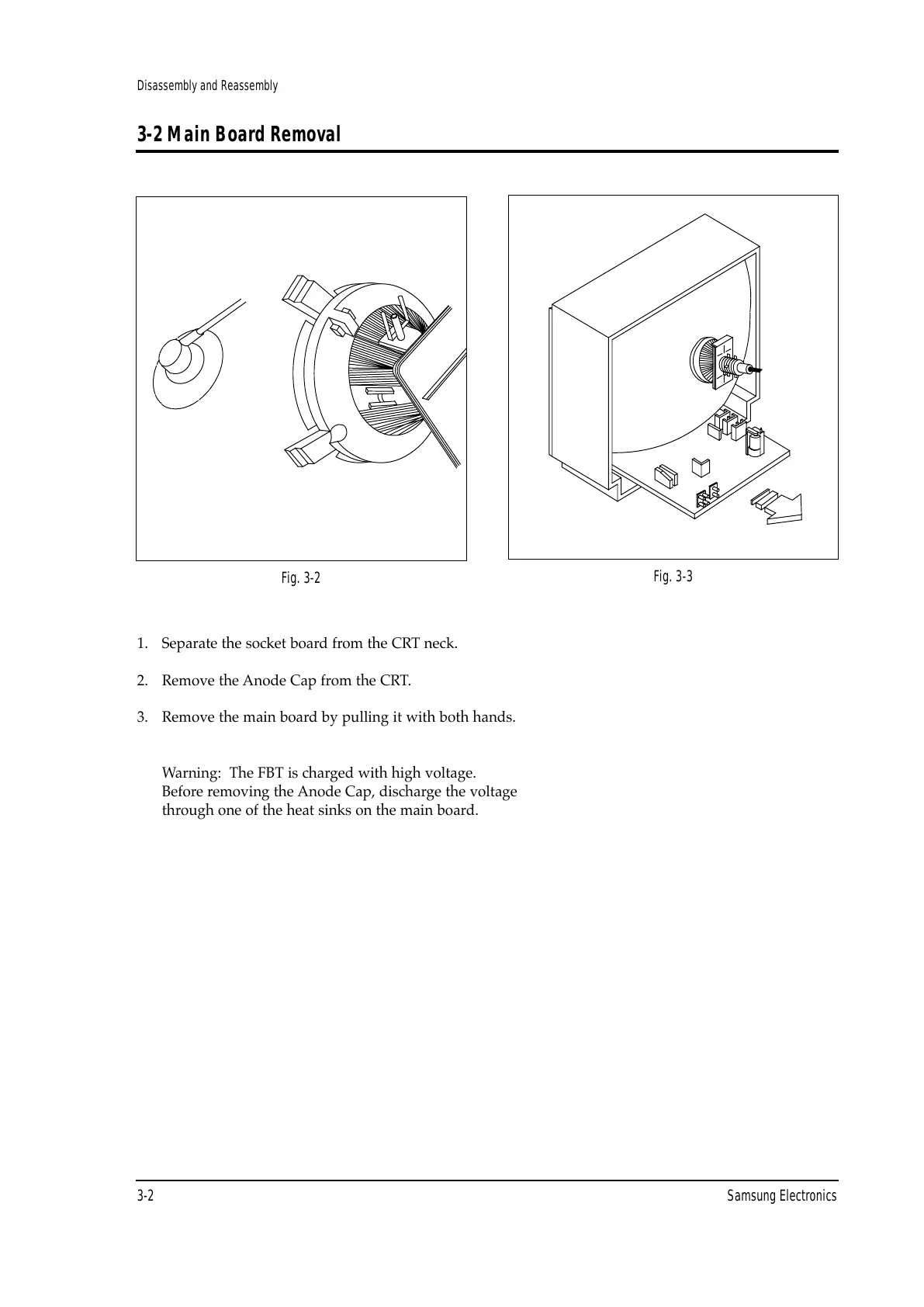
Fig. 3-2
Fig. 3-3
1. Separate the socket board from the CRT neck.
2. Remove the Anode Cap from the CRT.
3. Remove the main board by pulling it with both hands.
Warning: The FBT is charged with high voltage.
Before removing the Anode Cap, discharge the voltage
through one of the heat sinks on the main board.



 To Next Page