English - 9
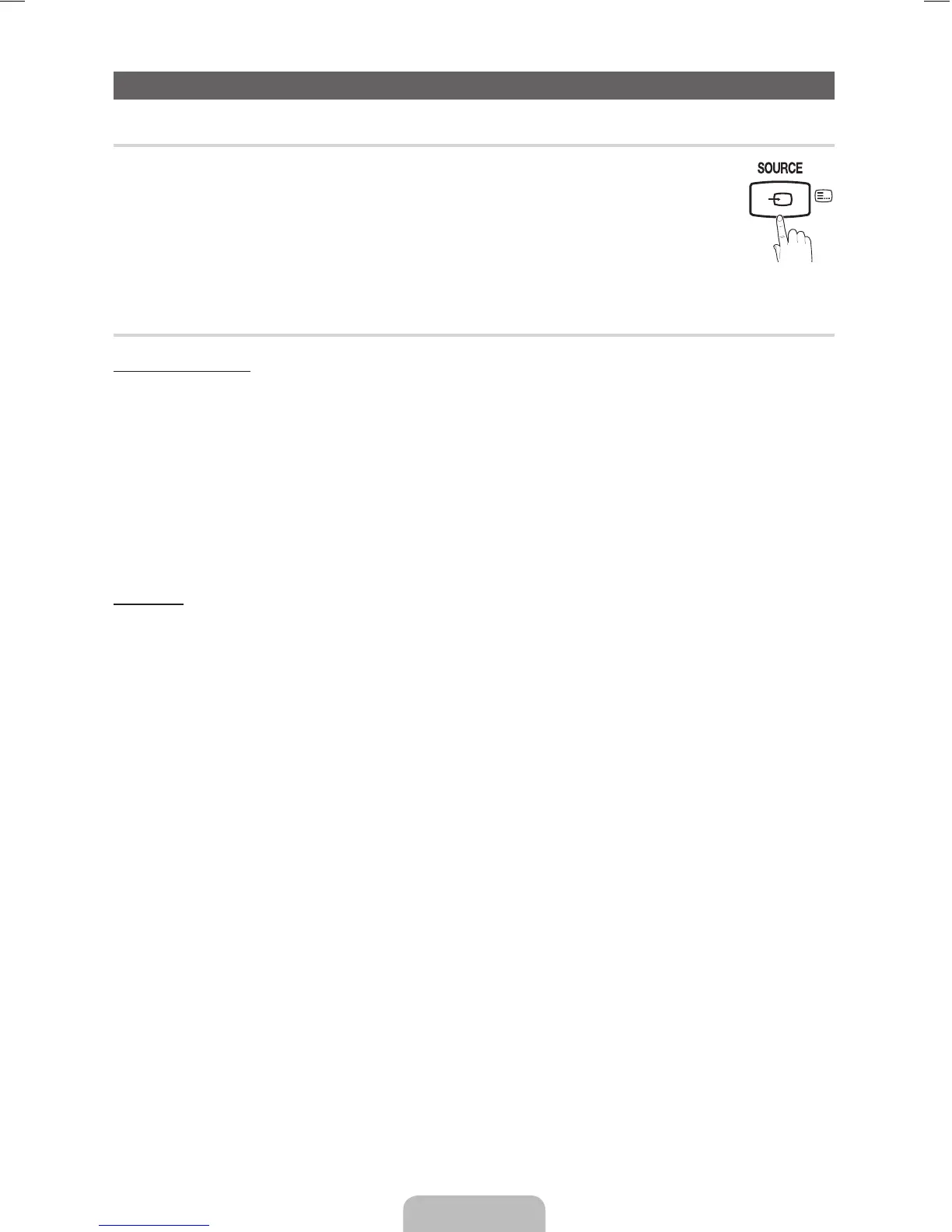
Changing the Input Source
¦ Source List
Use to select TV or other external input sources such as DVD / Blu-ray players / cable box / STB satellite
receiver connected to the TV.
■ TV / HDMI/DVI / AV / Component / USB
✎
In the Source List, connected inputs will be highlighted.
✎
PC(D-Sub) input is not supported. If you want to connect PC to the TV, use HDMI/DVI input.
✎
If you want to see connected devices only, move to Connected using ◄ or ► button.
¦ Edit Name
How to use Edit Name
In the Source, press the TOOLS button, and then you can set an external input sources name you want.
■ VCR / DVD / Cable STB / Satellite STB / PVR STB / AV Receiver / Game / Camcorder / PC / DVI PC / DVI Devices /
TV / IPTV / Blu-ray / HD DVD / DMA: Name the device connected to the input jacks to make your input source selection
easier.
✎
When connecting a PC to the HDMI IN(DVI) port with HDMI cable, you should set the TV to PC mode under
Edit Name.
✎
When connecting a PC to the HDMI IN(DVI) port with HDMI to DVI cable, you should set the TV to DVI PC mode
under Edit Name.
✎
When connecting an AV devices to the HDMI IN(DVI) port with HDMI to DVI cable, you should set the TV to
DVI Devices mode under Edit Name.
Information
You can see detailed information about the selected external device.
[LD403-503-XY]BN68-03718A-ENG.indd 9 2011-04-29 �� 8:25:00



 To Next Page