14
S
AMSUNG ELECTRONICS
GB
Checking that Your Oven is Operating Correctly
The following simple procedure enables you to check that your oven is work-
ing correctly at all times.
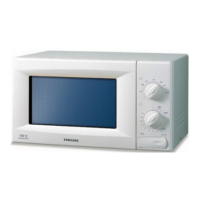
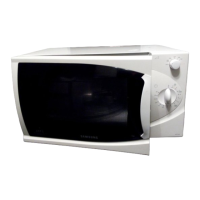
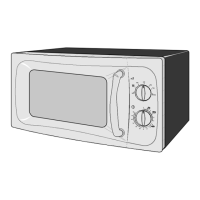
First, place a bowl of water on the turntable.
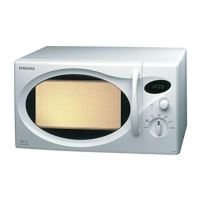
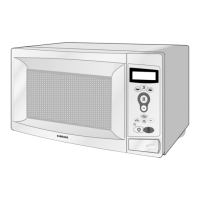
Model : M1733
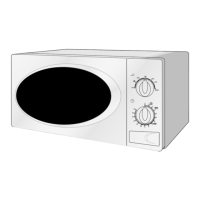
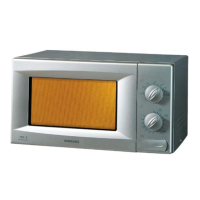
Model : M1713
➢ The oven must be plugged into an appropriate wall socket. The turntable
must be in position in the oven. If a power level other than the maximum
is used, the water takes longer to boil.
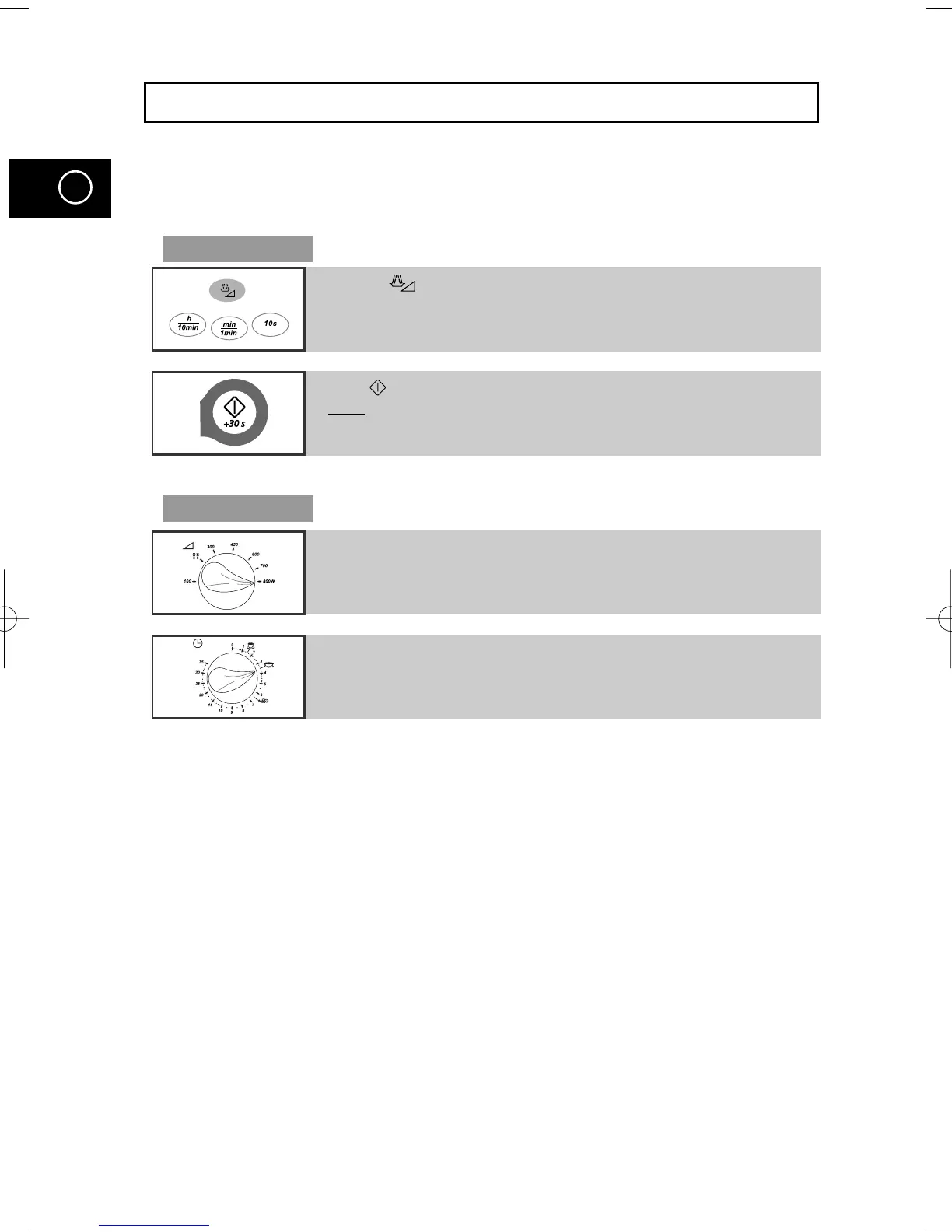
1 Press the button and set the time to 4-5 minutes by pressing the 1min button
the appropriate number of times.
2 Press button.
Result
:
The oven heats the water for 4 to 5 minutes.
The water should then be boiling.
1 Set the power level to maximum by turning COOKING POWER
CONTROL knob.
2 Set the time 4 to 5 minutes by turning the TIMER knob.
M1733/13(GB1) 1/22/00 11:10 PM Page 14



 To Next Page