2
S
AMSUNG ELECTRONICS
GB
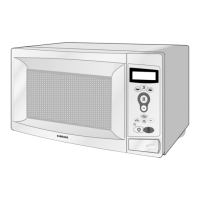
Quick Look-up Guide (M1733)
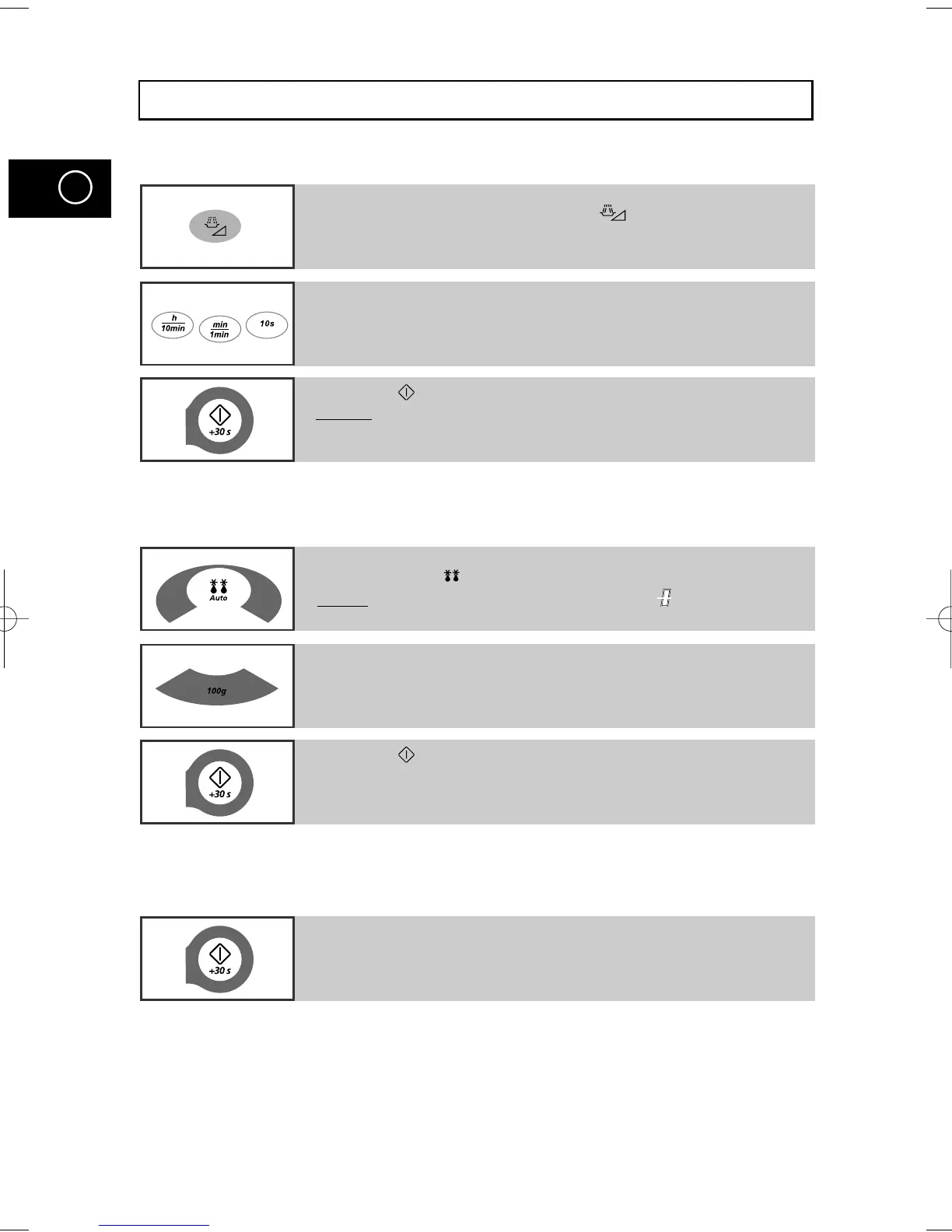
If you want to cook some food
1 Place the food in the oven.
Select the power level by pressing the button once or more
times.
2 Select the cooking time by pressing the 10min, 1min or 10s
buttons as required.
3 Press the button.
Result: Cooking starts.
The oven beeps four times when cooking is over.
If you want to defrost some food
1 Place the frozen food in the oven.
Press the Auto ( ) button.
Result: The following indication is displayed:
If you want to add an extra minute
1 Leave the food in the oven.
Press +30s once or more times for each extra 30 seconds that
you wish to add.
2 Select the weight by pressing the 100g buttons as required.
3 Press the button.
M1733/13(GB1) 1/22/00 11:10 PM Page 2



 To Next Page