•
The loudspeakers are no longer used to output the sound.
•
Connect the Microphone.
•
Turn the MIC LEVEL knob to adjust the MIC volume.
•
Press the ECHO button to select ECHO1,ECHO2, and ECHO OFF.
•
During using the microphone ,you can press the REC/PAUSE button to record your favorite.
Connect the headphones to the PHONES jack on the front panel.
You can connect a set of headphones to your micro component system so that you
can listen to music or radio programmers without disturbing other people in the room.
The earphones must have a 3.5ø jack or an appropriate adapter.
•
Prolonged use of headphones at a high volume may damage your hearing.
Note
Plug the microphone with a 6.3ø MIC jack into microphone terminal.
58
Connecting Headphones/Microphone(option)
•
The various functions available are listed in turn on the
display.
•
All these functions are described in detail in this booklet.
For instructions on how to use them, refer to the
appropriate sections.
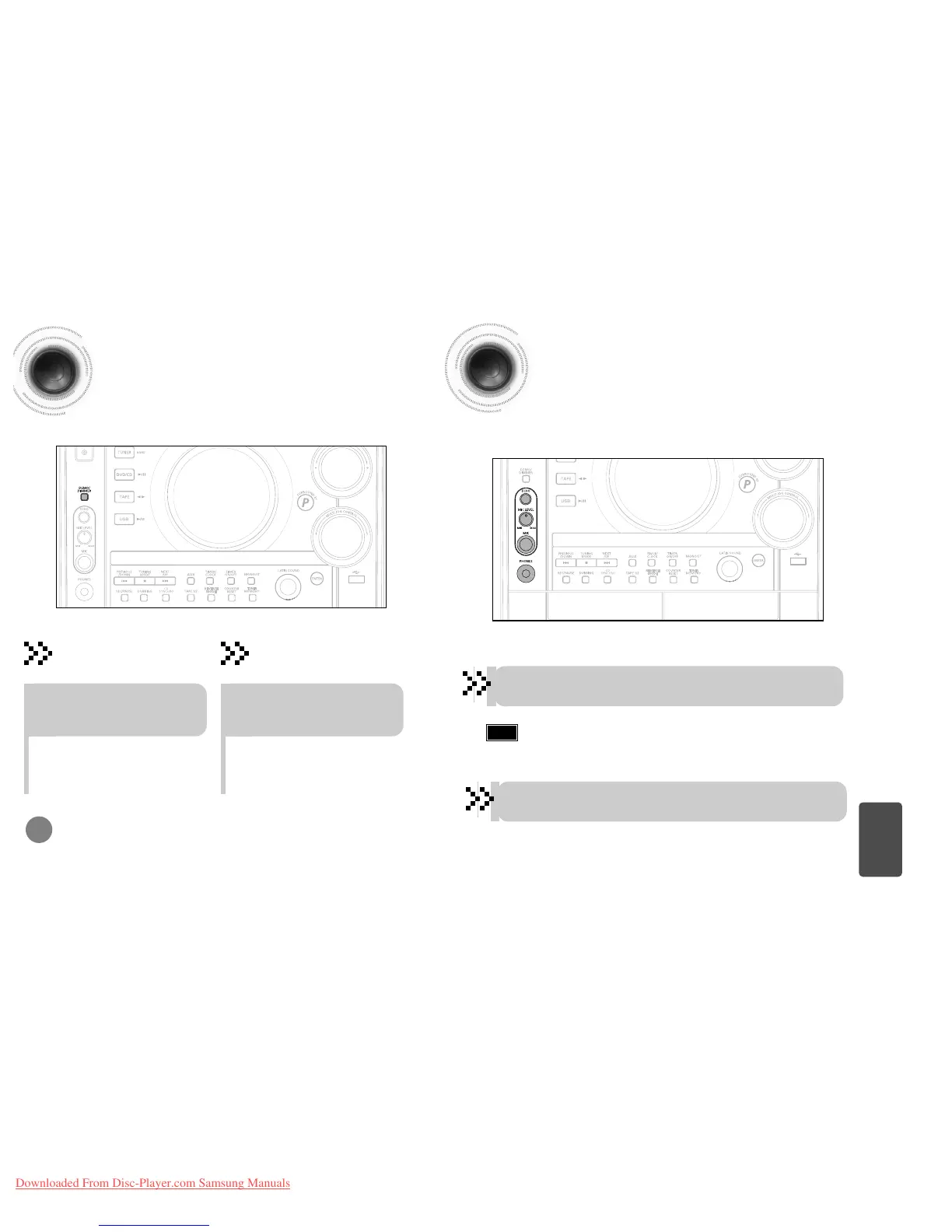
DEMO Function
You can view the various functions available on
your system.
To cancel this function, press
DEMO/DIMMER again.
Press DEMO/DIMMER button.
•
Each time the button is press, the brightness changes as
follows: DIMMER ON(Dim) ➞ DIMMER OFF(Bright).
DIMMER Function
You can adjust the brightness of the display on the main
unit so it won't interfere with your movie viewing.
Press DEMO/DIMMER button.
DEMO Function / DIMMER Function
57
MISCELLANEOUS



 To Next Page