Service Manual
Disassembly and Reassembly
3-2
Samsung Electronics
3.2 Disassembly and Reassembly
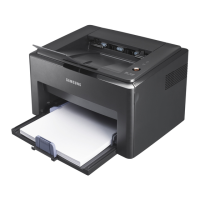
3.2.1 Front Cover
1. Open the front cover. Separate the front cover from
the lock the frame by pulling the left bottom.
2. If necessary, remove the cassette cover as the same
way.
3. If necessary, remove the extension tray by pulling to
the direction of arrow.
4. Take out the MP tray after remove the toner cartridge.









 To Next Page
