61
3. Useful management tools
Using SyncThru™ Web Service
• Internet Explorer 6.0 or higher is the minimum
requirement for SyncThru™ Web Service.
• SyncThru™ Web Service explanation in this user’s guide
may differ from your machine depending on its options or
models.
• Network model only.
1
Accessing SyncThru™ Web Service
1
Access a web browser, such as Internet Explorer, from
Windows.
Enter the machine IP address of your printer (http://
xxx.xxx.xxx.xxx) in the address field and press the Enter key or
click Go.
2
Your machine’s embedded website opens.
Logging into SyncThru™ Web Service
Before configuring options in SyncThru™ Web Service, you need to
log-in as an administrator. You can still use SyncThru™ Web Service
without logging in but you won’t have access to Settings tab and
Security tab.
1
Click Login on the upper right of the SyncThru™ Web Service
website.
2
Type in the ID and Password then click Login.
• ID: admin
• Password: sec00000
2
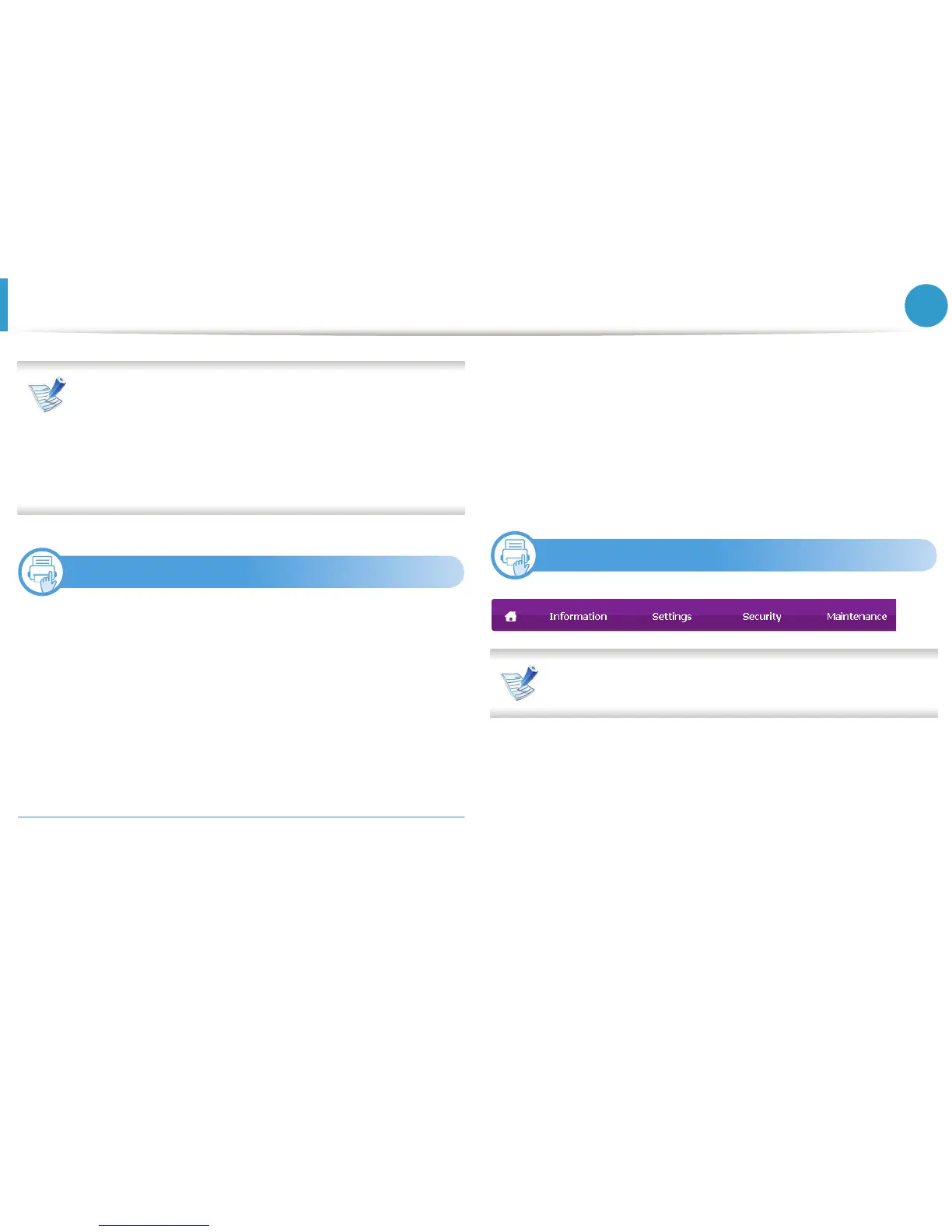
SyncThru™ Web Service overview
Some tabs may not appear depending on your model.














 To Next Page