Media and tray
33
2. Menu overview and basic setup
( ●: Included, Blank: Not available)
Envelope
Printing successfully on envelopes depends upon the quality of the
envelopes.
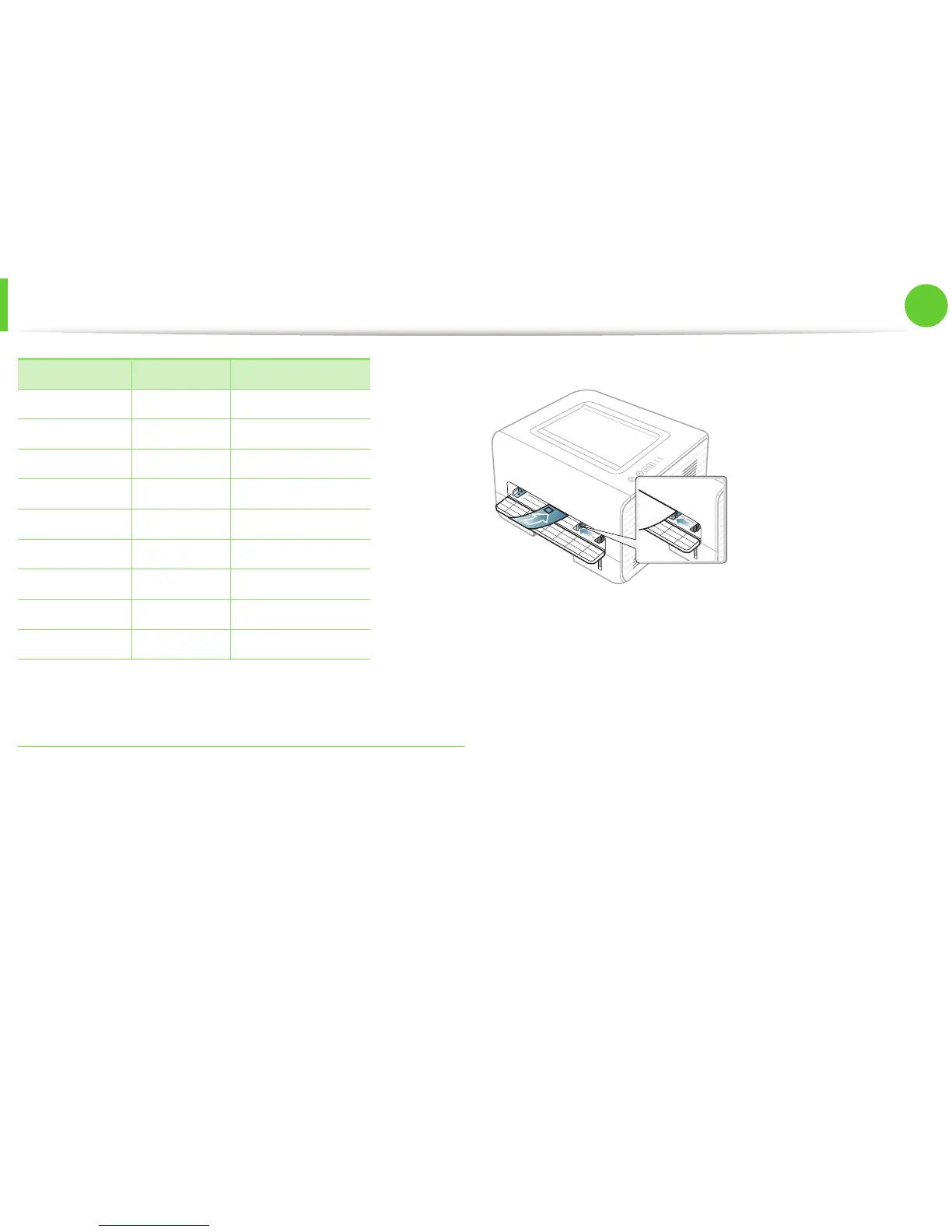
To print an envelope, place it as shown in the following figure.
If envelopes are printed out with wrinkles, crease, or black bold lines,
open the rear cover and try printing again. Keep the rear cover
opened during printing.
If you select Envelope from the Printing Preferences window, but
the printed images get easily erased, select Thick Envelope and try
printing again. However, this might cause some noise when printing.
• When selecting envelopes, consider the following factors:
- Weight: should not exceed 90 g/m
2
otherwise; jams may
occur.
- Construction: should lie flat with less than 6 mm curl and
should not contain air.
- Condition: should not be wrinkled, nicked, nor damaged.
- Temperature: should resist the heat and pressure of the
machine during operation.
CardStock ●●
Labels ●
Transparency ●
Envelope ●
Thick Envelope ●
Preprinted ●
Cotton ●
Recycled ●●
Archive ●●
Types Tray Manual feeder














 To Next Page