© 2007 Oasis Imaging Products, Inc. Page 7
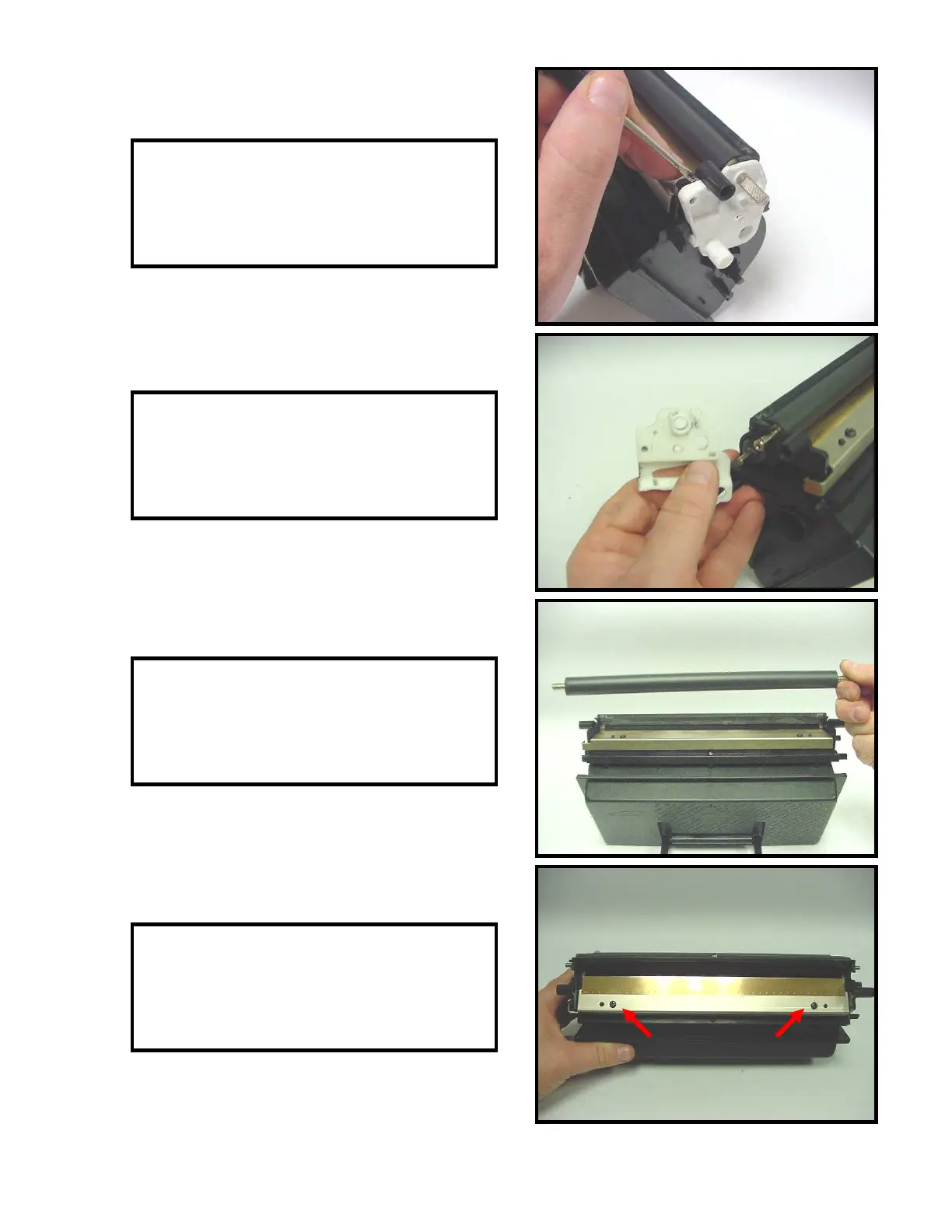
23. Use a small flat head screw driver to pry
of the developer roller end plate (Fig. 23).
Fig. 23
24. Remove the developer roller end plates
from each side of the toner hopper (Fig. 24).
25. Remove the developer roller from the
toner hopper (Fig. 25). Clean the roller with
compressed air and set aside for reassembly.
26. Remove two screws that secure the
doctor blade (Fig 26). Remove the doctor
blade and clean with compressed air.
Fig. 24
Fig. 25
Fig. 26



 To Next Page