ENG - 5
02 PRODUCT OVERVIEW
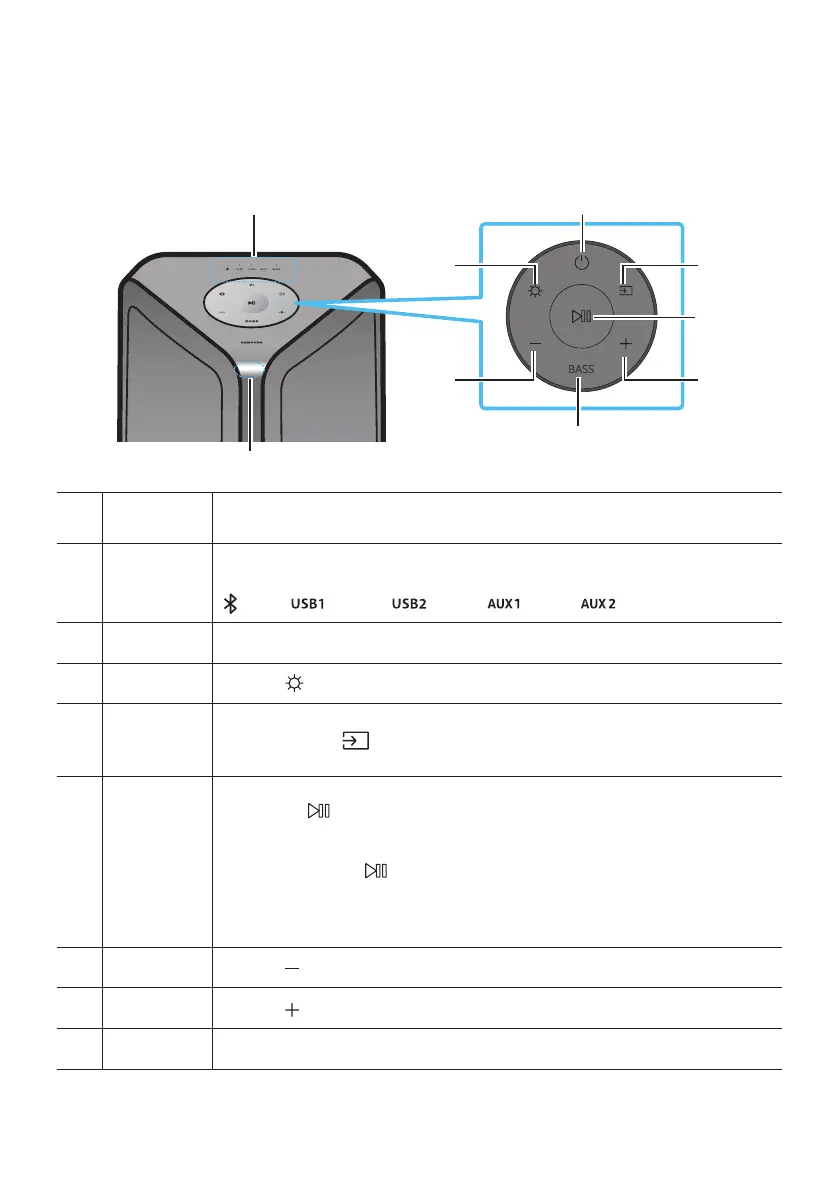
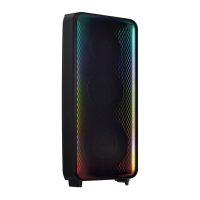
Top Panel of the Sound Tower
BASS
Remote
Sensor
When operating the Sound Tower system, please aim the front of the remote control at
the remote sensor.
LED
indicator
Displays operating messages or current status of the Sound Tower system.
The information sources represented by each LED are as follows:
(BT)
(USB1)
(AUX1)
Power Turns the Sound Tower on and off.
Light
Press the
(Light) button to turn the Lighting Mode on.
Source
Press to select a source connected to the Sound Tower.
Press and hold the (Source)
button for more than 5 seconds
to enter the
“SEARCHING TV” mode.
Play/Pause
Play/Pause
Press the
Demo play
Press and hold the
button for more than 5 seconds to start the Demo play while
the system is turned on.
.
– Please be careful as it may play louder than the set volume.
Volume down Press the (Volume down) button to lower the volume.
Volume up
Press the (Volume up) button to raise the volume.
BASS Press the BASS button to use the bass boost.









 To Next Page