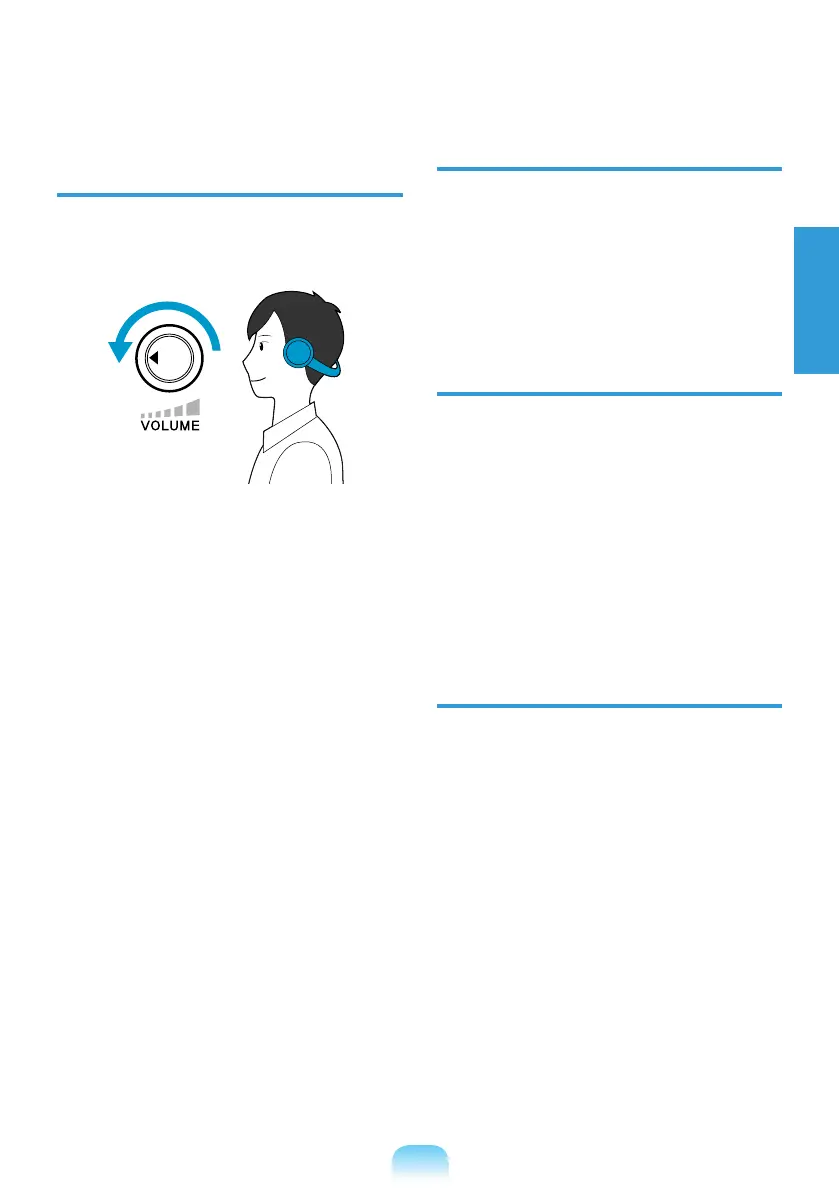
Check your
volume!
Check if the volume is too loud before
using headphones.
It is not recommended using headphones
for long periods of time.
setting could cause hearing impairment.
The default setting can be changed
through software and driver updates
without your intervention. Please check
usage.
Use Time (Break Time)
Take a break for 10 minutes or more after
a 50-minute period when working for
more than one hour.
Illumination
Do not use the computer in dark
locations. The illumination level for
computer use must be as bright so for
reading a book.
Indirect illumination is recommended.
LCD screen.
Operation Condition
Do not use the computer in hot and
humid locations.
Use the computer within the allowed
in the User Guide.



 To Next Page