1-42
CD Drive (ODD, Optional)
An optical disk drive is optional and may differ depending on your computer model.
Do not insert a cracked or scratched CD.
Otherwise, the CD may break and damage the optical disk drive when the CD rotates
at a high speed.
When you clean a CD or DVD title, wipe with a soft cloth from inside to outside.
Do not eject a CD when the CD operating LED is on.
Using a CD that is not in the shape of a circle is not recommended.
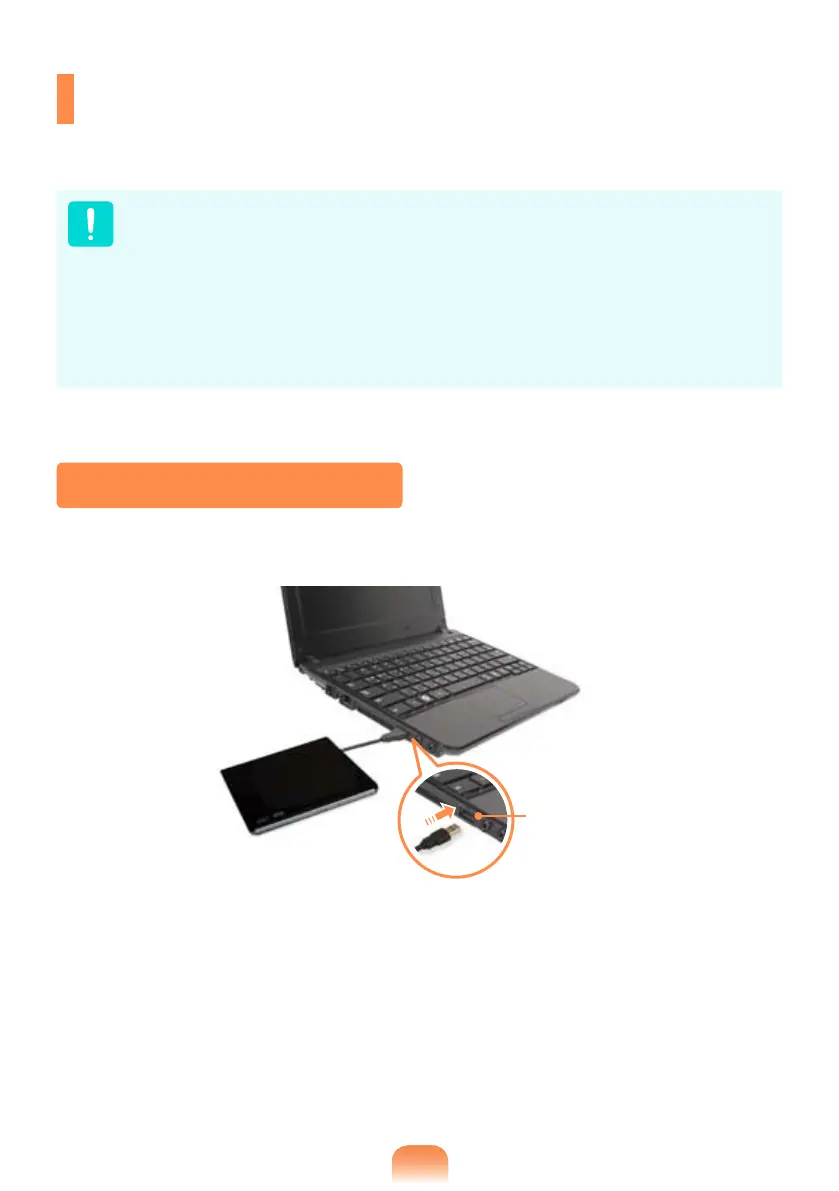
Connecting the CD Drive
Connect the CD drive to the
USB port
.
USB port



 To Next Page