3
When the battery is fully charged, the operating
status LED turns green. Disconnect the adapter
from the computer.
Charging the battery
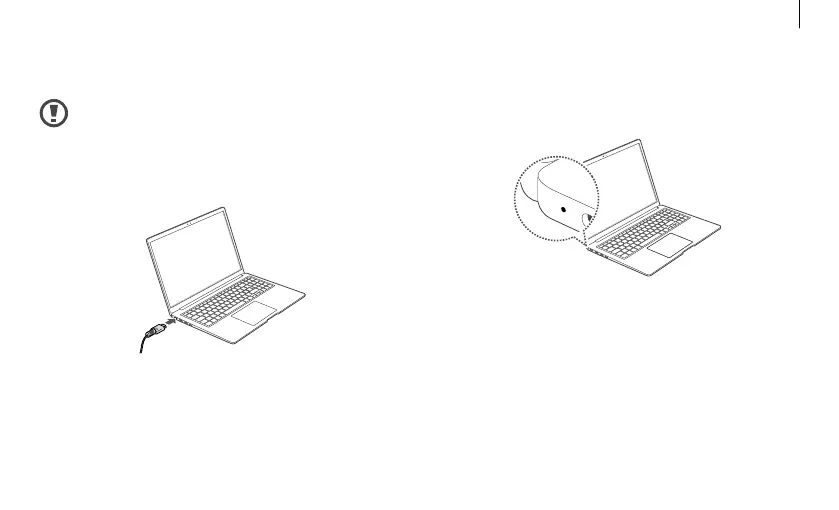
Fully charge the battery using the adapter
before using the computer for the first time.
1
Connect the adapter to the USB Type-C port of
the computer.
2
Plug the adapter into an electric socket.
7
Getting started



 To Next Page