EasyManua.ls Logo

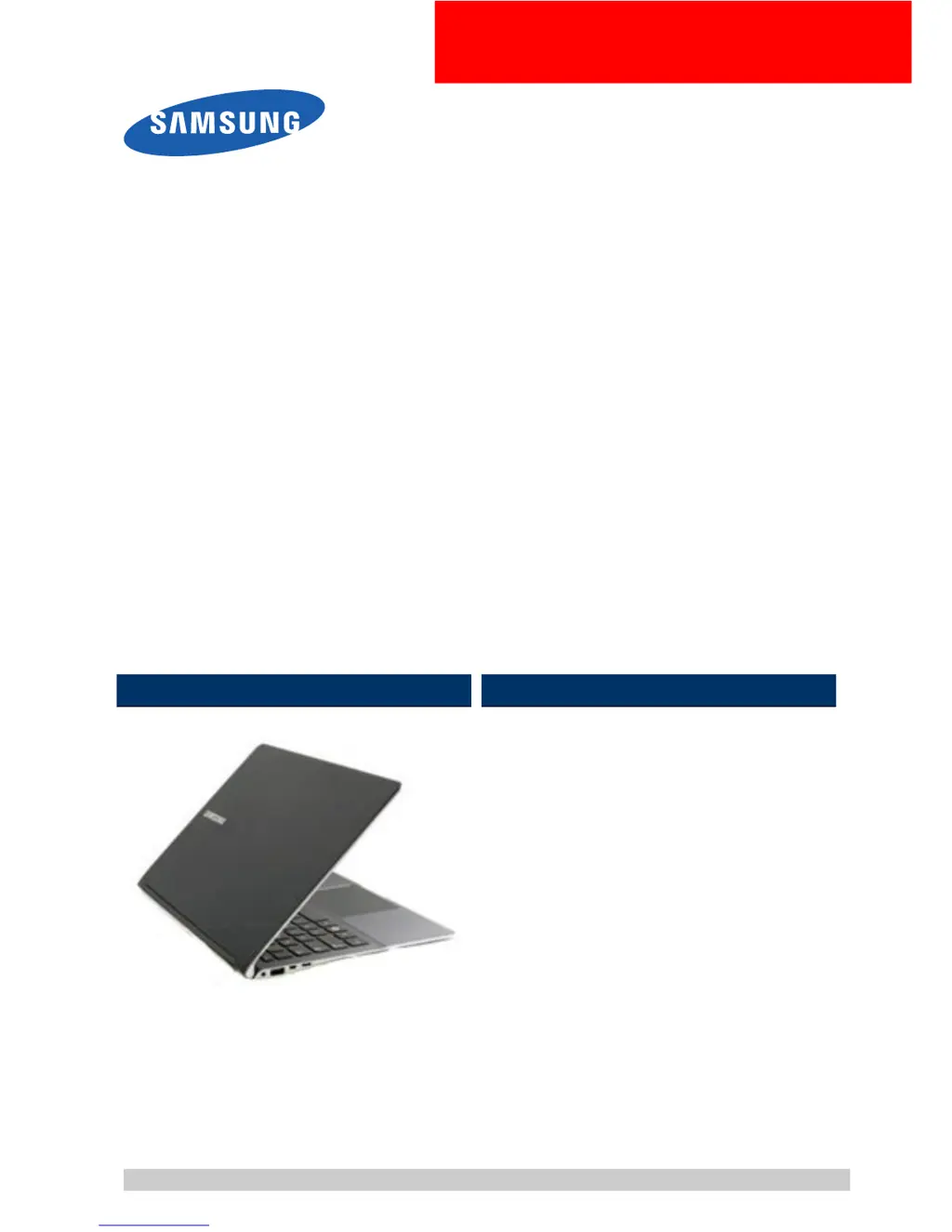
Samsung NP900X4D - User Manual

Samsung NP900X4D
73 pages
Print Icon
To Next Page IconTo Next Page
Loading...
Amor2-14CRVM
NP900X4D
SERVICE
MANUAL
NP900X4D
Contents
1.Precaution
2.Introduction
3.DesassemblyandReassembly
4.Troubleshooting
5.SystemWireDiagram
RefertotheservicemanualintheGSPN(seetherearcover)formoreinformation.

Questions and Answers

  • K
    Keith BakerJul 26, 2025
    How to fix dark screen on Samsung NP900X4D?
    • B
      Barry ClayJul 26, 2025
      To fix a dark screen on your Samsung Laptop, start by checking the LCD cable connection on the main board connector. Make sure the cable is inserted correctly. Additionally, inspect the LCD for any damage like bending or breakage due to impact. If there's physical damage, consider replacing the front assembly.
  • J
    jason83Aug 11, 2025
    What to do if Samsung NP900X4D Laptop screen colors are distorted?
    • M
      Mark BatesAug 12, 2025
      If the colors on your Samsung Laptop screen are distorted, verify the LCD cable connection to the main board connector. Ensure it is properly inserted. Also, check the LCD for any signs of physical damage, such as bending or breakage due to impact. If you notice any damage, you should replace the front assembly.

Summary

Precaution

General After-Sales Service Precautions

Discusses precautions for after-sales service operations.

Safety Precautions

Covers EMI and circuit test precautions for safe operation.

Grounding Procedures

Explains proper grounding methods for product safety.

Static Electricity Precautions

Details measures to prevent static electricity damage to components.

Desassembly and Reassembly

Main System Disassembly

Guides on disassembling the core system components and battery.

Trouble shooting

Debugging Flow Chart

Provides a visual guide for diagnosing system issues.

LCD Troubleshooting

Addresses common display issues and their solutions.

Power System Troubleshooting

Covers problems related to system power and battery charging.

Samsung NP900X4D Specifications

General IconGeneral
ModelNP900X4D
CategoryLaptop
GraphicsIntel HD Graphics 4000
Operating SystemWindows 8
ColorSilver
ProcessorIntel Core i5
Processor Speed1.7 GHz (up to 2.6 GHz with Turbo Boost)
RAM4 GB DDR3
Storage128GB / 256GB SSD
Display Size15 inches
Display Resolution1920 x 1080
Weight1.58 kg
WirelessWi-Fi 802.11 a/b/g/n, Bluetooth 4.0
Portsheadphone/microphone combo

Related product manuals