79
Start Setup
MENU mSystemStart SetupENTER E
System
Start Setup
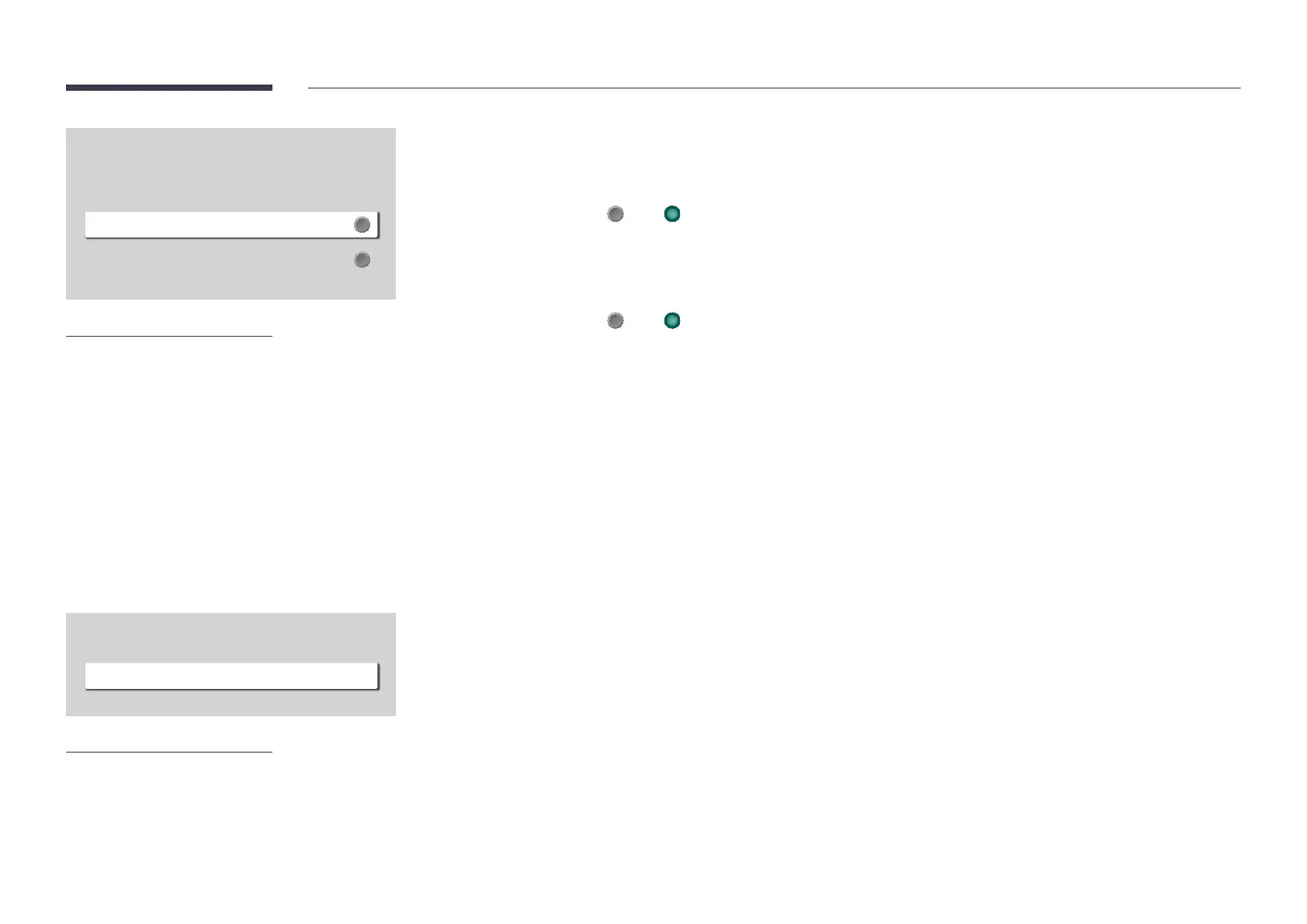
– The displayed image may differ depending on the model.
High Contrast
option is selected.
Off ( ) / On ( )
Enlarge
Enlarge the size of the Menu area.
Off ( ) / On ( )
Voice Guide Settings
High Contrast
Enlarge
Off
– The displayed image may differ depending on the model.
Go through the initial setup steps like you did the first time you used this product.
Change PIN function.
Change the PIN to keep your device secure.














 To Next Page