92
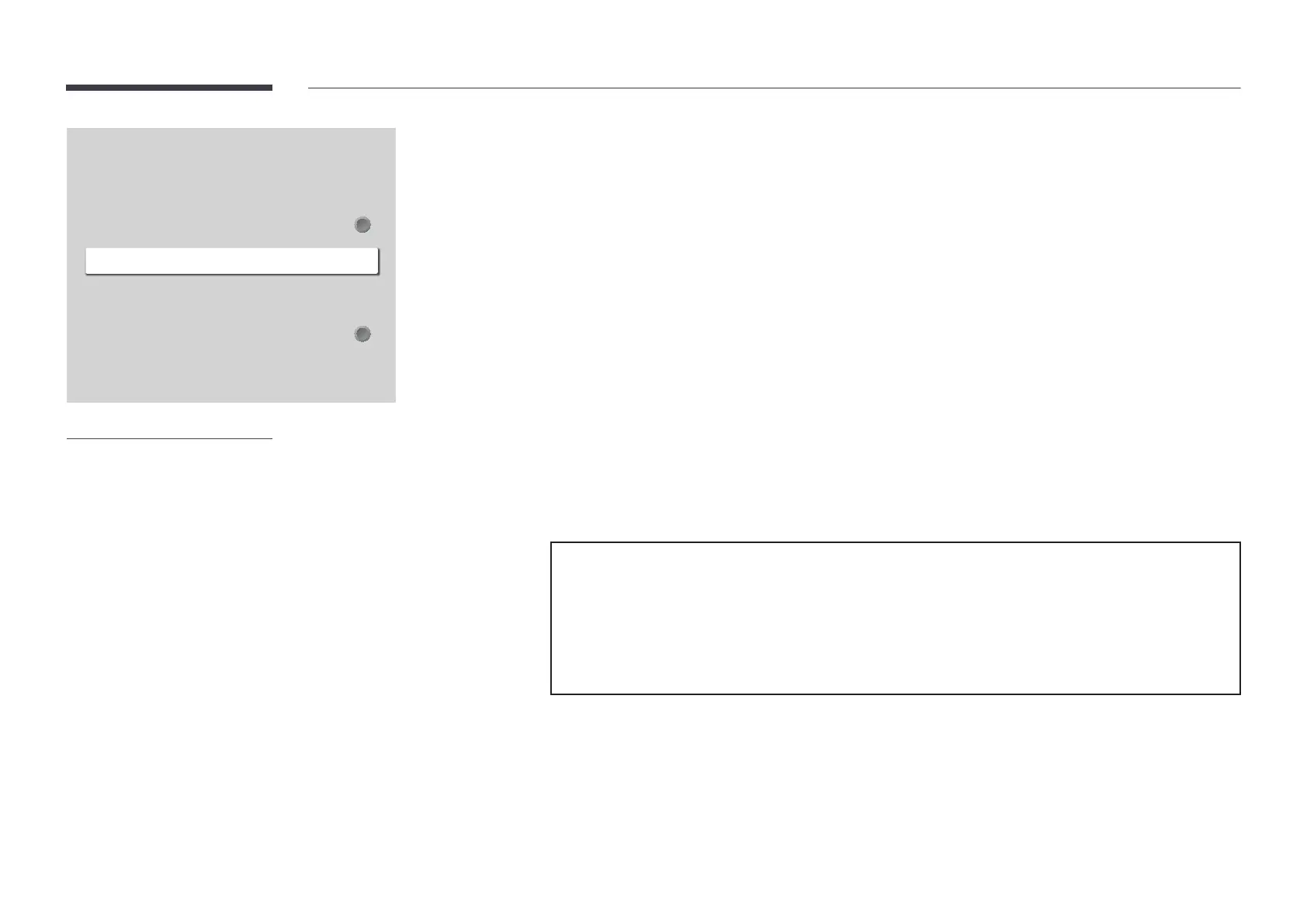
HDMI Hot Plug
This feature is used to activate the time delay to turn on a DVI/HDMI source device.
Off / On
Custom Logo
You can download, select, and set the display time of a custom logo that appears when the product turns on.
Custom Logo
You can select a custom logo (image/video) or turn off the custom logo display.
You must download the custom logo from an external USB device to set the custom logo.
Logo Display Time
If the type of custom logo is Image, you can set the Logo Display Time.
Download Logo File
You can download a custom logo into the product from an external USB device.
Custom logo file restrictions
Images up to 50
– Supported image file: samsung_image.*
– Supported file extensions: , , , png
Videos up to 150
– Supported video file: samsung_video.*
– Supported file extensions: avi, mpg, mpeg, mp4, ts, wmv, asf
General
Smart Security
Anynet+ (HDMI-CEC)
HDMI Hot Plug
Custom Logo
Game Mode
Empty Storage
On
Off
– The displayed image may differ depending on the model.














 To Next Page