Basic functions
13
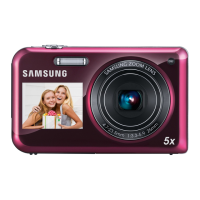
Camera layout
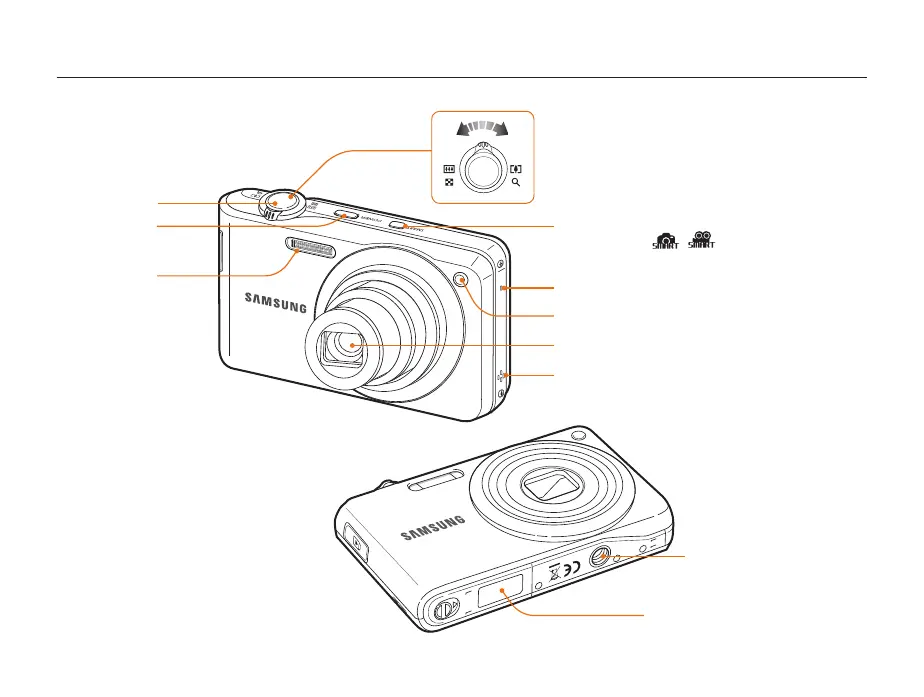
Before you start, familiarize yourself with your camera's parts and their functions.
Battery chamber cover
Insert a memory card and battery
Tripod mount
Shutter button
POWER button
AF-assist light/timer lamp
Flash
Speaker
Lens
Microphone
Smart button
Set to Smart mode ( , )
Zoom button
• Zoom in or out in Shooting mode.
• Zoom in on part of a photo or view files as thumbnails in
Playback mode.
• Adjust volume in Playback mode.


 To Next Page