EasyManua.ls Logo

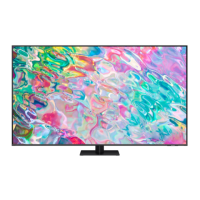
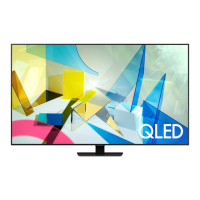
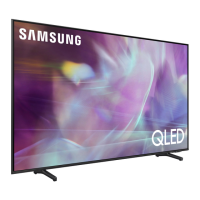
Samsung QA75Q60AAUXZN - User Manual

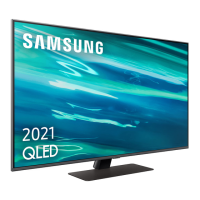
Samsung QA75Q60AAUXZN
254 pages
Print Icon
To Next Page IconTo Next Page
Loading...
E-MANUAL
Thank you for purchasing this Samsung product.
To receive more complete service, please register your
product at
www.samsung.com
Model Serial No.
To directly go to the page that provides instructions on
how to use the manual for visually impaired users, select
the Menu Learning Screen link below.
"Menu Learning Screen
" Link
Questo manuale d’istruzione è fornito da trovaprezzi.it. Scopri tutte le offerte per Samsung Q60A 75"
(QA75Q60AAUXZN) o cerca il tuo prodotto tra le migliori offerte di Televisori

Table of Contents

Questions and Answers

  • A
    annaroachAug 8, 2025
    What to do if game screen and sound are not output properly on Samsung QA75Q60AAUXZN after changing the Screen Ratio on the Game Bar?
    • A
      Anthony CarterAug 8, 2025
      If the game screen and sound aren't displaying correctly after you've adjusted the Screen Ratio on the Game Bar, first verify that the game supports Ultra Wide, or that your PC can handle the Ultra Wide resolution. If that's not the issue, try restarting the game. As an alternative, ensure that the resolution selected matches the one on the Game Bar.

Samsung QA75Q60AAUXZN Specifications

General IconGeneral
Screen Size75 inch
Display TechnologyQLED
HDRQuantum HDR
Smart TVYes
Operating SystemTizen
Audio Output20W
HDMI Ports3
USB Ports2
BluetoothYes
Refresh Rate60Hz
Wi-FiYes
Voice AssistantsBixby, Alexa, Google Assistant
Resolution3840 x 2160 (4K UHD)

Related product manuals