4-15
→
Replace the LCD cable or LCD inverter and check if it is out of order
.
→
Check if
a
standard
a
dapter is being used
(R700/
R70
1:19
V/4.74A/90W)
.
◆
Main System Troubles
5.
The
s
ystem is not turned on.
→
Check if the AC
a
dapter LED is lit and if the adapter is properly connected to the system.
(
Check the
a
dapter LED)
→
If the AC
a
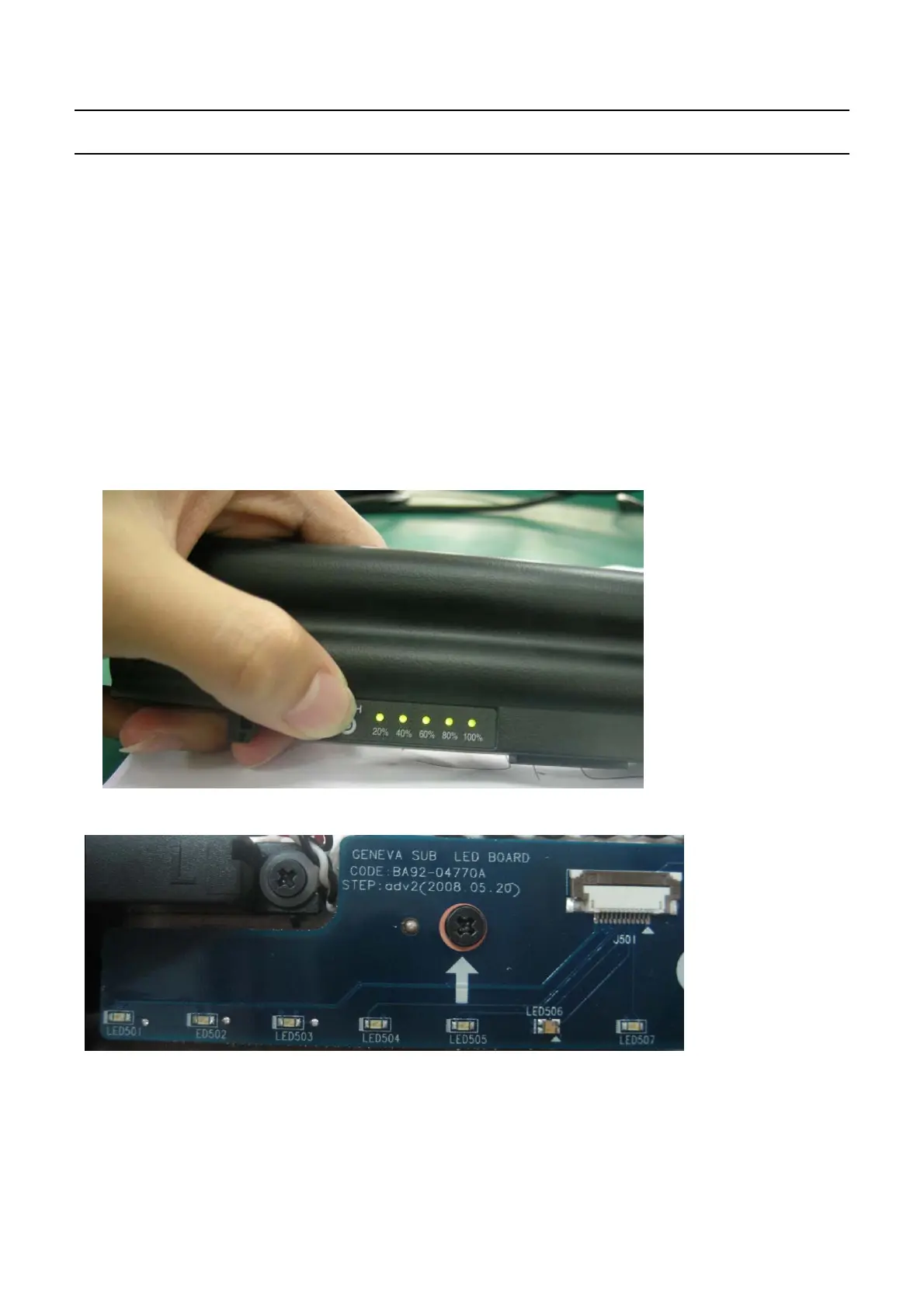
dapter is not connected, check the charge status of the battery
.
Even if the
b
attery
is charged, if the remaining battery charge is too low, the system may not be turned on
.
(
As the following figure shows, press the
P
USH button on the battery and check the remaining
battery charge via the LEDs
)
→
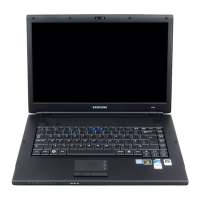
Check if there are any alien substances in the
P
ower switch. if have,change the LED
6.
Although
s
ystem power is supplied, the system does not boot or immediately turns off after being
turned on
.
→
Since this may be
a
short circuit in the
s
ystem
,
disconnect the power immediately, disassemble
the system and check if there are any conducting alien objects such as
a
screw inside.
→
Check the connection status between the CPU and the RHE.
→
Replace the memory mo
d
ule and check if it is out of order
.
-
This Document can not be used without Samsung's authorization
-
4.
Troubleshooting


 To Next Page