27
Troubleshooting
User’s Manual
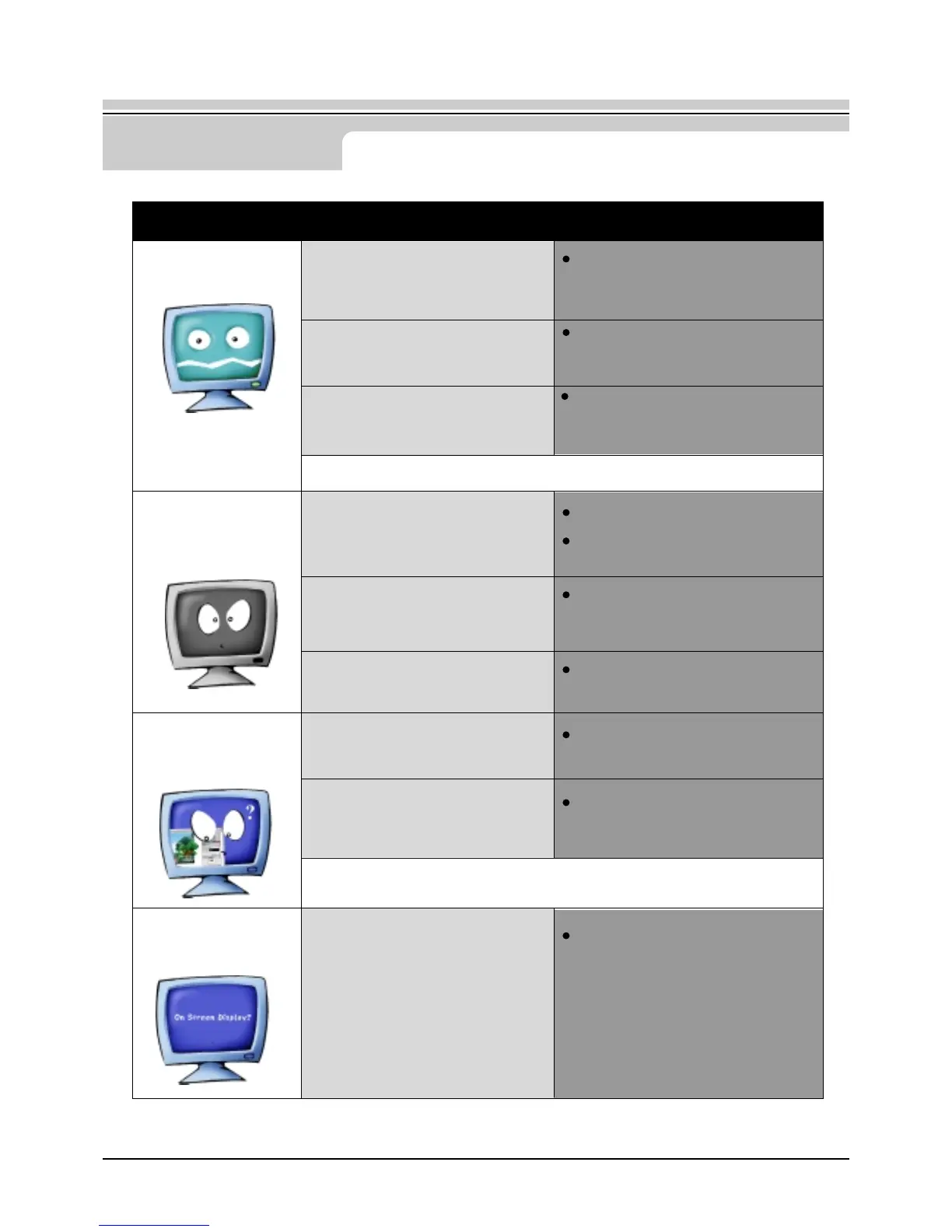
The image on the screen
is shaking.
The screen shows
strange colors or
just black and
white.
The screen suddenly has
become
unbalanced.
The screen is out of
focus or OSD
cannot be adjusted.
The screen image can also appear to shake or vibrate if there is a problem with the video
card or the computer's main board.
The screen can be unbalanced due to the cycle of the video card signals.
Readjust Position by referring to the OSD.
Check the monitor configuration to
see if it is in Interlace Mode.
(Interlace Mode: Vertical frequency
43Hz, 87Hz(i), etc)
Are there any magnetic products
such as a high voltage wire near by?
Is the voltage stable?
Is the screen displaying only one
color as if looking at the screen
through a cellophane paper?
Have the screen colors become
strange after running a program or due
to a crash between applications?
Has the video card been set properly?
Have you changed the video card or
the driver?
Have you adjusted the resolution or
frequency to the monitor?
Have you adjusted the resolution or
frequency on the monitor?
Adjust the resolution and frequency of
the video card.
(Refer to the Preset Timing Modes)
The signal from the video card
exceeds the maximum resolution
and frequency of the monitor.
Move the monitor away from
anything that can create a strong
magnetic field.
The screen image can appear to
shake or vibrate at a particular time
of day due to low supply voltage.
Check the signal cable connection.
Make sure the video card is fully
inserted in it's slot.
Reboot the computer.
Set the video card by referring to the
video card manual.
Adjust screen image position and
size using the OSD.
Adjust the resolution and frequency
at the video card.
(Refer to the Preset Timing Modes)
Symptom Chek List Solution





 To Next Page