The beep sound function works in Camera / Player / M.Cam / M.Player modes.
➥
page 18
You can turn the beep sound on or off, when on, each press of a button sounds a
beep.
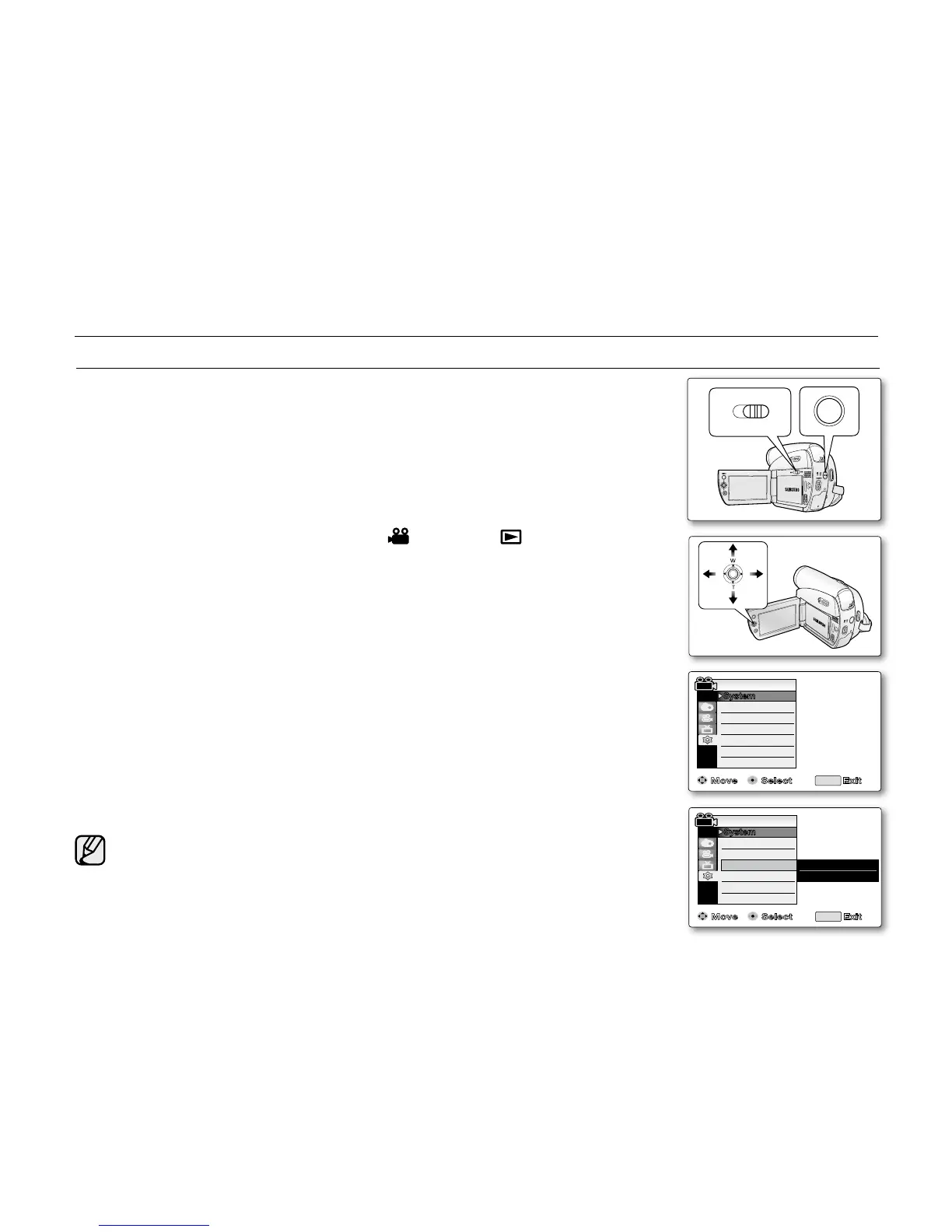
1. Set the Select switch to CARD or TAPE. (SC-D383/D385 only)
2. Press the MODE button to set Camera ( ) or Player ( ).
3. Press the MENU button.
The menu list will appear.
4. Move the Joystick (
▲
/
▼
)
up or down to select "System", then press the
Joystick or move the Joystick (
)to the right.
5. Move the Joystick (
▲
/
▼
)
up or down to select "Beep Sound", then press
the Joystick.
6. Move the Joystick (
▲
/
▼
)
up or down to select "On" or "Off", then press the
Joystick.
7. To exit, press the MENU button.
•
•
•
SETTING THE BEEP SOUND (BEEP SOUND)
initial setting : system menu setting
When beep sound is set to off, the power on/off sound is off.



 To Next Page
 Loading...








