SELECTING THE USB DEVICE (USB CONNECT)
USB connect function works only in M.Player mode.
➥
page 18
Using the USB cable, you can connect your camcorder to a computer to copy your moving images and photo
images from the memory card, or to a printer to print your images.
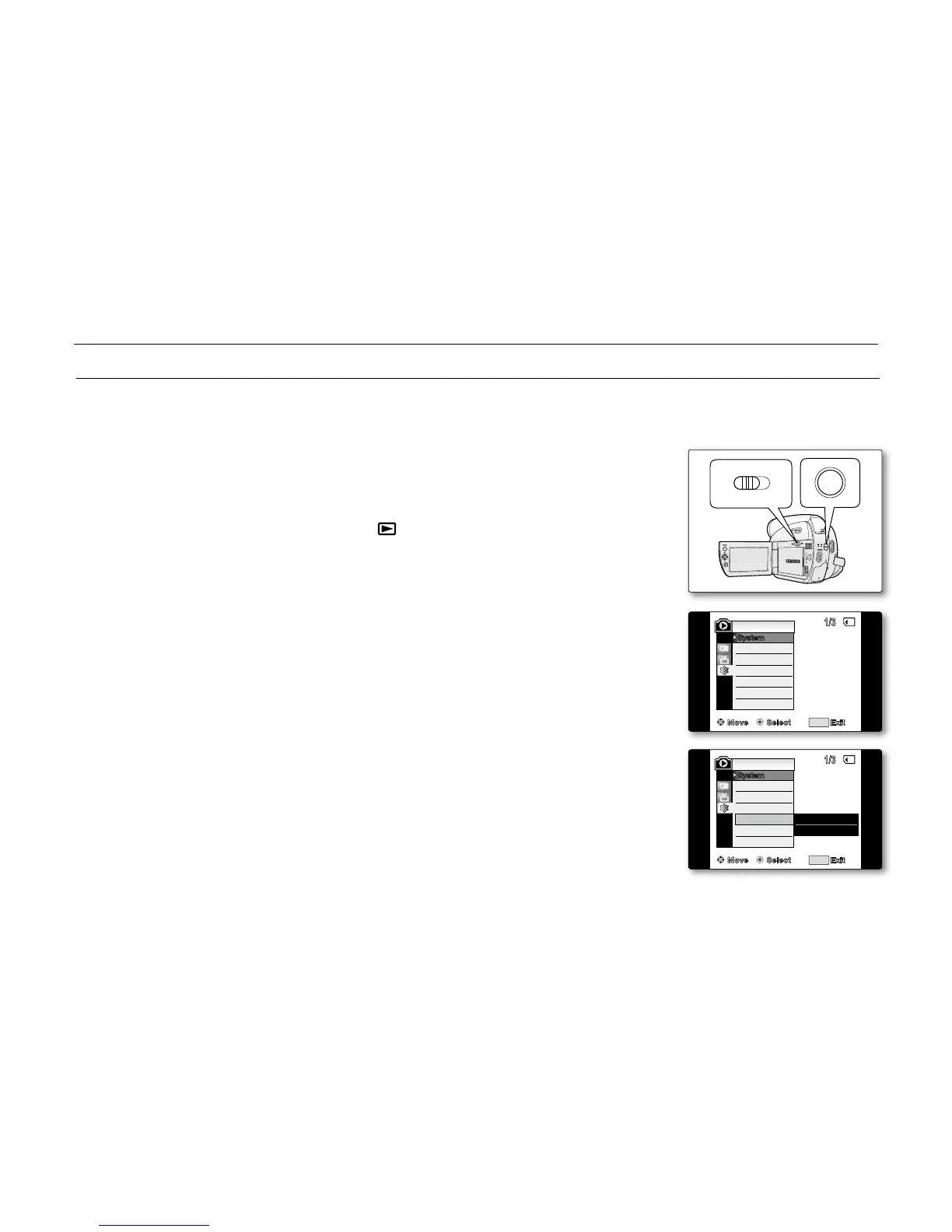
1. Set the Select switch to CARD.
2. Press the MODE button to set Player ( ).
3. Press the MENU button.
The menu list will appear.
4. Move the Joystick (
▲
/
▼
)
up or down to select "System", then press the
Joystick.
5. Move the Joystick (
▲
/
▼
)
up or down to select "USB Connect", then press
the Joystick.
6. Move the Joystick (
▲
/
▼
)
up or down to select "Computer" or "Printer",
then press the Joystick.
You can select "Computer" to use the camcorder as a PC camera,
USB Stream or removable disk.
You can select "Printer" to use the Pictbridge feature.
➥
page 88
7. To exit, press the MENU button.
•
•
•
•
•
USB interface (SC-D383/D385 only)



 To Next Page
 Loading...








