ENGLISH
44
Advanced Recording
●
IRIS
✤ The IRIS function works in CAMERA mode only.
✤ The IRIS controls the quantity of light entering through the lens.
✤ If you select a higher value, the iris opens, and the image will be brighter.
If you select a lower value, the iris closes, and the image will be darker.
■
You can select one of the following.
AUTO : It selects the iris value for the proper exposure.
MANUAL: 0 ~ 29
1. Set the camcorder to CAMERA mode.
2. Press the MENU ON/OFF button.
■
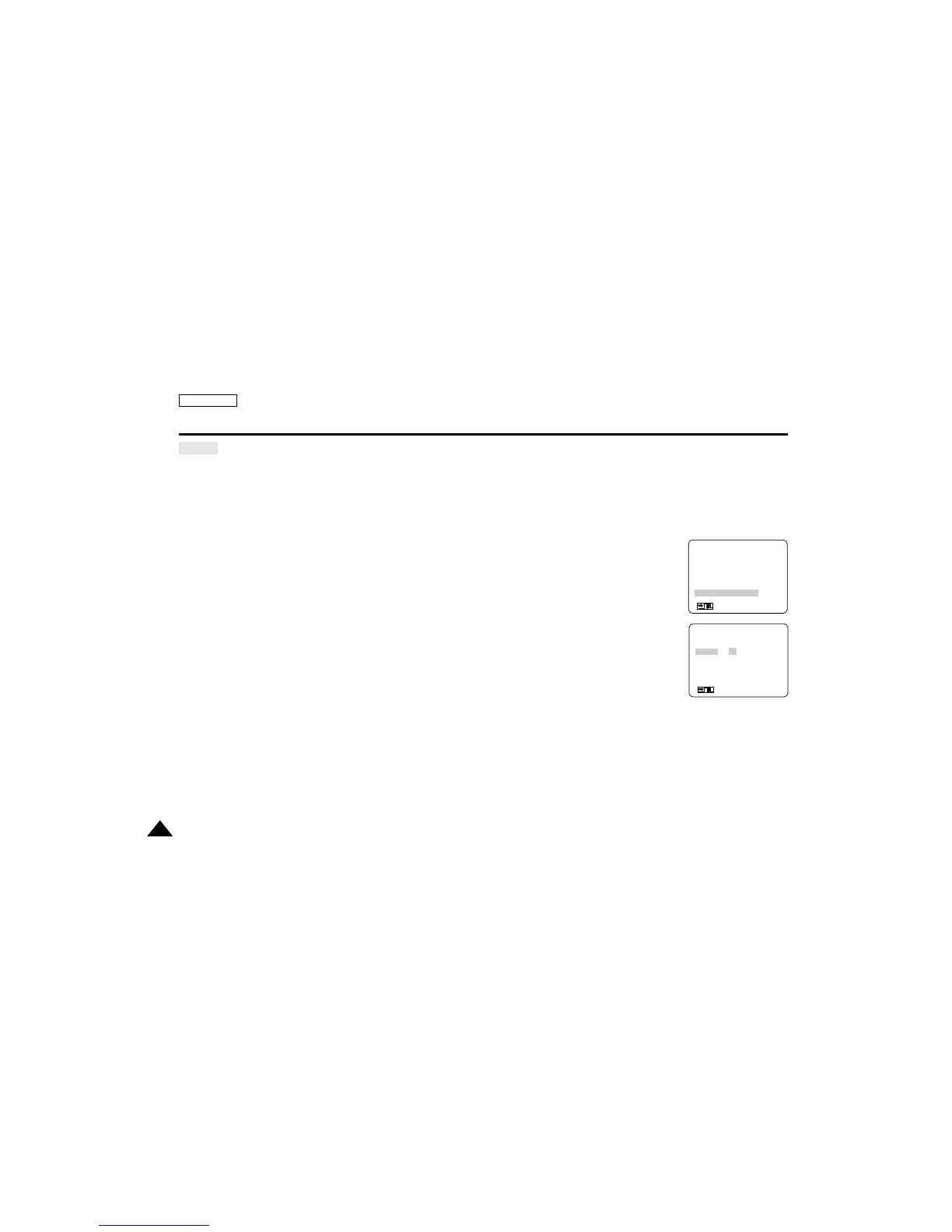
The menu list will appear.
3. Turn the MENU DIAL to highlight IRIS.
4. Press ENTER to enter the sub-menu.
■
If you want to use manual mode, select MANUAL and press ENTER.
■
Using the MENU DIAL, select the IRIS value.
5. To exit, press the MENU ON/OFF button.
(MENU) SP STBY
D.ZOOM...................OFF
PROGRAM AE .........AUTO
DSE SELECT...........OFF
W.BALANCE.............AUTO
SHUTTER.................AUTO
IRIS...........................AUTO
: MENU
●
IRIS
●
AUTO
MANUAL I–0 15 29–I
RETURN
SEL.:ENTER
: MENU


 To Next Page