Use the flash
• The flash is automatically powered down after not
in
use for a long period
of
time.
• Turn off the flash when not in use to maximize battery and device lifespan.
• Maximum shutter speed
of
the synchronizable flash is 1/180 seconds. If the shutter speed
is set shorter than this, it will be automatically adjusted to
1/180
seconds.
• When you separate the external flash from the camera, unfasten the accessory shoe
fastening dial and remove it slowly. Be careful not to apply excessive force to avoid
damaging the upper part
of
the camera.
Connect the flash
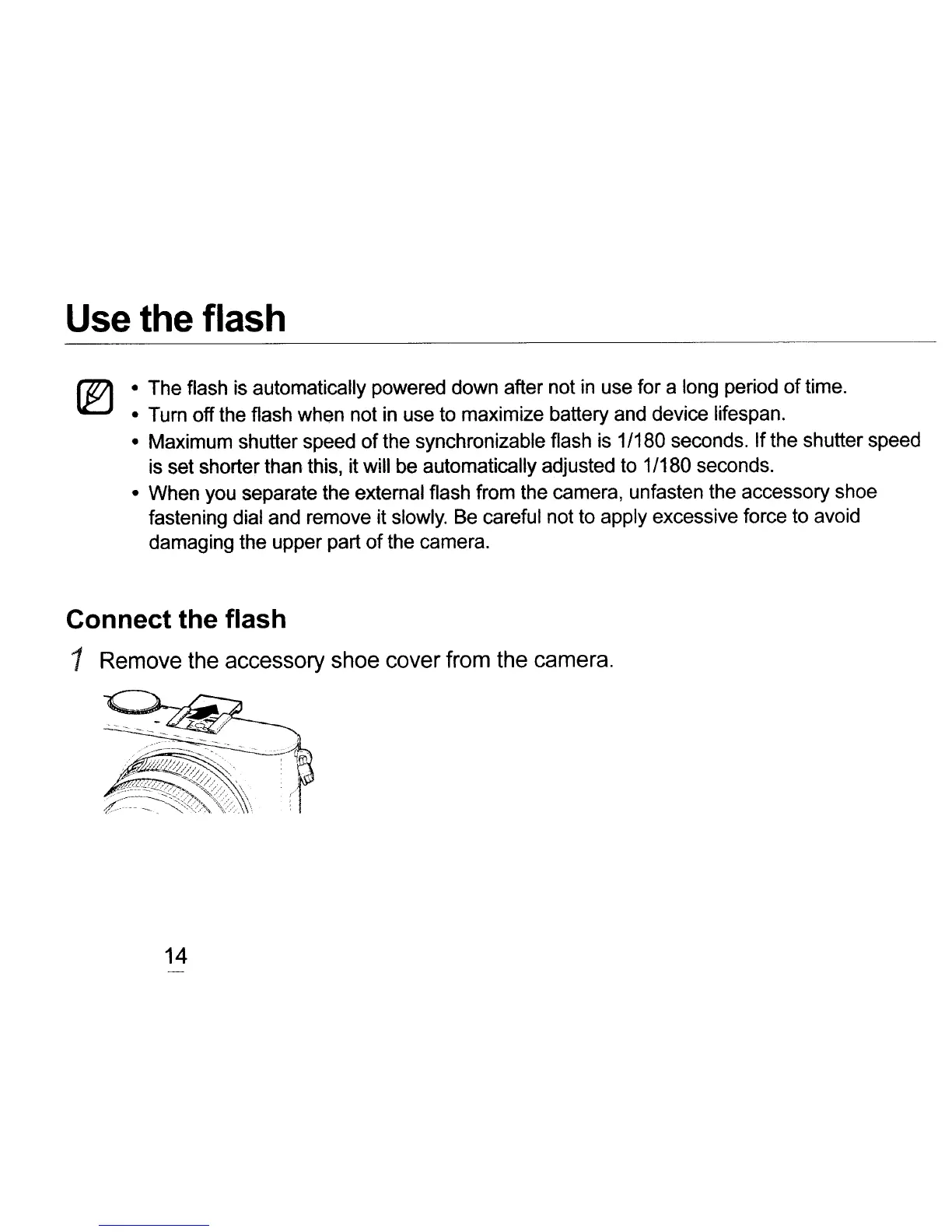
1 Remove the accessory shoe cover from the camera.
14



 To Next Page