EasyManua.ls Logo

Samsung SEF15A - Check the READY Lamp;Test Button

Samsung SEF15A
25 pages
Print Icon
To Next Page IconTo Next Page
To Previous Page IconTo Previous Page
Loading...
Use
the
flash
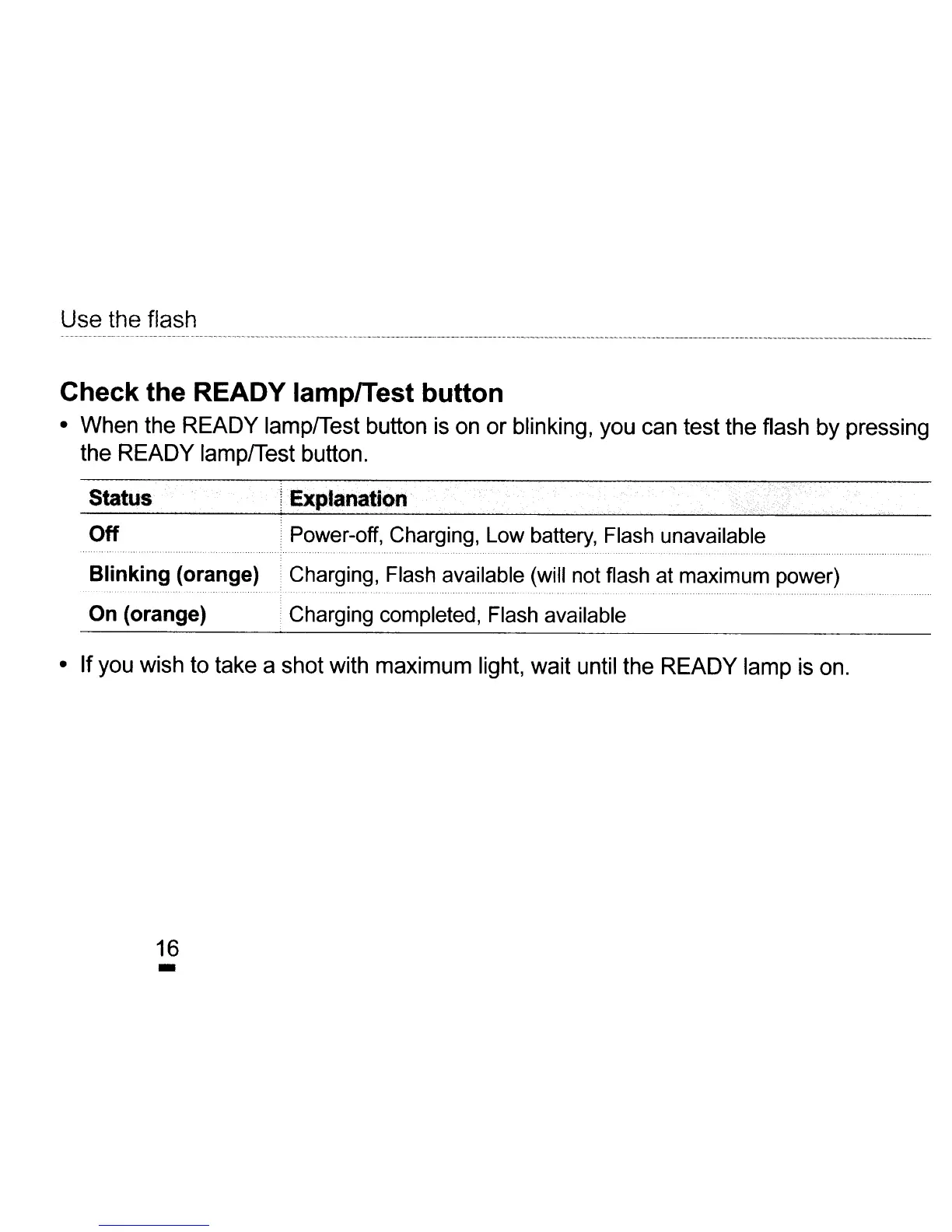
Check the READY lamplTest button
When
the
READY
lamp/Test
button
is
on
or
blinking,
you
can
test
the
flash
by
pressing
the
READY
lamp/Test
button.
Status "
'I
'Exp:lanali9n
'.
i
-.'
,"-.-
.
-'
...
' . - ,
"".
Off .
Power-off,
Charging,
Low
battery,
Flash
unavailable
......................
"......................................
. . . . , .
Blinking (orange)
Charging,
Flash
available
(will
not
flash
at
maximum
power)
.................................................................
,... . - .
On (orange)
Charging
completed,
Flash
available
If
you
wish
to
take
a
shot
with
maximum
light,
wait
until
the
READY
lamp
is
on.
16
-