Your Phone
12
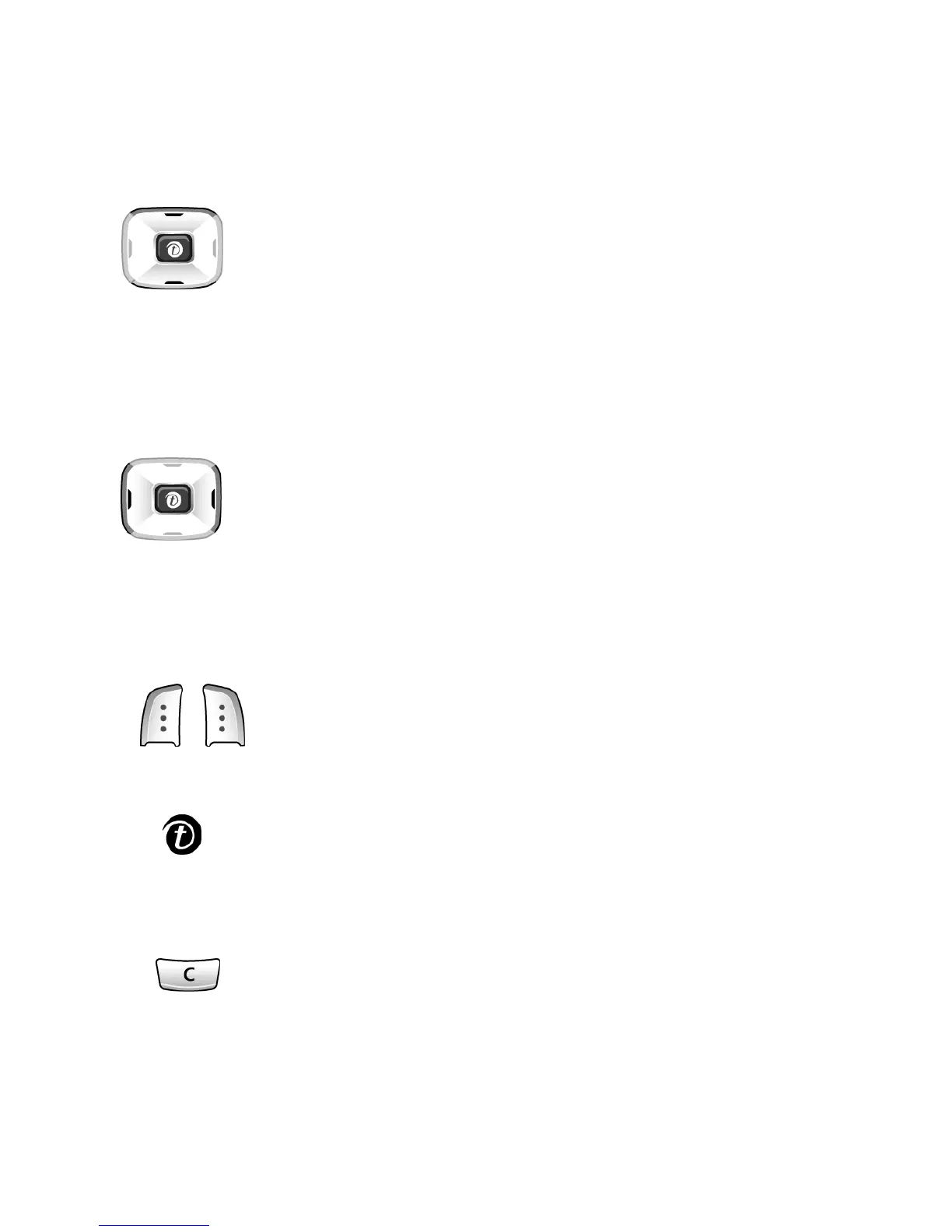
Key Description
In the Menu Mode, scroll through the menu options
and phonebook memory.
In idle mode, allow you to access your favorite
menu options directly.
In the Menu mode, return to the previous menu
level and select the current menu respectively.
When entering text, move the cursor left and right
respectively.
In idle mode, allow you to access your favorite
menu options directly.
(soft keys)
Perform the functions indicated by the text above
them (on the bottom line of the display).
In idle mode, launches the WAP Browser directly.
In the Menu mode, returns to the previous menu
level.
Deletes characters from the display.
In the Menu mode, returns to the previous menu
level.



 To Next Page