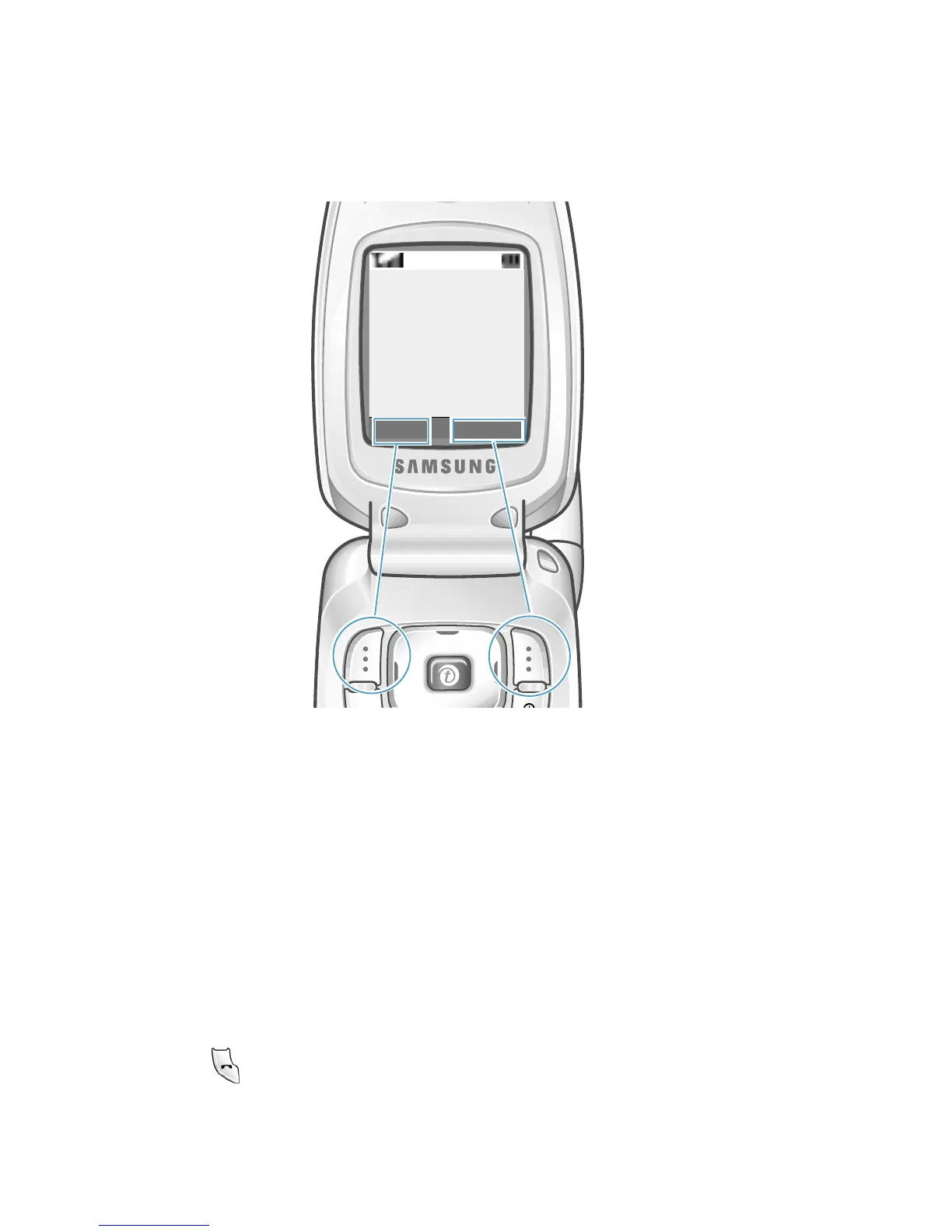
Selecting Functions and Options
32
In some functions, you may be asked for a password or PIN.
Enter the required code and press the
OK
soft key.
Example:
Example: Setting the Display Language
1. When the idle screen is displayed, press the Menu soft key to
access the menus.
2. Scroll through the menus until you reach the
Phone Settings
menu, by pressing the Up or Down key.
3. To select the
Phone Settings
menu, press the Select soft key or
the key.
Menu Ph.Book
Service Provider
07:30AM
Wed Mar 06
Press the left soft
key to access Menu
Mode.
Press the right soft
key to access the
Phonebook feature.



 To Next Page