Display
16
Icons
Icon Description
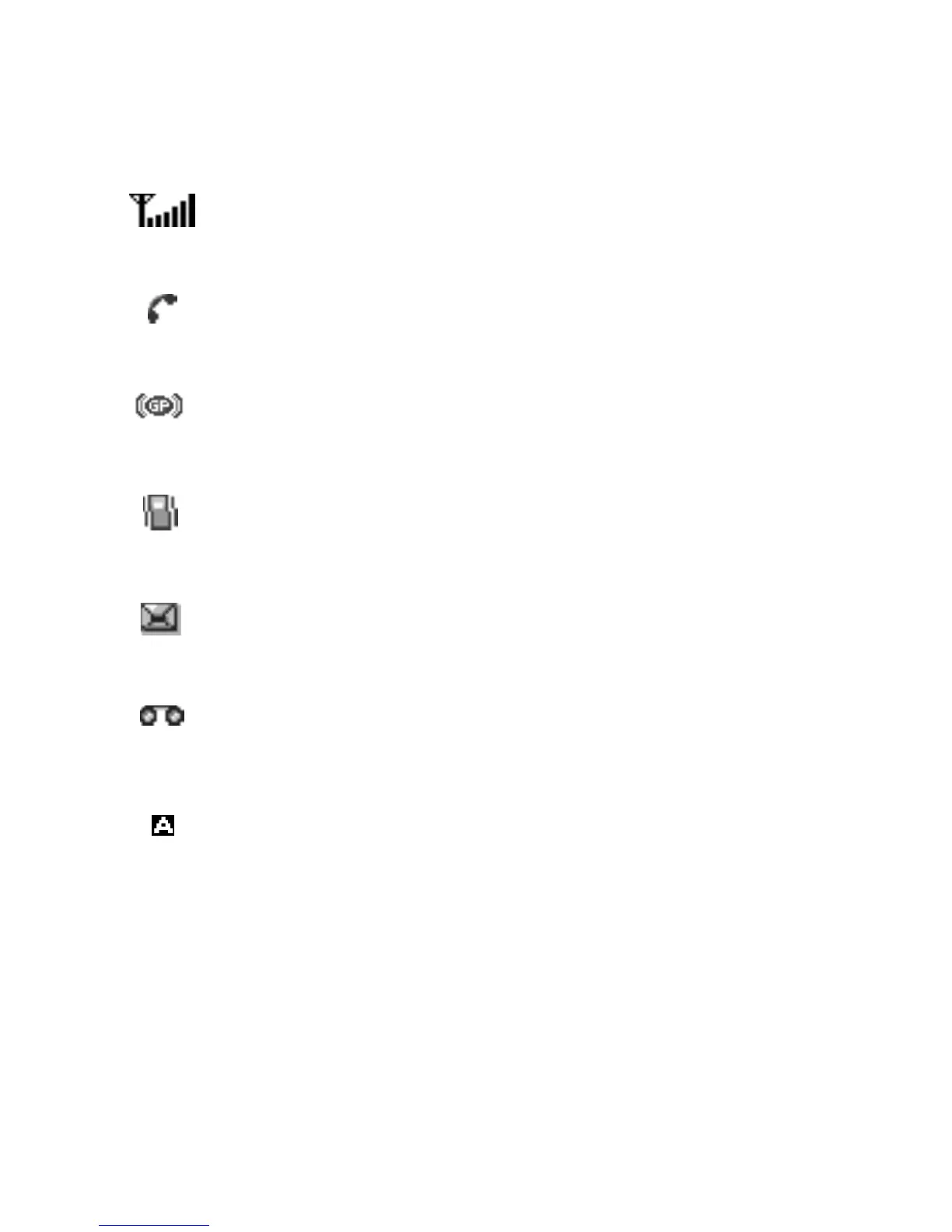
Shows the received signal strength. The greater the
number of bars, the better the signal strength.
Appears when a call is in progress.
Appears when you are connected to the GPRS network.
Appears when the Silent mode is active or you set the
Alert Type
menu option so that the phone vibrates
when you receive a call.
Appears when a new text message has been received.
Appears when a new voice mail message has been
received.
Appears when you are entering text to indicate the
current text input mode.



 To Next Page