Getting Started
21
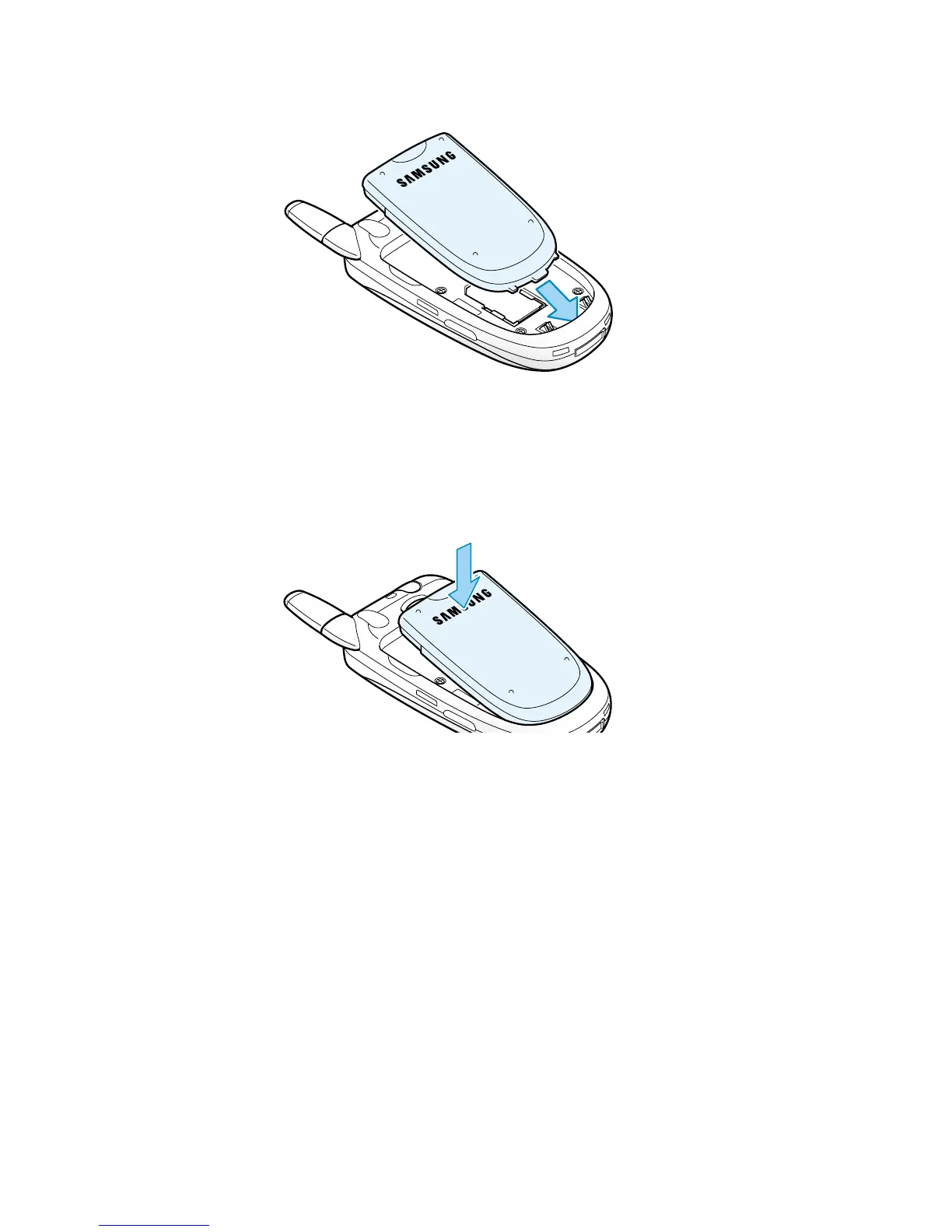
4. Place the battery back, taking care to match the tabs on the
battery with the grooves on the phone.
5. Press the battery down until it clicks into place. Make sure that
the battery is properly installed before switiching on the power.
Charging the Battery
Your phone is powered by a rechargeable Li-ion battery. A
travel charger comes with your phone for charging the battery.



 To Next Page