SAMSUNG Proprietary-Contents may change without notice
7. Flow Chart of Troubleshooting
This Document can not be used without Samsung's authorization
7-1
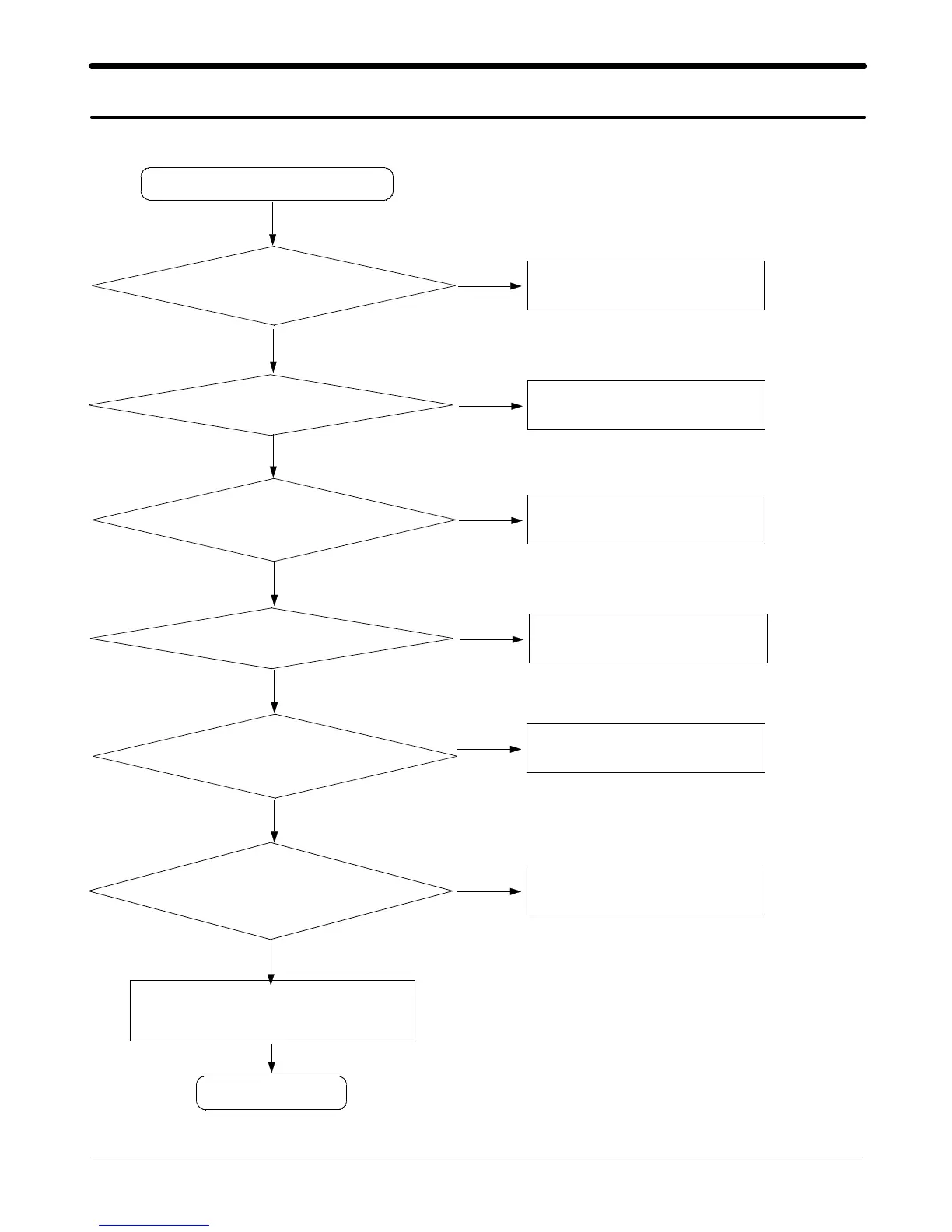
7-1. Power On
Check the Battery Voltage
is more than 3.4V
' Power On ' does not work
Change the Battery
END
No
Yes
C405(VINT) = 2.7V? Check the PMU related to VINT
No
Yes
Check the Clock at
R401=32KHZ
Resolder OSC400
No
Yes
C424(+VDD_IO_LOW) &
C423(+VDD_IO_HIGH) = "H"?
Check the related circuit
No
Yes
C402(+VDD_GSM_CORE)
= 1.8V?
Check the +VDD_GSM_CORE circuit
No
Yes
Check for the clock at C303
= 26MHz
Check the clock generation circuit
(related to U100)
No
Yes
Check the initial operation
Yes
Yes



 To Next Page