Menu functions
98
Starting day
: select which day of the week
the calendar starts with.
Default view by
: select the default
calendar view mode.
•
Missed alarm events
: access items whose
alarms you have missed.
•
Memory status
: access memory
information for the items stored on the
calendar.
Viewing items in a different mode
You can change the calendar display to Day
view or Week view. Press <
Options
> and
select
View by
→
a view mode.
Day view
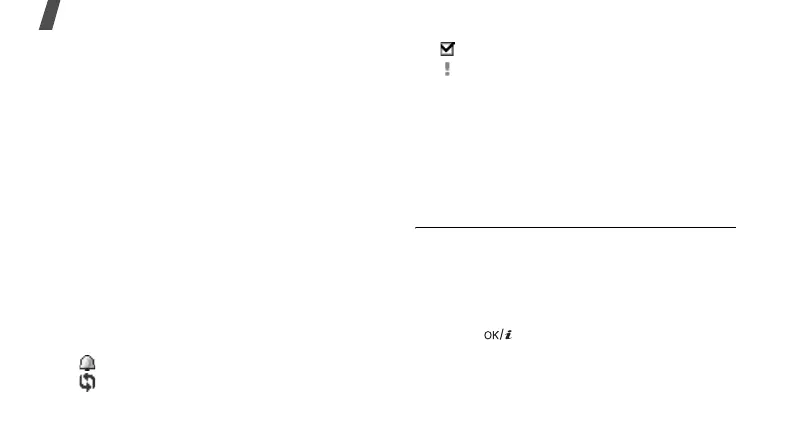
You can view items for the selected date. The
following icons may display to indicate the item
status:
• Alarm set
• Recurring item
• Completed task
• Task priority (Red: high, Blue: normal,
and Grey: low)
Select an item to view its details.
Week view
You can view items for the selected week. A cell
on the timetable indicates the presence of item
information. Select a cell in the day you want.
Memo
(Menu 7.3)
You can create a list of memos.
Creating a memo
1. Press <
Options
> and select
Create
.
2. Enter the memo contents.
3. Press [ ].



 To Next Page