Menu functions
Applications
(Menu 3)
49
Voice recorder
(Menu 3.2)
Use this menu to record voice memos. A voice
memo can be up to one hour long.
Recording a voice memo
1. Press [ ] to start recording.
2. Speak into the microphone.
Press [ ] to pause or resume the
recording.
3. When you have finished, press <
Save
> or
[Down]. The voice memo is automatically
saved.
4. Press [ ] to review the voice memo, or
[Up] to record additional memos.
Playing a voice memo
1. From the Voice recorder screen, press
<
Options
> and select
Go to My voice
clips
.
2. Select a voice memo. The memo plays.
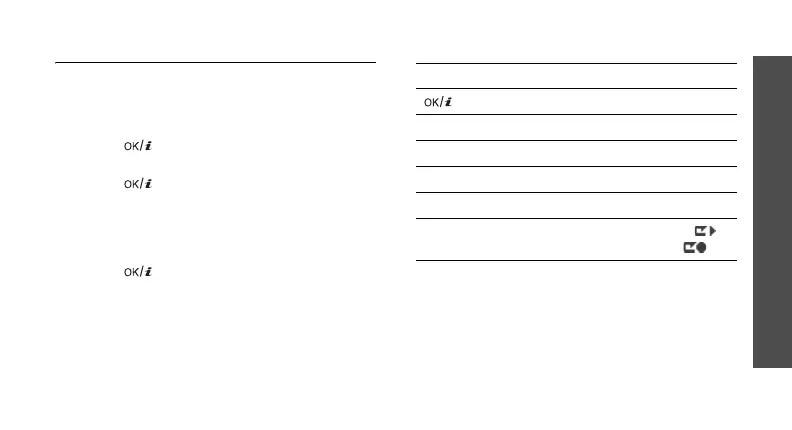
During playback, use the following keys:
Using voice recorder options
From the Voice recorder screen, press
<
Options
> to access the following options:
•
Record
: record a new voice memo.
•
Go to My voice clips
: access the voice
memo list.
Key Function
Pauses or resumes playback.
Left Moves backward in a memo.
Right Skips forward in a memo.
Down Stops playback.
Volume Adjusts the volume.
Up Switches to Review mode ( )
or back to Record mode ( ).



 To Next Page