Menu functions
64
Navigating the web browser
Using browser options
1. Select or press [ ].
2. Select one of the following browser options:
•
Back
: go back to the previous page.
•
Home
: go back to the homepage.
•
Exit
: exit the web browser.
•
Reload
: reload the current page.
•
Show URL
: display the URL address of
the current web page.
•
About ...
: access version and copyright
information about the browser.
Accessing other phone menus
From any web page, press [ ] to access the
following options:
•
Enter URL
: enter a URL address manually.
•
Bookmarks
: switch to the
Bookmarks
menu.
•
Messages
: check the messages stored in
the
My messages
folder. You can also
create and send a new SMS message.
•
My files
: switch to the
My files
menu.
Exiting the browser
Press [ ] to end the network connection and
exit the browser.
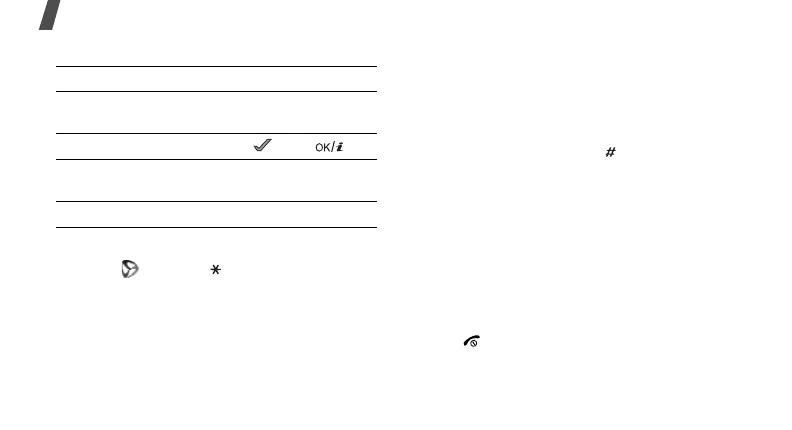
To Press
scroll through browser
items
[Up] or [Down].
select a browser item < > or [ ].
return to the previous
page
<
Back
> or [
C
].
return to the homepage and hold [
C
].



 To Next Page