18
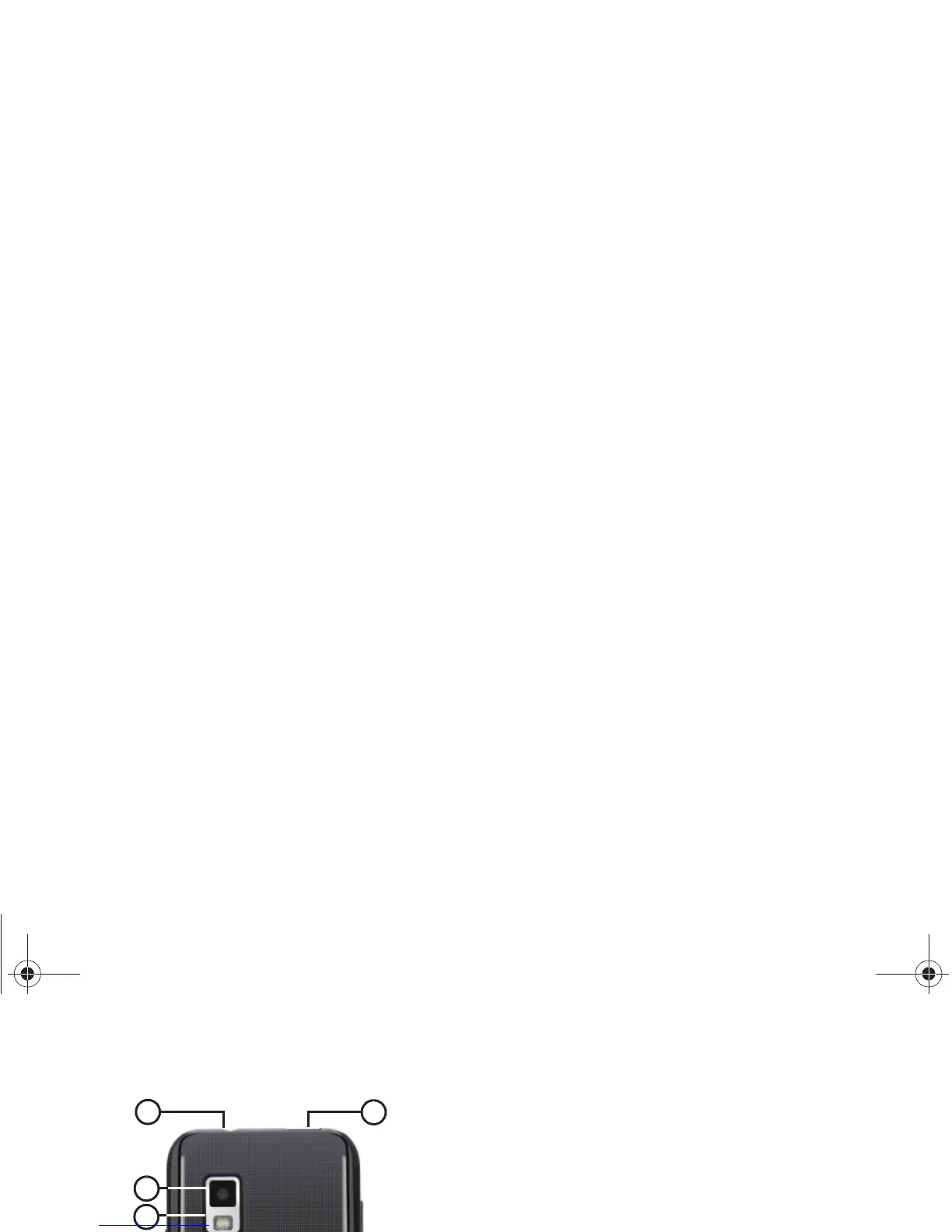
Back View
1.
3.5mm Headset Jack
: Plug in an optional headset or TTY
equipment.
2.
Camera Lens
: Used when taking photos or recording
videos.
3.
Camera Flash
: Used when taking photos.
4.
External Speaker
: Plays ringtones, call audio when in
Speakerphone mode, music and other sounds.
5.
USB
Power/Accessory Port
: Connect a USB cable for
charging or to sync music and files.



 To Next Page