76
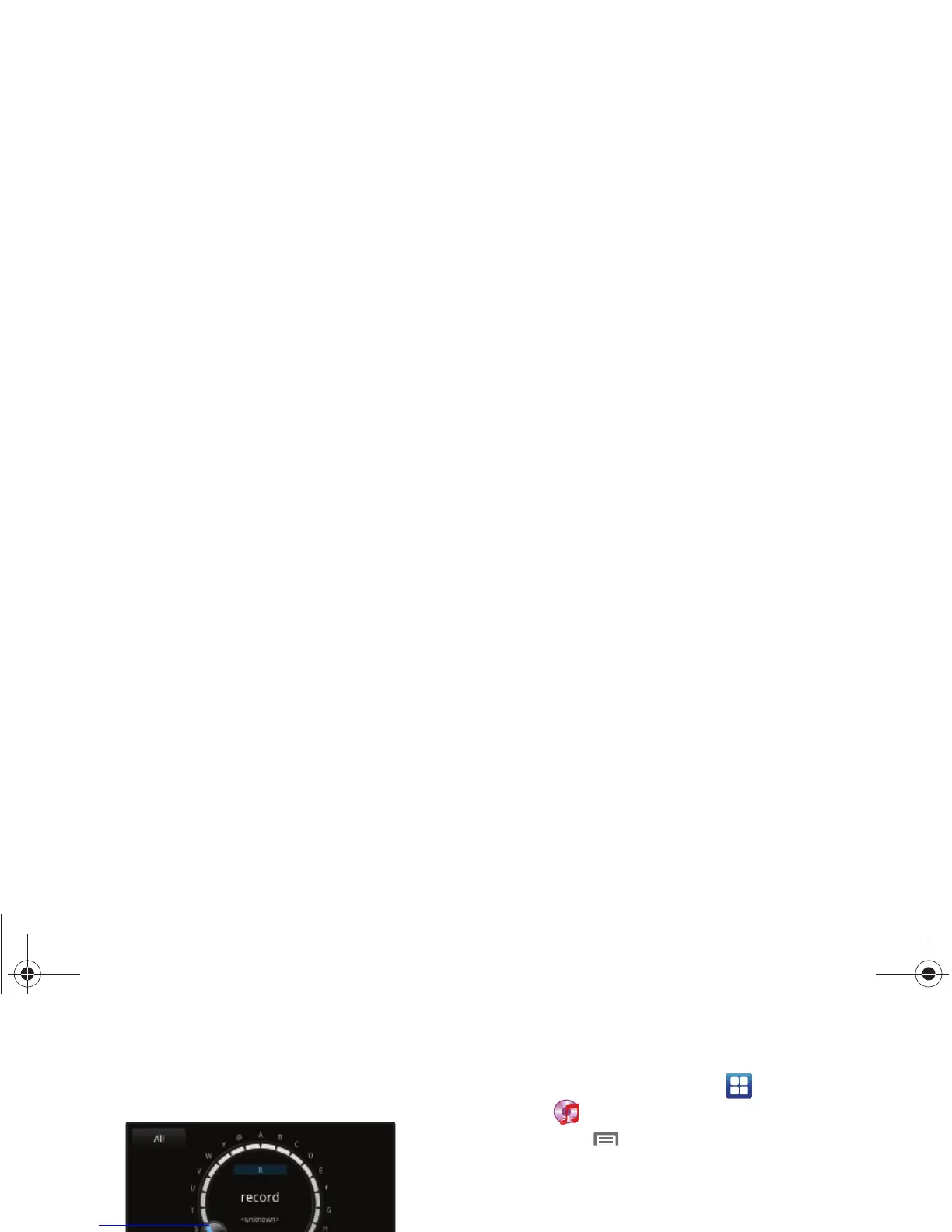
Organizer view
From Disc view, switch to Organizer view to view and select
songs alphabetically, sorted by Playlist, Album, Artist, or Genre.
1. To go to Organizer view, touch
Menu
➔
Go to Disc
view
, then touch the arrow at the top of the screen.
2. In Organizer view, you can use these controls:
•
By default, Organizer view displays all songs. Touch
All
at the top
left corner to choose songs by
Playlists
,
Albums
,
Artists
, or
Genres
.
•
Slide your finger around the dial to scroll through songs.
•
Touch a song in the center of the dial to play the song.
•
Touch to pause playback. Touch to resume playback.
•
Touch the double arrow in the dial to switch to Disc view.
•
Touch
Back
to return to the default Music Player screen.
Creating a Playlist
1. From a Home screen, touch
Applications
➔
Music
Player
➔
Playlists
.
2. Touch
Menu
➔
Create
, then touch the name field to
enter a name for the playlist.
3. Touch
Save
to save the new playlist.
Adding Songs to Playlists
Adding a single song to a playlist
1. From a Home screen, touch
Applications
➔
Music
Player
.
2. Touch and hold on a song, then choose
Add to playlist
from
the pop-up menu.
3. Choose one of these options:
•
Touch a playlist to add the selected song to the playlist.
•
Touch
Create playlist
to create a new playlist and add the selected
song to it.
i500.book Page 76 Friday, October 7, 2011 11:20 AM



 To Next Page