EasyManua.ls Logo

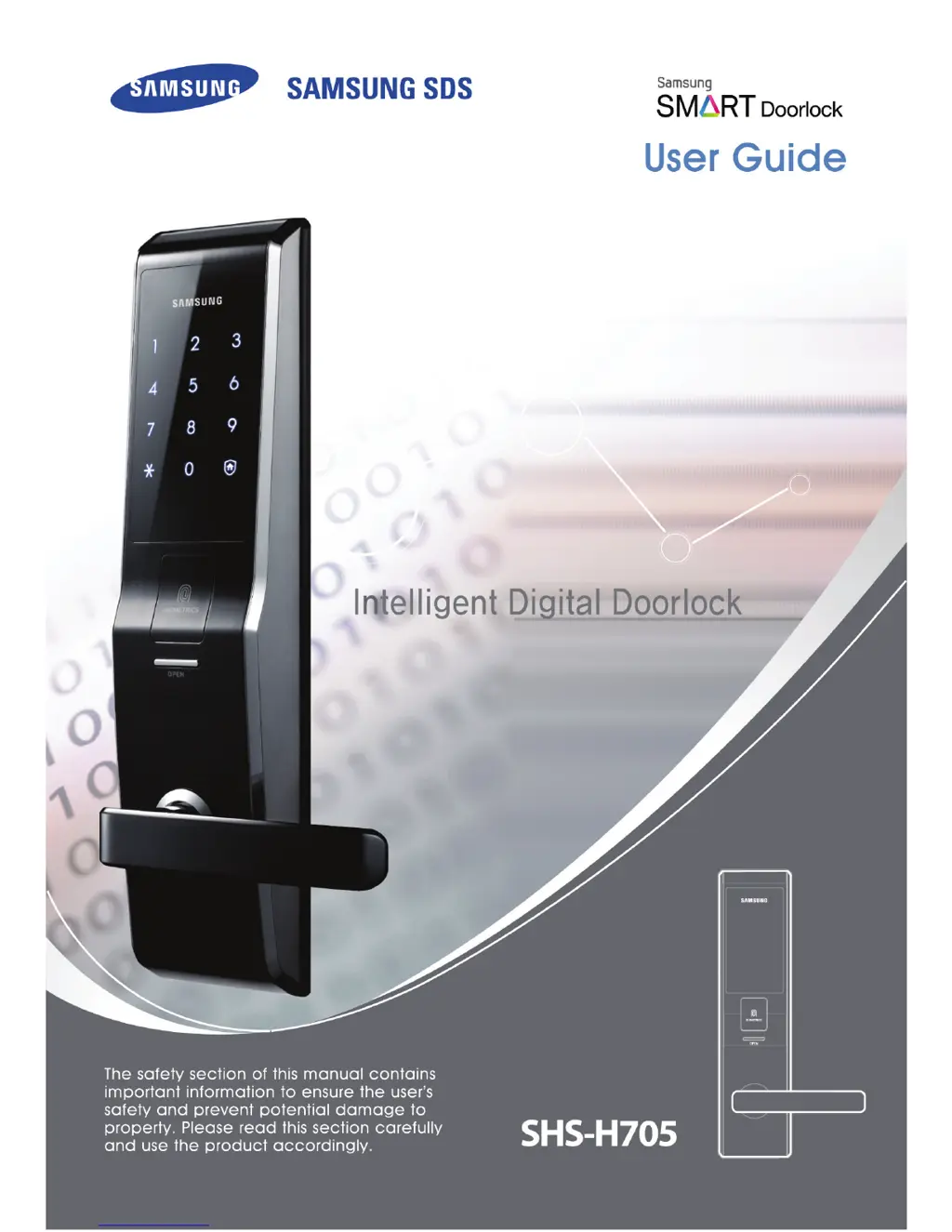
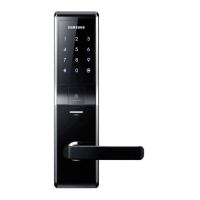
Samsung shs-h705 - User Manual

Samsung shs-h705
88 pages
Print Icon
To Next Page IconTo Next Page
Loading...

Table of Contents

Other manuals for Samsung shs-h705

Questions and Answers

  • J
    John PonceAug 14, 2025
    Why won't my Samsung Door locks lock automatically?
    • A
      amoralesAug 14, 2025
      If your Samsung Door lock isn't automatically locking, verify that the system is in auto-lock mode. In manual-lock mode, you must touch the [Number Pad] or [Open Fingerprint Cover] button to lock the door. If it’s in auto-lock and still not working, improper installation may be the cause, consult with a digital door lock company for reinstallation. The auto-locking function also won't work if the battery is completely discharged, so check that as well.
  • J
    justin10Aug 17, 2025
    How to troubleshoot power issues on Samsung shs-h705 Door locks?
    • T
      Thomas ReedAug 17, 2025
      If your Samsung Door lock isn't powering on, first ensure the battery is functional and correctly positioned. Also, check if the battery is inserted properly or completely discharged and replace if necessary.
  • A
    Amanda MartinezAug 20, 2025
    What to do if I cannot open Samsung shs-h705 with the password?
    • A
      Alexandra MontgomeryAug 21, 2025
      If you can't open your Samsung Door lock after entering the password and pressing [¿], double-check that you've entered the registered password correctly. Also, ensure you enter the password while the number pad light is on; if it's off, touch the [Number Pad] to illuminate it and then re-enter the password. The backlight turns off automatically after 5 seconds of inactivity.
  • D
    Doris MillerAug 25, 2025
    Why fingerprint sensor is not working on Samsung Door locks?
    • K
      Kenneth HansonAug 25, 2025
      If your fingerprint isn't unlocking your Samsung Door lock, it's possible the fingerprint isn't registered or isn't being read correctly. First, verify that the fingerprint is registered. Then, wash your finger and try again. Ensure you place your finger on the fingerprint reading panel for about 1 second to allow it to read properly.
  • R
    robertstoutAug 27, 2025
    How to fix password registration issues on Samsung shs-h705?
    • C
      Cindy PriceAug 27, 2025
      If you're having trouble registering a password on your Samsung Door lock, ensure the number pad light is on while changing the password and that you enter each number within 20 seconds of the previous one. If the batteries are weak, replace them.
  • R
    Richard FernandezAug 31, 2025
    Why password and fingerprint are not working on Samsung shs-h705 Door locks?
    • C
      Carrie VillanuevaAug 31, 2025
      If you cannot open your Samsung Door lock with either the password or fingerprint, the double lock system may be activated. If you touch the [Number Pad] while the double lock system is on, a "peep" sound will be heard.
  • C
    Christina StrongSep 3, 2025
    What to do if fingerprint registration fails on Samsung shs-h705?
    • M
      Michael BeckSep 3, 2025
      When registering a fingerprint on your Samsung Door lock, make sure to place your finger correctly on the panel while the light is on. If you're registering multiple fingerprints, place each subsequent finger within 20 seconds of the previous one.
  • P
    psalazarSep 6, 2025
    What does the 'peep peep' sound mean on Samsung Door locks?
    • C
      cory02Sep 6, 2025
      If the warning bell 'peep peep' sounds when you press the [Open Fingerprint Cover] button on your Samsung Door lock, the double lock system is likely activated. Deactivate the double lock system before using the fingerprint cover button.
  • S
    Sarah ThomasSep 9, 2025
    Why does my Samsung Door locks play 'Fur Elise'?
    • C
      Cole MendozaSep 9, 2025
      If your Samsung Door lock continuously plays the melody (Fur Elise), this indicates that the batteries need to be replaced. Replace them with new ones within a week.

Summary

Product Features

Security and Safety Features

Details anti-tampering, fire detection, and enhanced security functionalities.

Precautions

Cautions

Installation and Use Cautions

Advises against self-installation, specifies gap limits, and provides in-use safety guidelines.

Repair and Maintenance Cautions

Provides guidelines for battery handling, cleaning, and maintenance to prevent product damage.

Outer Body Part Names

Inner Body Part Names

Battery Management

Emergency Operation

Basic Functions

Password Management

Master Password Management

Covers changing and registering the master password.

Password Registration and Deletion

Details registering new passwords and deleting existing ones.

Fingerprint Management

Fingerprint Registration

Guides on scanning and confirming fingerprints for access.

Fingerprint Deletion

Provides steps for deleting registered fingerprints individually or all at once.

Door Operation from Outside

Opening with Password

Explains how to unlock the door from the outside using a password in different security modes.

Opening with Fingerprint

Explains how to unlock the door from the outside using a registered fingerprint.

Door Operation from Inside

Alarm and Safety Features

Warning Alarms and Anti-Theft

Describes alarms for incorrect entries, anti-theft, and intruder detection, with methods to turn them off.

Fire Detection Feature

Describes how the door automatically opens and alarms during a fire.

Double Lock System

Troubleshooting

Power and Credential Issues

Addresses problems with power, password, and fingerprint recognition and offers solutions.

Usage Summary

Samsung shs-h705 Specifications

General IconGeneral
PIN Length4-12 digits
Auto LockYes
Lock TypeMortise Lock
Power Supply4 AA batteries
Access MethodsFingerprint, RFID, PIN, Mechanical Key
Fingerprint Capacity100
Alarm FunctionYes
Emergency Power9V battery (external)
Voice ControlNo

Related product manuals