EasyManua.ls Logo

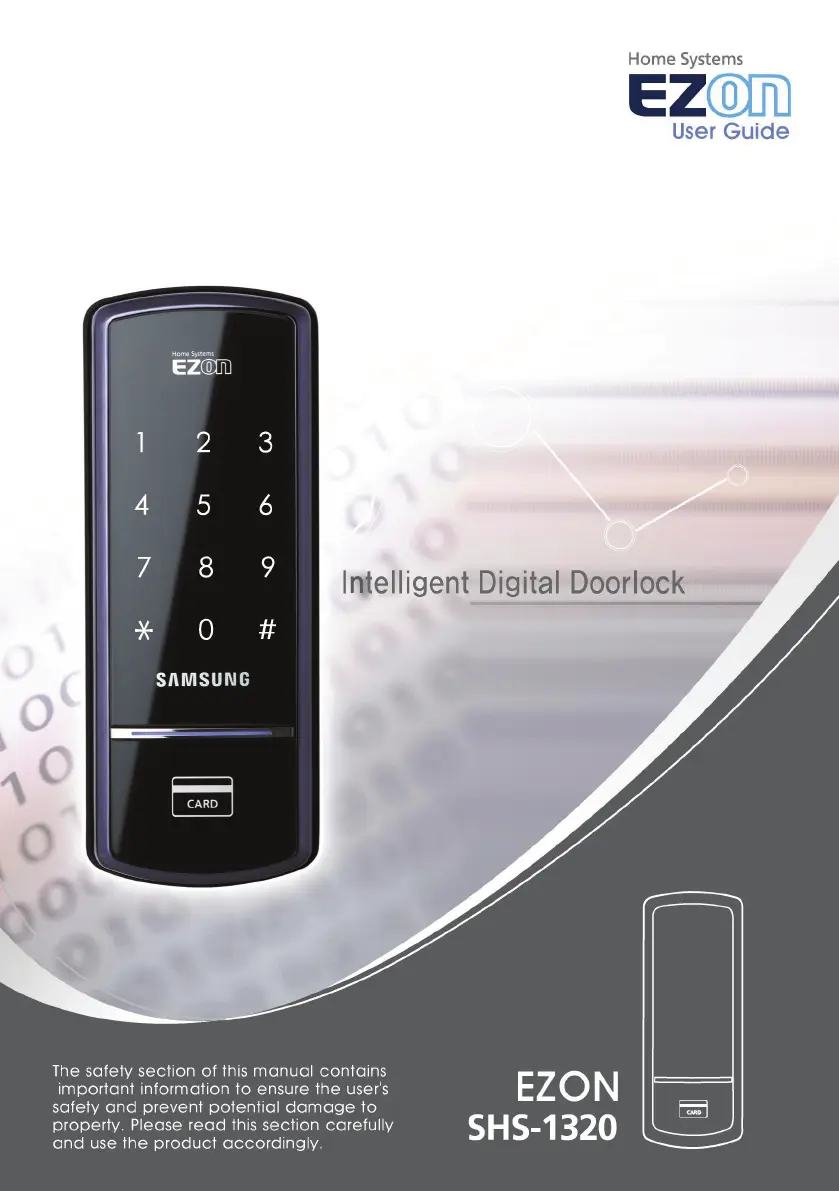
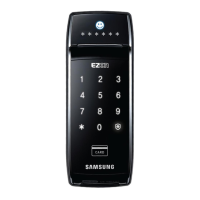
Samsung EZON SHS-1320 - User Manual

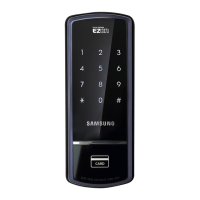
Samsung EZON SHS-1320
37 pages
Print Icon
To Next Page IconTo Next Page
Loading...

Questions and Answers

  • M
    Maria BrownAug 4, 2025
    What to do if my Samsung Door lock does not lock automatically?
    • C
      cparkerAug 4, 2025
      First, check that Automatic Locking mode has been set. If it’s in Manual Locking mode, touch the [Number Pad] to lock the door. Also, if the batteries are completely discharged, the automatic locking function won't work, so check the batteries. If the door still doesn’t automatically lock in Automatic Locking mode, the door lock might be improperly installed, consider contacting the digital door lock distributor to have it reinstalled.
  • B
    baileyamandaAug 12, 2025
    Why can't I change the password on my Samsung Door lock?
    • T
      Timothy DeleonAug 12, 2025
      The password must be changed while the number pad is illuminated, and the new password must be entered within 10 seconds of entering the previous one. Also, try replacing the batteries if they are discharged.
  • R
    rmorrisonAug 19, 2025
    What does the 'too~~t, too~~t' alarm sound mean on my Samsung Door lock?
    • V
      Valerie BriggsAug 19, 2025
      This alarm sound indicates that the double locking function is currently activated. You need to release the double locking function before you can use the door lock.
  • R
    Robert FisherAug 27, 2025
    Why is my Samsung Door lock making a melody?
    • M
      Maria JordanAug 27, 2025
      The melody is a notification that the batteries need to be replaced. Please change the batteries within 1 week.

Summary

Product Features

Door Access Methods

Explains how to open the door using RF cards or a password.

Key Security and Safety Features

Highlights automatic locking, double locking, and fire monitoring functions.

Safety Cautions

Battery Replacement Guide

Battery Alerts and Replacement Procedure

Informs about battery replacement alarms and the steps to replace batteries.

Emergency Battery Operation

Using a 9 V Battery for Emergency Access

Guide on using a 9V battery when AA batteries are depleted.

Basic Functions - Initialization

Initializing Password and RF Card Data

Process to reset all registered data to default settings.

Basic Functions - Password Management

Registering and Changing Passwords

Step-by-step guide for setting up or modifying the user password.

Basic Functions - RF Card Management

RF Card Registration and Confirmation

Process for registering new RF cards and verifying their successful registration.

Basic Functions - Card Operations

Registering a New RF Card

Detailed steps for registering a new RF card.

Basic Functions - Card Deletion

Opening Door with Password

Opening Door with RF Card

Advanced Function - Locking Modes

Alarm and Emergency Sound Functions

Security Function Management

Detection Functions

Intrusion Detection and Fire Safety

Alarms for intrusion and fire detection with auto-unlock.

Double Locking Function

Setting, Activating, and Releasing Double Lock

How to manage the double locking feature for enhanced security.

Troubleshooting - Power and Access Issues

Troubleshooting - Operational and Alarm Issues

Troubleshooting - Malfunctions

Operating Method Summary - Core Functions

Samsung EZON SHS-1320 Specifications

General IconGeneral
TypeDigital Door Lock
Power Supply4 AA Batteries
Locking MechanismDeadbolt
RFID Technology13.56 MHz
PIN Length4-12 digits
Auto LockYes
Anti-Theft AlarmYes
WaterproofNo
ColorBlack
MaterialZinc
Access MethodRFID, PIN

Related product manuals