EasyManua.ls Logo

Samsung SHS-1321 - User Manual

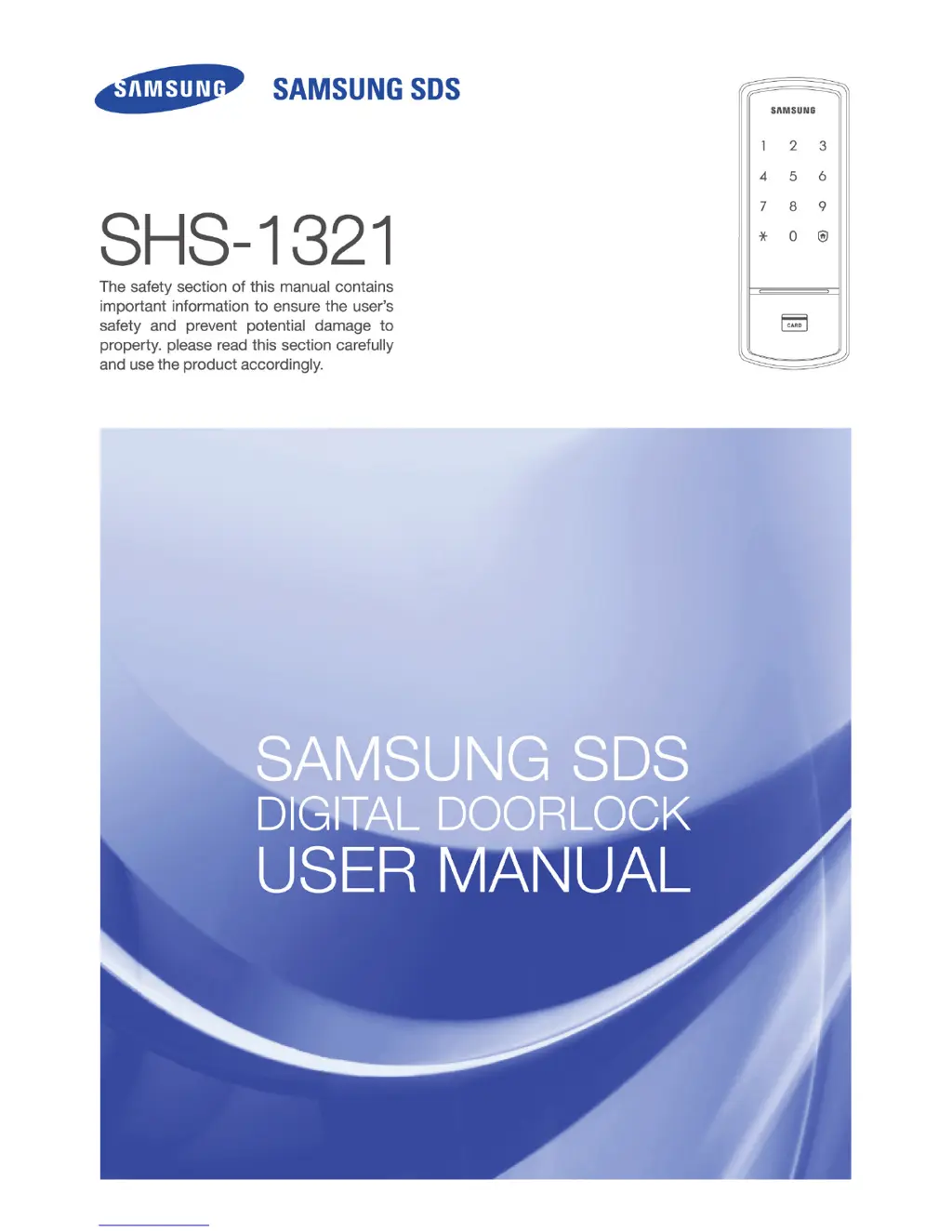
Samsung SHS-1321
40 pages
Print Icon
To Next Page IconTo Next Page
Loading...

Other manuals for Samsung SHS-1321

Questions and Answers

  • C
    christophergomezAug 13, 2025
    Why doesn't my Samsung Door locks lock automatically?
    • S
      Sheila SmallAug 13, 2025
      If your Samsung Door locks door does not lock automatically, first ensure that the Automatic Locking mode is enabled. If it’s set to Manual Locking, touch the [number pad] to lock the door. If Automatic Locking is enabled, the lock may be improperly installed, and you should contact the digital door lock installer for reinstallation. Also, check the batteries, as the automatic locking function will not work if they are completely discharged.
  • N
    nperezAug 17, 2025
    What to do if my Samsung SHS-1321 makes a 'Peep, Peep' sound when I touch the number pad?
    • C
      crystal62Aug 17, 2025
      The 'Peep, Peep' alarm sound is generated if you touch the [Number Pad] while the double locking function is activated. To resolve this, release the double locking function before attempting to use the lock.
  • J
    Julia ReeseAug 21, 2025
    How to troubleshoot Samsung SHS-1321 with no power?
    • S
      Samuel RamosAug 21, 2025
      If your Samsung Door locks isn't working, first check the batteries. Ensure they are in good condition and correctly placed with the poles (+/-) aligned properly. Also, check if the batteries are discharged or have been inserted improperly.
  • L
    Laurie MoodyAug 25, 2025
    How to fix Samsung Door locks when the password cannot be changed?
    • K
      Kristina SingletonAug 25, 2025
      If you are having trouble changing the password on your Samsung Door locks, it may be a case of delayed password change. The password must be changed while the number pad is lighted. Also, the second number of the new password must be entered within 10 seconds of entering the first number. If the batteries are discharged, replace them. If problems persist, repeat the procedure again, referring to 'Password Change' in the user guide.
  • T
    Timothy LeeAug 28, 2025
    What to do if Samsung SHS-1321 won't open with the card or key tag?
    • R
      ray49Aug 28, 2025
      If you cannot open your Samsung Door locks with the card or key tag, it may be because an unregistered card or key tag is being used, or the card or key tag is not being recognized. Register the card or key tag and try again. Also, ensure that the card or key tag is properly placed on the card reader.
  • C
    Crystal CaseySep 1, 2025
    What to do if there is no response when the number pad is touched on my Samsung SHS-1321 Door locks?
    • A
      Ashley NguyenSep 1, 2025
      If your Samsung Door locks does not respond when you touch the [Number Pad], try pressing the hole on the right side of the external power port of the outer body using a pin. If it still does not operate, contact the nearest service center.
  • J
    Janice OchoaSep 4, 2025
    Why does my Samsung SHS-1321 Door locks keep playing 'Blues for Elise'?
    • C
      Christian HudsonSep 4, 2025
      The melody of 'Blues for Elise' indicates that the batteries in your Samsung Door locks need to be replaced. Please change the batteries within 1 week.
  • C
    Carol MooreSep 8, 2025
    Why can't I open my Samsung Door locks even though the password, card, or key tag is verified?
    • T
      Thomas WhiteSep 8, 2025
      This could be a malfunction of the lock. Please call the nearest service center.

Summary

Product Features

Safety Cautions

Descriptions of Symbols

Explains symbols used in safety warnings for clarity and understanding.

Cautions during Installation

Provides essential warnings and guidelines for the product's installation process.

Cautions during Operation

Outlines critical precautions to take during the normal use of the product.

Cautions during Repair or Maintenance

Details important safety measures to follow during product repair and maintenance activities.

Notes before Operation

Product Components

Lists and illustrates all the components included with the digital door lock.

Outer Body Parts

Identifies and describes the various parts of the outer body of the digital door lock.

Inner Body Parts

Identifies and describes the various parts of the inner body of the digital door lock.

Replacing the Batteries

Provides step-by-step instructions for safely replacing the batteries in the device.

Using the Emergency Battery

Explains how to use an emergency battery when the main batteries are depleted.

Basic Functions

Initialization (Password, Card, Key Tag)

Details the process to reset the lock to factory defaults, erasing all registered data.

Password Change

Guides users through the procedure to change their existing password for security.

Card and Key Tag Registration

Explains how to register new RF cards or key tags for accessing the lock.

Deleting the Card or Key Tag

Provides instructions on how to remove registered cards or key tags from the lock system.

Opening the Door from Outside with a Password

Details the steps required to unlock the door using a registered password from the exterior.

Opening the Door from Outside with a Card or Key Tag

Explains how to unlock the door using a registered RF card or key tag from the exterior.

Opening;Locking the Door from the Inside

Describes how to open and lock the door using controls located on the interior side.

Additional Functions

Multi-leveled Security Code Entry Mode Setting

Guides on setting up a more secure password entry mode for enhanced protection.

Double Authorization Mode Setting

Explains how to enable a mode requiring both card and password for unlocking.

Automatic;Manual Locking Setting

Details how to configure the door lock for automatic or manual locking behavior.

Sound Setting and Releasing

Covers how to adjust or mute the sound notifications and alerts from the lock.

Alarm Sound;Emergency Sound

Explains the alarm functions, including prank prevention and emergency alerts.

Setting the Security Function

Details how to activate a security function that triggers an alarm when manipulated internally.

Intrusion Detection Function

Describes the function that alerts users to forceful attempts to open the door.

Double Locking

Explains how to enable a double lock to prevent external access, enhancing security.

Troubleshootings

Power Source

Addresses problems related to the lock not receiving power and their solutions.

Password; Card or Key Tag

Covers issues related to password and card/key tag functionality and their resolutions.

Automatic Locking

Details troubleshooting steps if the automatic locking feature is not functioning correctly.

Alarm Sound

Provides solutions for issues related to unexpected or persistent alarm sounds.

Malfunction

Addresses general malfunctions and provides steps for resolution or contacting support.

Operation Summary

Double Authorization Mode Setting

Summarizes the steps for setting or releasing the double authorization mode.

Sound Setting;Releasing

Summarizes the procedure for adjusting sound settings and releasing them.

Security Function Setting

Summarizes how to set and release the security function.

Deactivating Emergency Sound from the Inside

Summarizes how to deactivate emergency sounds from the inside.

Deactivating Emergency Sound from the Outside

Summarizes how to deactivate emergency sounds from the outside.

Double Locking Setting

Summarizes the steps for setting the double locking feature.

Double Locking Release

Summarizes the procedure for releasing the double locking feature.

Product Specifications

LIMITED PRODUCT WARRANTY

Samsung SHS-1321 Specifications

General IconGeneral
TypeDigital Door Lock
PIN Length4-12 digits
Auto LockingYes
Fire DetectionNo
Access MethodsPIN Code, RFID Card
Power Source4 AA Batteries
Emergency Power9V Battery
Weather ResistanceNo
Battery LifeApproximately 12 months (10 uses per day)

Related product manuals