17
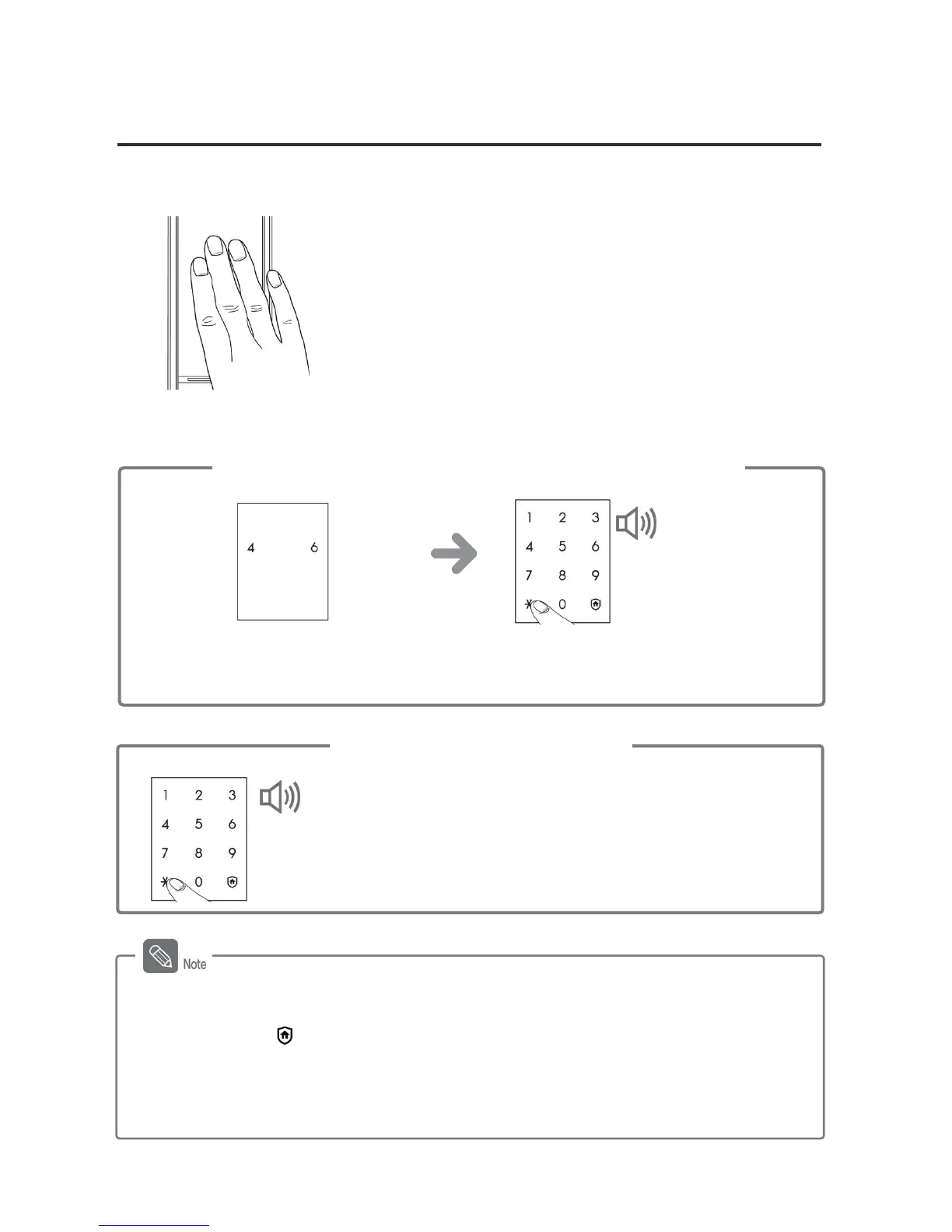
Opening the Door from Outside with a Password
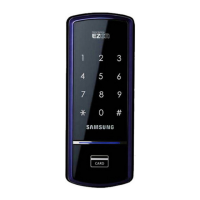
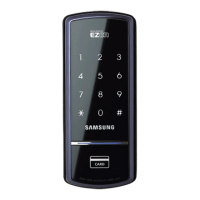
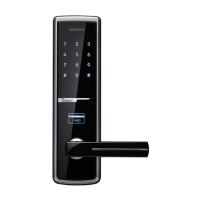
1. Touching [Number Pad]
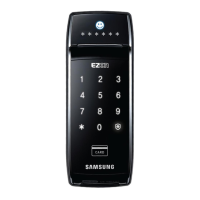
Touching [Number Pad] will light up the number
pad.
2. Entering the Password
- Password must be entered after the light is on, and if does not, touch [Number Pad] and
re-enter.
- To cancel, press [
] button and re-enter.
- If the password is wrong 5 times, "peep" warning alarm will sound 20 times and the
system will shut-down for about 3 minutes. When malfunction happens, "beep" will sound
every 10 seconds, and stop mode will be turned off automatically after 3 minutes with
multiple 'beeps'.
Common Mode
Enter the password when the number pad is
lighted, and press the [º] button.
Success:
DING DONG DENG ↑
DONG
Fail:
DING DONG DING
DONG
Multi-leveled Security Code Entry Mode
When the numbers on the number pad
are lighted, enter the password and press
the [º] button.
When two arbitrary buttons are lighted,
press the buttons in order.
Success:
DING DONG DENG ↑
DONG
Fail:
DING DONG DING
DONG



 To Next Page