12
Password Change
The password can be 4~12 digits number. Only one password can be registered. Please register a
new password after initialization.
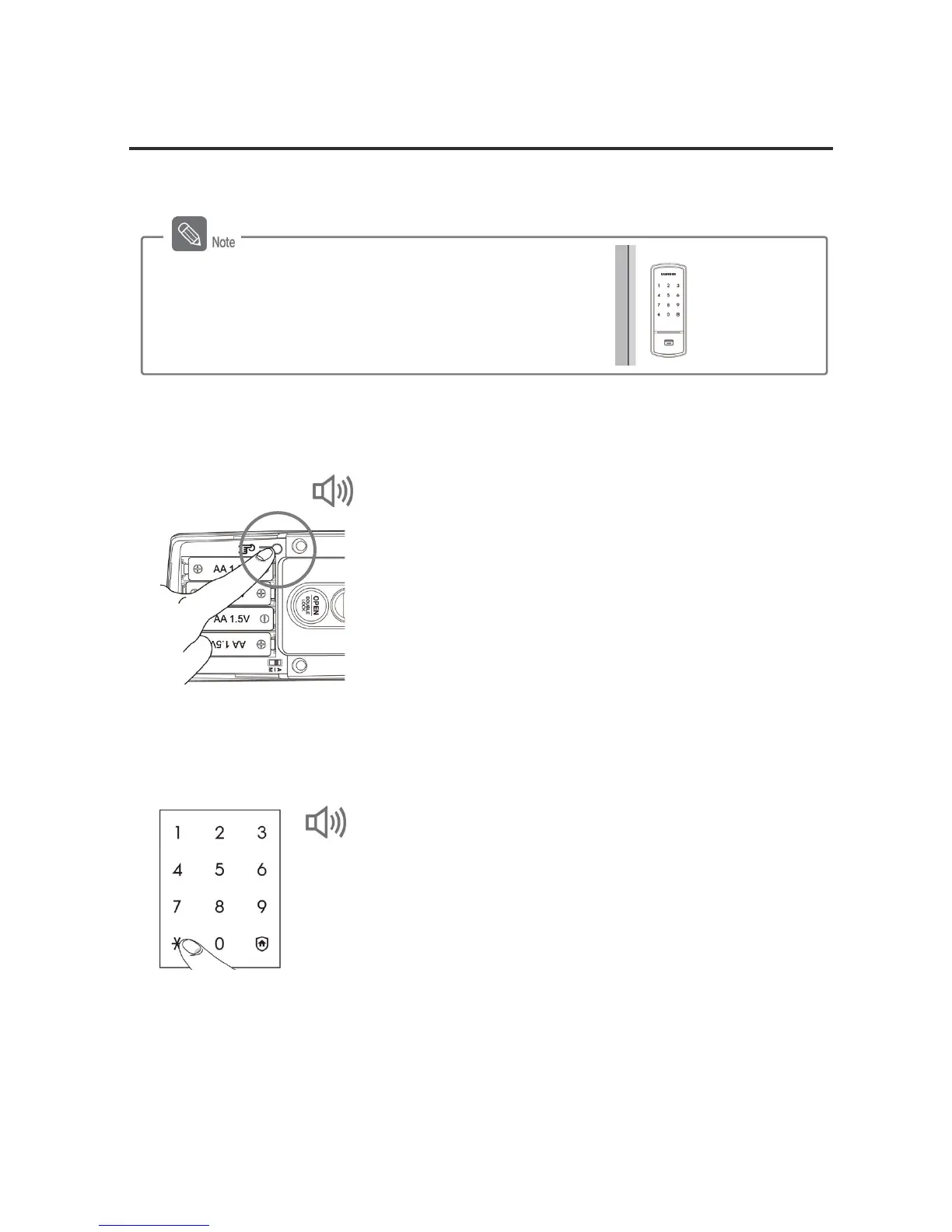
1. Pressing the [Register] button (from the inside)
Open the battery cover of the inner body and briefly
press the [Register] button.
2. Entering the Current Password (from the outside)
Enter the current password ('1234' after initialization)
when the number pad is lighted, and press the [¹]
button.
DING DONG
Always hold the door open while registering or
changing the password.
Open
DING DONG DENG, DING DONG



 To Next Page